Appearance
Stage overlays
Everything the stage draws that is not your artwork, and what each one is telling you.
None of these are exported. They are for you, while you work.
Always there
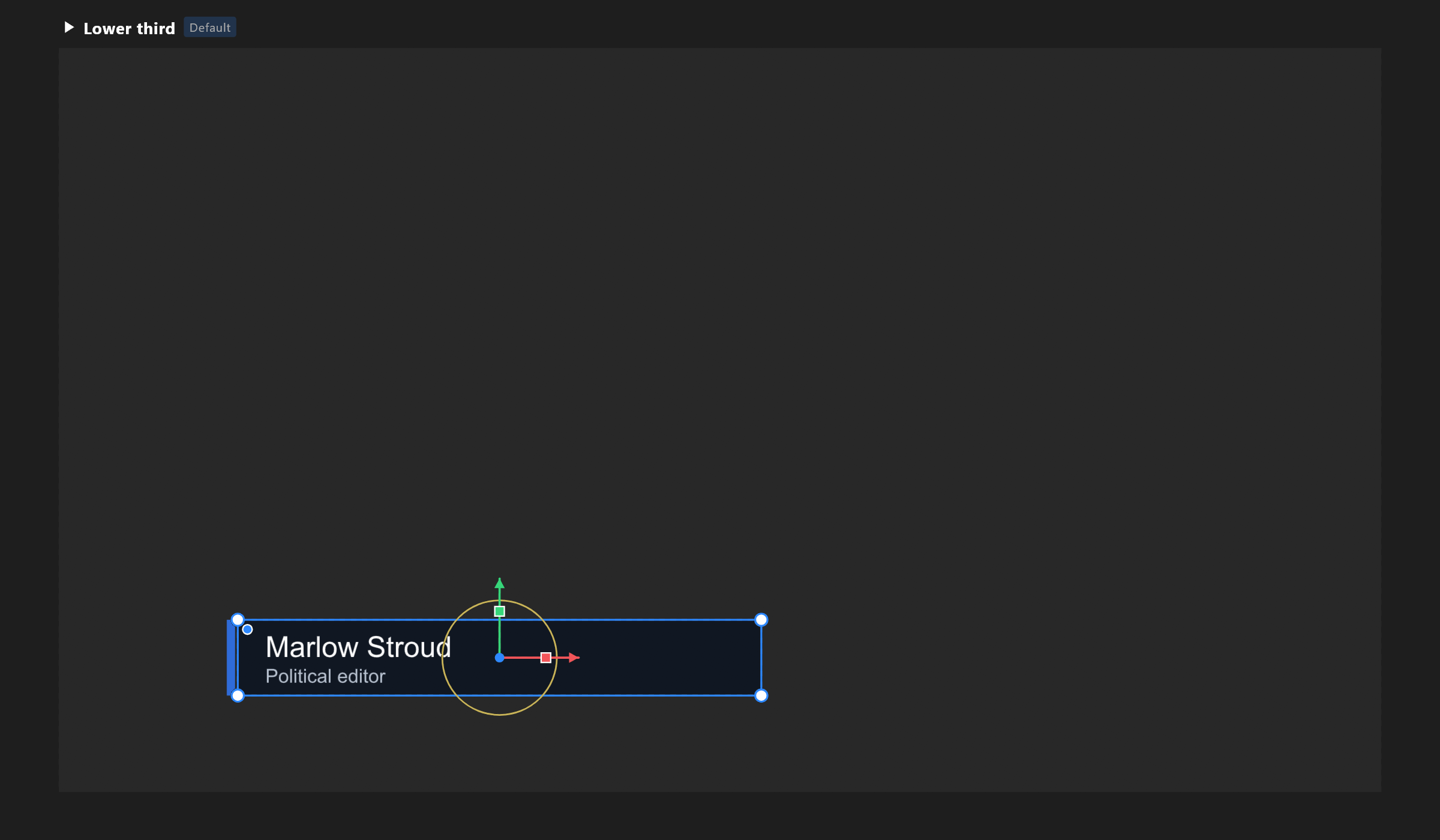
| What you see | What it means |
|---|---|
| A grey checkerboard | Transparency — nothing is painted there |
| A name above each artboard | Its title. Click to work on that artboard |
| Default on a title | The artboard a player opens first |
| Component on a title | An artboard meant to be placed inside others |
| A blue outline with square corners | The artboard itself is selected |
An artboard you are not working on is drawn as a live picture with a grey border; the border turns blue as you hover it, to say a click will switch to it.
Switched on when you want them
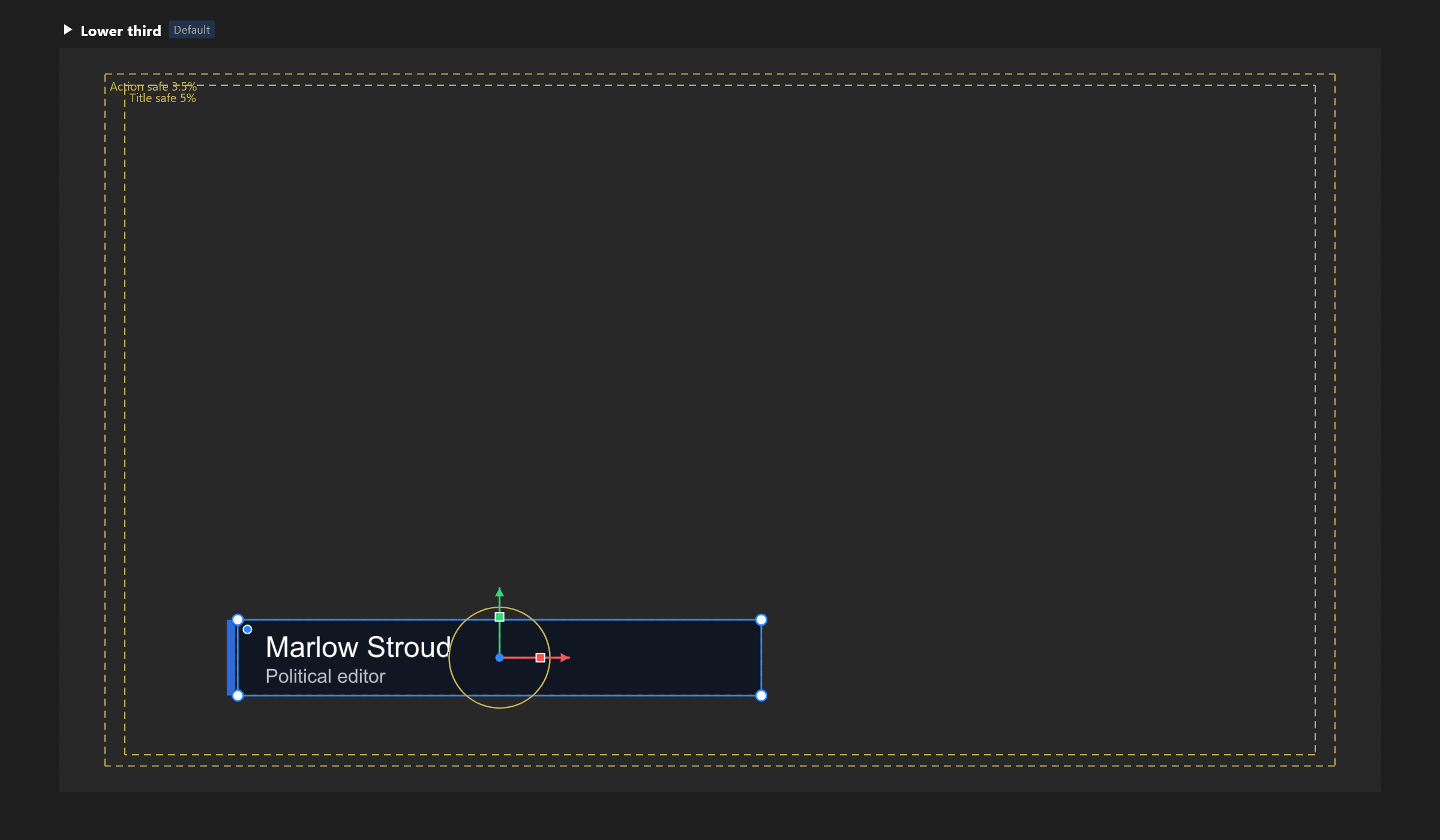
| Overlay | Turn it on | What it shows |
|---|---|---|
| Safe areas | ' (Apostrophe), or the view aids menu | Two dashed gold frames, labelled with their percentages. Keep motion inside the outer and words inside the inner |
| Reference underlay | View aids menu | A still image behind the artwork, at an opacity you choose, to trace or match. It never takes clicks |
| Onion skin | The timeline's onion-skin control | Faded copies of the frames before and after this one. A thin pink line marks the artboard's edge while it is on, because the background is suppressed to let the ghosts show |
While you are doing something
| What you see | What it means |
|---|---|
| Pink hairlines | A snap guide: what your object just lined up with |
| Two spans with end ticks | Equal spacing either side |
| A chip beside the pointer | What the drag is doing: x 120 y 84, 240 × 96, 37°, r 12 |
| A blue banner near the top | A pick is armed: click the target, or Esc |
| A blue box with a fill | A selection box, or the artboard you are drawing |
| A blue circle at the pointer | The weight brush, at its true size |
| A gold outline on a layer | The layer a Target row is hovering, or what a pick would take |
Things attached to objects
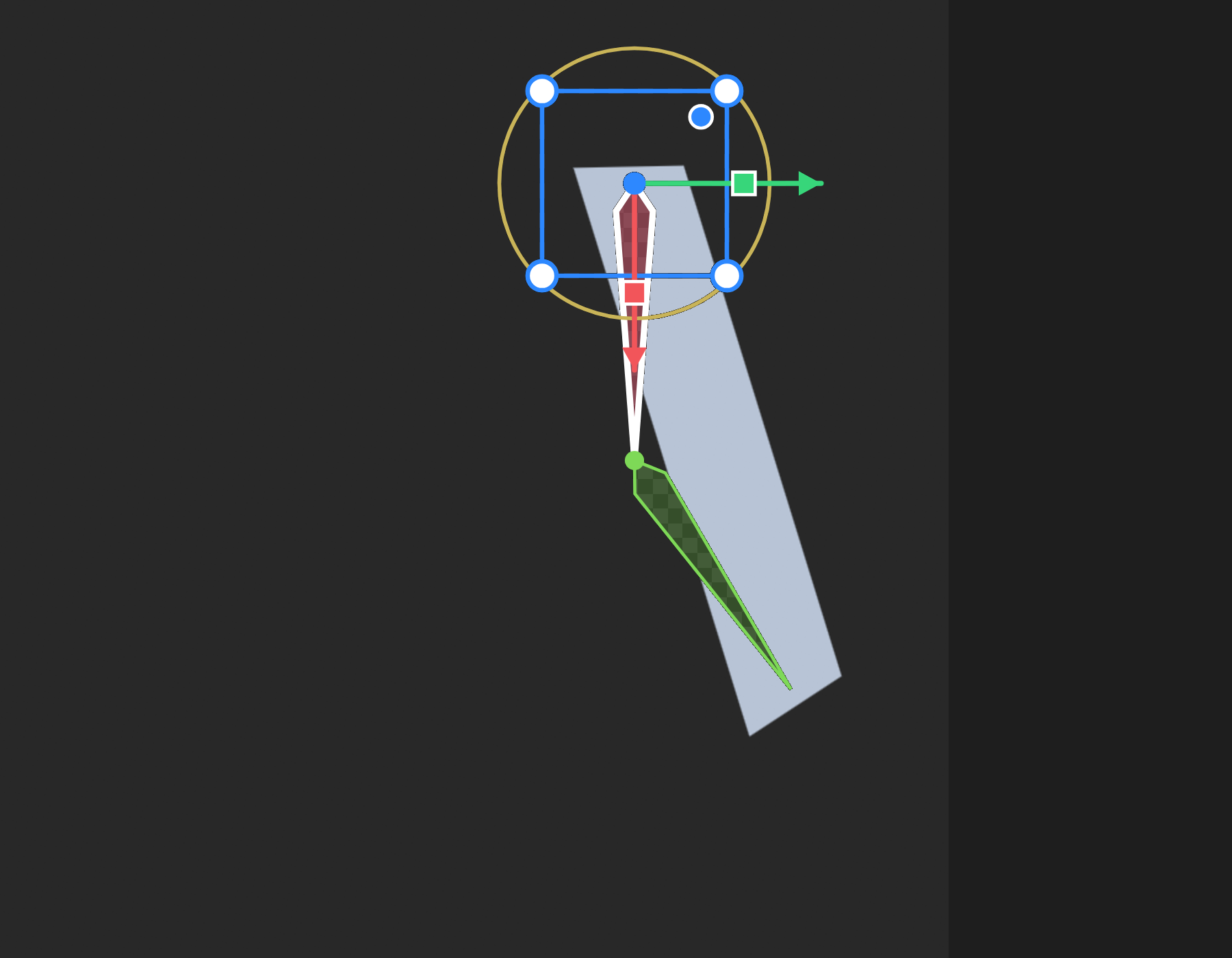
| What you see | On what |
|---|---|
| A gold lightning bolt | An event. Its name is beneath it |
| Coloured diamonds | Bones. Selected ones are outlined white |
| A ring, square or triangle | A group drawn as a target handle |
| Dashed blue lines to another object | A constraint, a Follow or a Fit to and what it points at |
| A dashed rectangle inside a layout | Its padding |
| Squares and handles along an outline | Path points, or a picture's mesh |
| A cube in the corner | A 3D viewport: which way you are looking. Click a face; drag to orbit |
In Animate mode
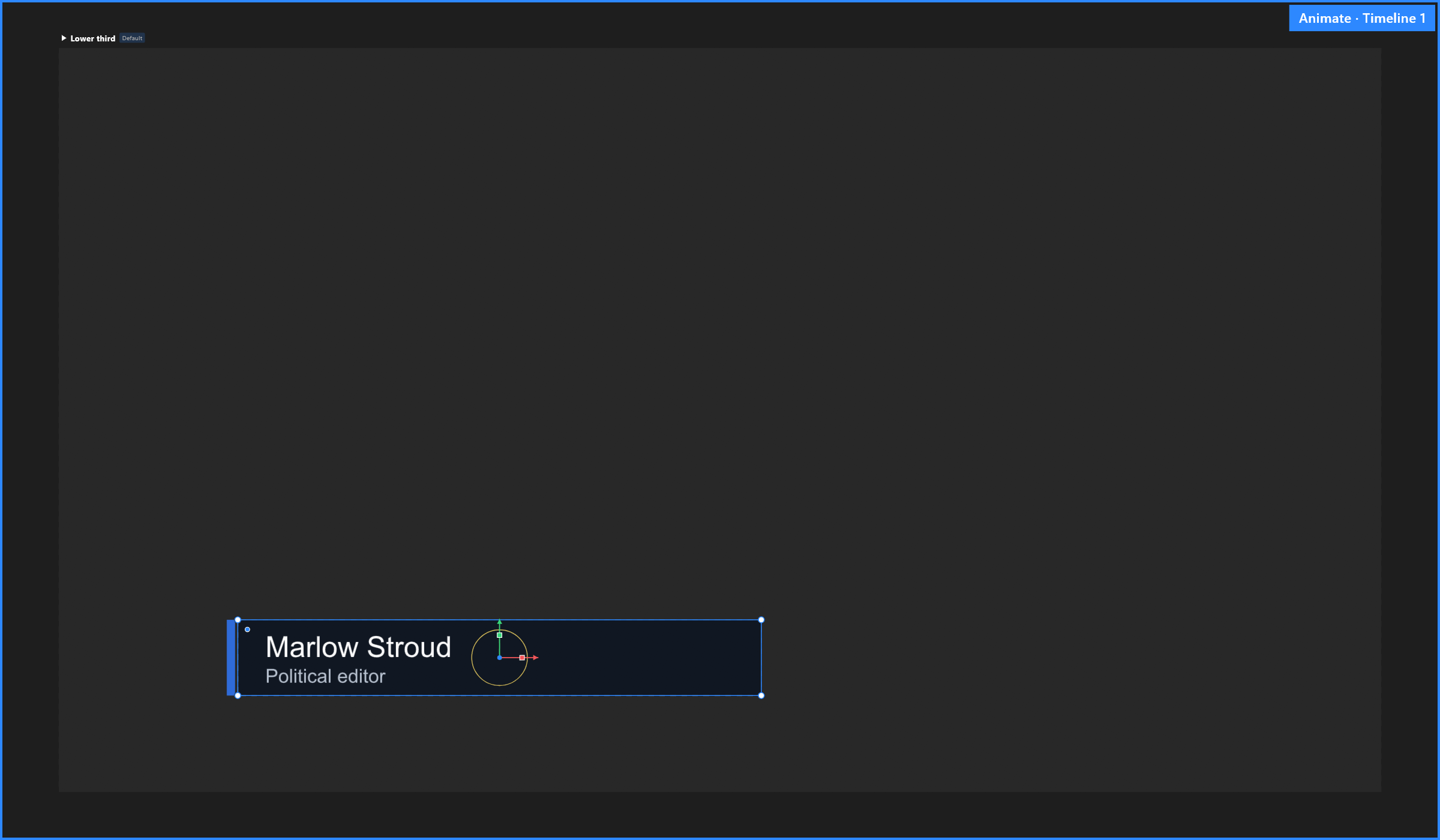
The stage gets a blue frame and a tag in its top-right corner naming what you are editing — Animate · Intro, or the Animation States' name. While Animation States play, the tag says so and tells you which key stops it, because clicks and keys are going to the graphic rather than to the editor.
See also
- Stage · View aids and zoom
- Timeline, for onion skin