Appearance
Sky and reflection cards
The world around the scene: what shiny surfaces reflect, and soft light from every direction. A sky can be seen behind the scene or only reflected; reflection cards add bright panels where the highlights should be.
Both are in the viewport's 3D section. Select the viewport, not an object.
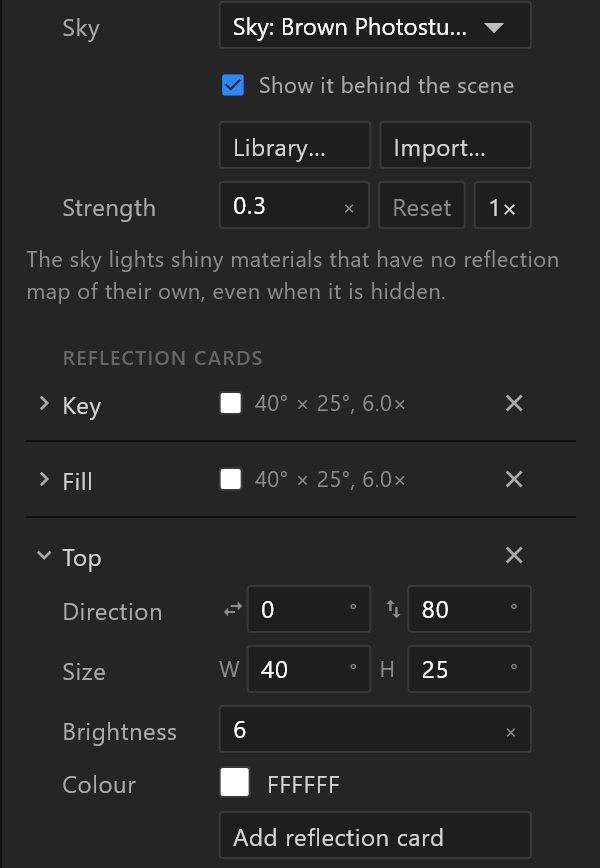
The sky
| Row | What it does |
|---|---|
| Sky | None: studio light — a plain studio made by the editor — or a sky picture in the document |
| Show it behind the scene | Draws the sky as the background too. Off, the scene still reflects it |
| Library… | Picks a sky from the library |
| Import… | Your own sky: an .hdr file, or a PNG or JPEG panorama |
| Strength | How brightly the sky lights the scene, × its own brightness |
"The sky lights shiny materials that have no reflection map of their own, even when it is hidden." — a chrome ball reflects the sky whether or not the audience sees it.
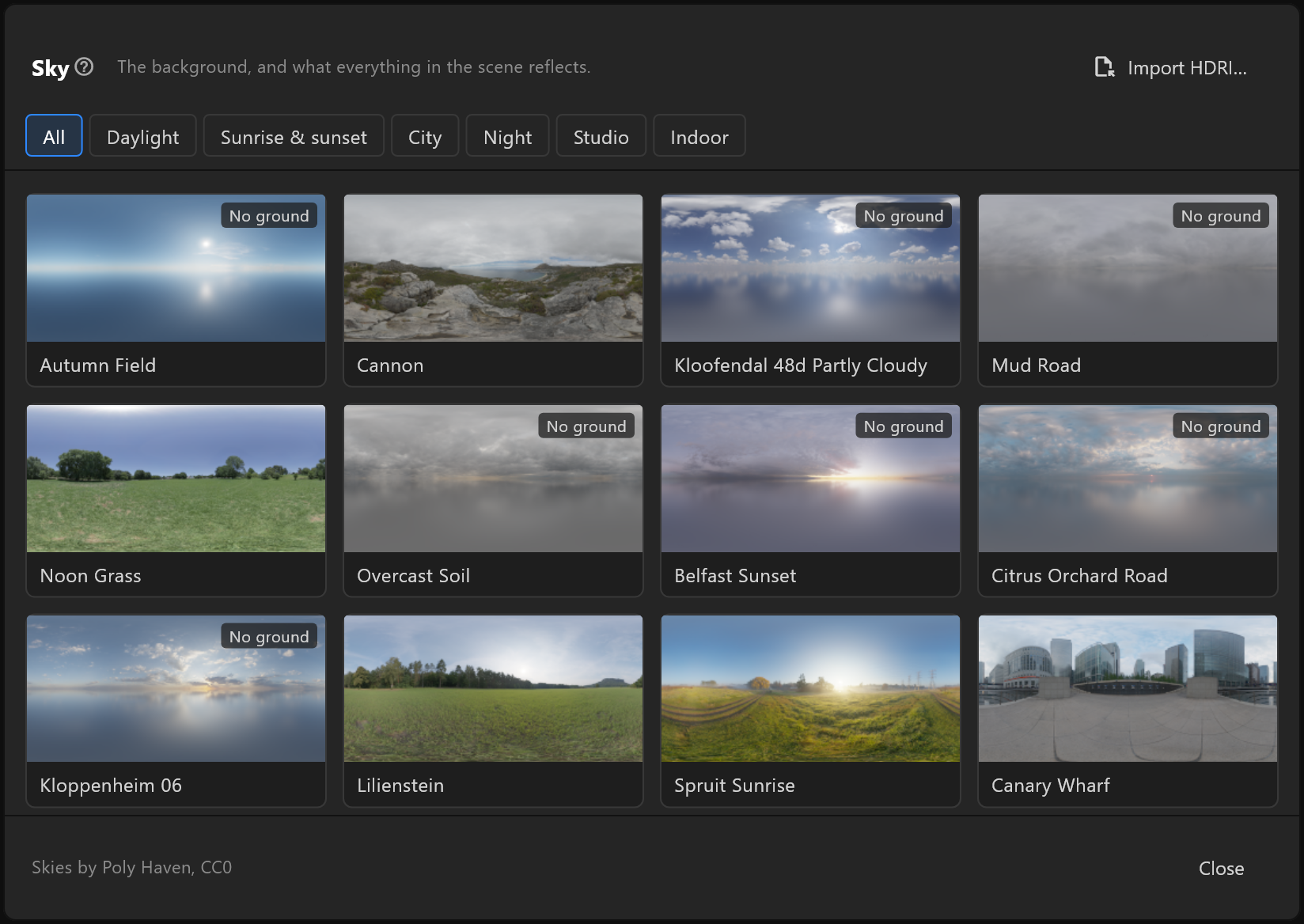
The library shows skies as cards, in groups; some are marked No ground. Click one to use it.
Strength starts at the picked sky's own brightness, so it rarely reads 1. Reset goes back to that. 1× is the picture's own light, for matching a photographed set or another renderer. Lower strength makes a darker room without touching the reflection cards: they keep their own brightness.
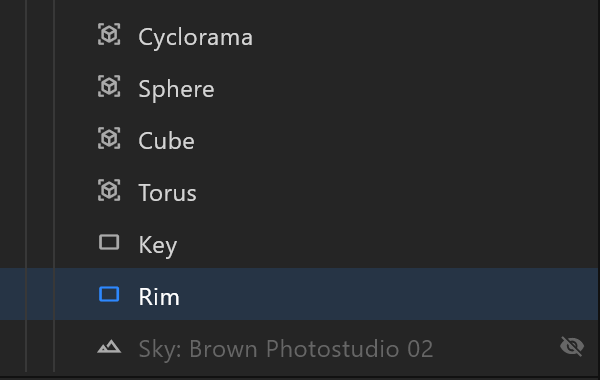
The sky also has a row in the Hierarchy, last in the viewport: its eye hides it from view (the scene still reflects it), and its menu offers Change sky…, Hide sky and Remove sky.
Reflection cards
A reflection card is a bright rectangle in the environment: the highlight on shiny surfaces and soft light on the set. "It casts no shadow and is not seen in the shot; a Softbox (Add › Lights) is both." For a panel the camera sees and that casts shadows, add a Softbox.
Add reflection card adds one: the first high on the left, then high on the right, then overhead. Lights › Reflection card in the 3D menu does the same, and selects the new card.
| Row | What it does |
|---|---|
| The header | Its name — double-click to rename, e.g. Key, Fill, Top — and × to remove it |
| Direction | Where it lights from: round the set (0° is the front, to the right is positive), and above the horizon |
| Size | How wide and how tall it looks, as angles |
| Brightness | ×, how bright |
| Colour | Its colour |
Only the newest card is open; the others fold to their header, which shows their colour, size and brightness. Click a header to open it.
Each reflection card has its own row in the hierarchy, under its 3D layer after the objects and lights, before the Sky row, with its name: "Reflection card 1" or the one you gave it. Click the row to open that card in the inspector, the others folded. Double-click to rename it. Delete, or right-click › Remove reflection card, removes it; right-click › Show in inspector opens it.
After a sky or reflection card change, and once when a document with reflection cards first opens, "Updating reflections…" shows for a moment while the scene catches up. Reflection cards cannot be keyed.
Which to use
| You want | Use |
|---|---|
| Real-world reflections on metal and glass | A sky from the library |
| A clean studio, no scenery | None: studio light, with reflection cards |
| A long highlight across a product | A wide, short reflection card facing it |
| A darker, more dramatic room | Lower the sky's Strength; keep the reflection cards |
| Shadows | A light — the sky and reflection cards cast none |
| A studio light the camera sees, in the shot and in reflections | A Softbox |