Appearance
Scripts
For what cannot be drawn by hand: a chart whose bars follow the data, a parliament that fills seat by seat, a gauge. A script draws it, and you set it up with numbers like any other object.
What a script is
A short program, written in Luau, that the document carries. It runs in a scripted object on the artboard, and draws that object every frame from its inputs — the numbers, colours and switches it lets you set.
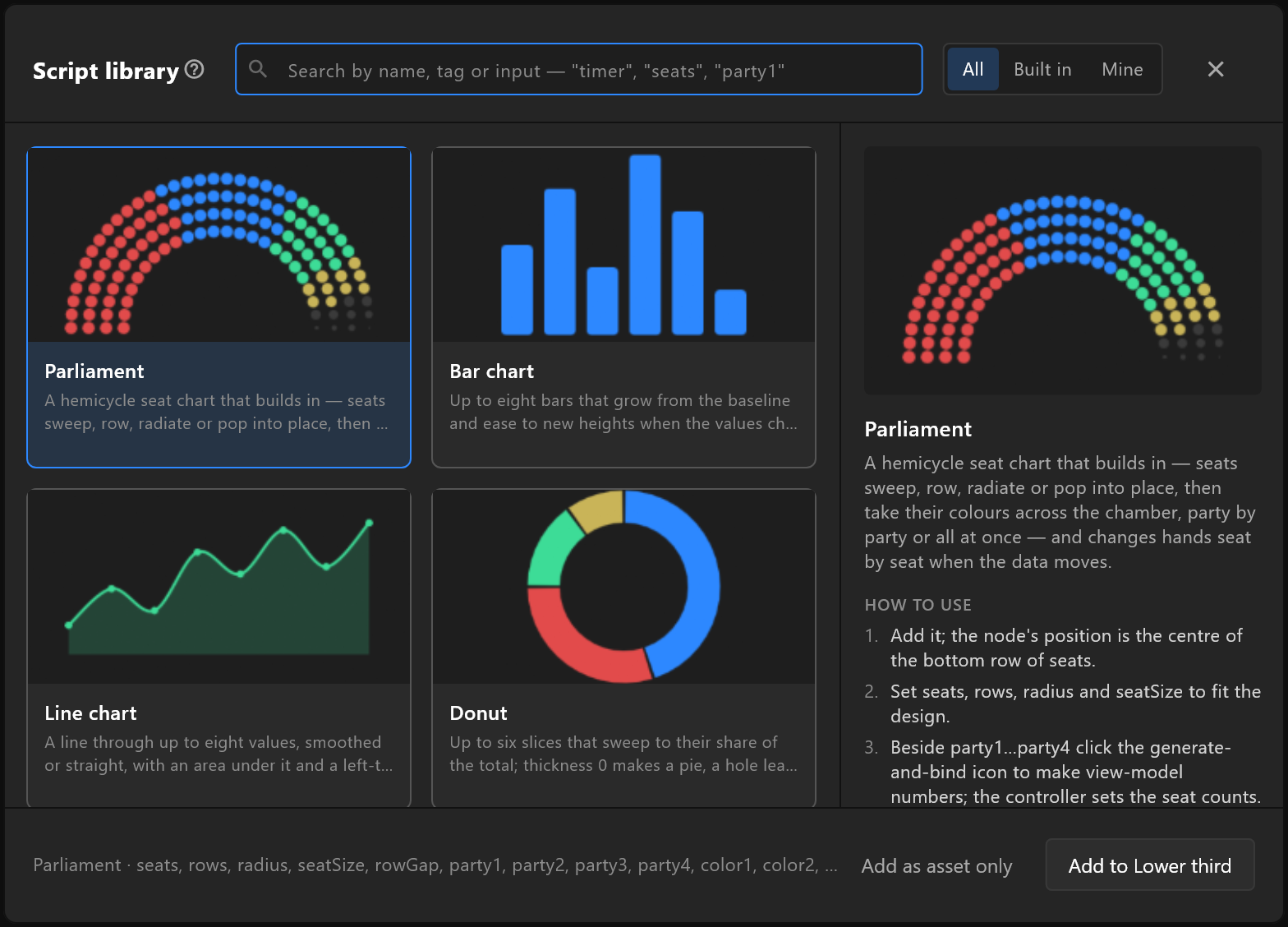
You do not need to write one to use one. The script library has charts, gauges, counters and more, each with steps that say which inputs to set and what to bind. Add one, set its inputs in the inspector, bind them to your data — and the control system drives the chart like any other graphic.
Inputs
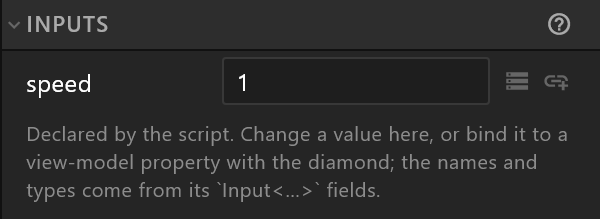
A script declares its inputs, and they appear in the inspector with a field and a diamond each. Set them, key them on a timeline, or bind them to a property so the data sets them on air.
Writing your own
The script editor opens a script in a tab beside the stage, checks it as you type, and says which line is wrong when it is. Save a script you are proud of to your shelf with Save to library, and it is there in every document.
Where scripts play
Scripts play in airZ Editor and airZ Engine. Another player that opens the exported file shows the rest of the graphic, without what the scripts draw. For a graphic that must play everywhere, draw it instead.