Appearance
Results board
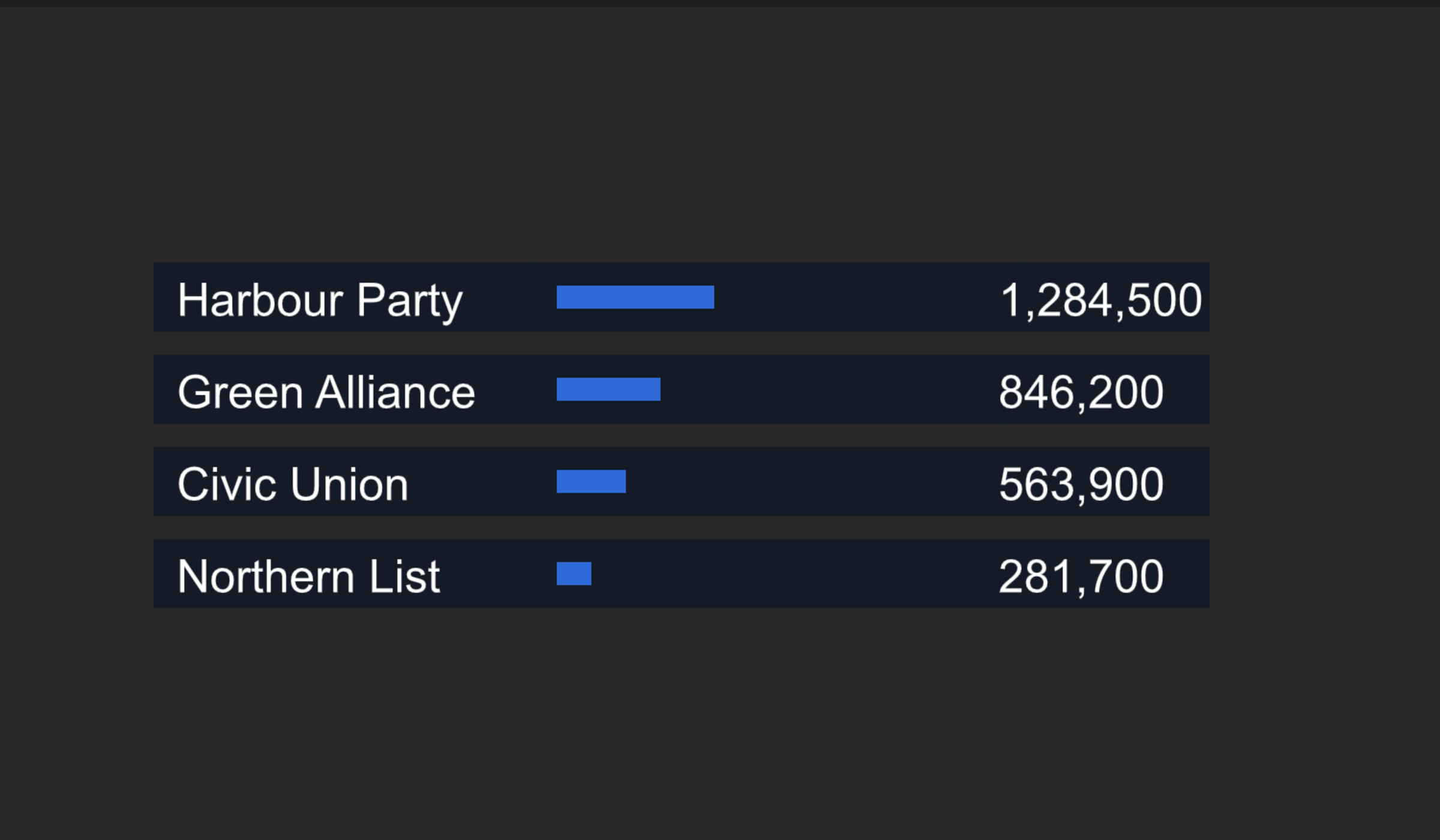
A table whose rows come from the data: five results today, eight tomorrow, each row with a name, a number and a bar — and numbers that count up.
The same pattern draws any table: standings, a leaderboard, a schedule.
1. One row, as its own artboard
- In the Data panel, add a view model for one result — call it Result — with
name(String),votes(Number) andshare(Number, 0 to 1). - Draw a new artboard the size of one row. In its inspector, set its View model to Result.
- Design the row: a text bound to
name, a text bound tovotes, and a bar whose width is bound tosharethrough a Map a range converter — 0–1 in, 0 to the bar's full width in pixels out. - Set the bar's Origin X to
0in its path section, so it grows from its left end rather than from its middle. See Transform and origin.

2. The list, on the main artboard
- On the main artboard's view model, add a List property —
results— and choose Result as its item view model. - Add a layout set to Flex, direction Column, where the table should be.
- Select it and press Artboard list in its inspector. The list goes inside the layout.
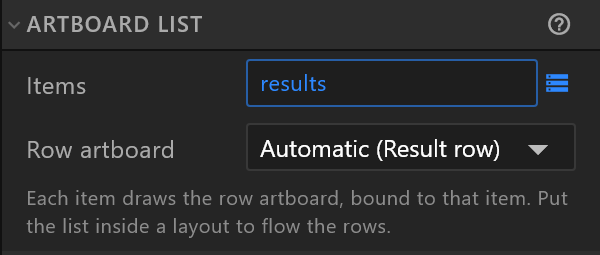
- Bind the list's Items to
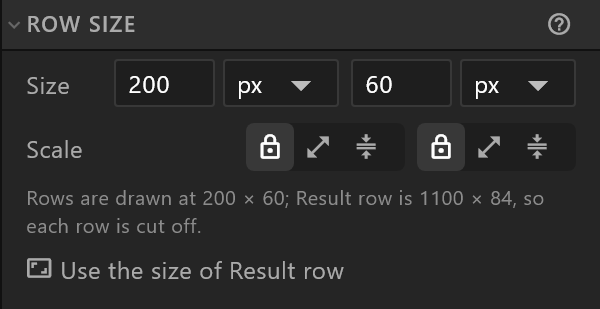
results. Row artboard reads Automatic (Result row): the row artboard it found. - Under Row size, press Use the size of Result row. Every row is drawn at the list's row size, which starts at 200 × 60; the panel says when that cuts the rows off, and the button makes it the row artboard's size — here
1100 × 84.
Add a few items to results in the Data panel, and the rows appear, stacked by the layout. Each shows its own item's values.
3. Numbers that look right
Run the numbers through converters:
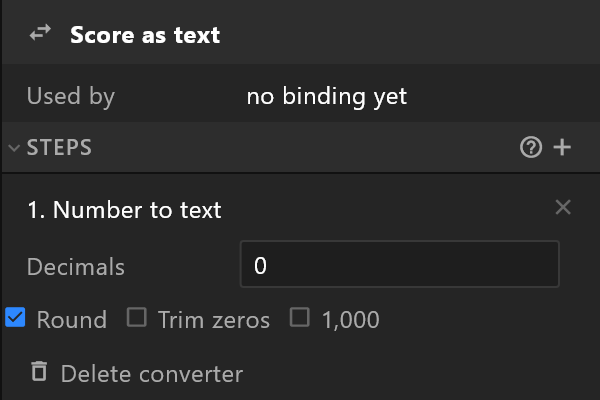
votes→ Number to text with 1,000 on:12,500.share→ Calculate × 100 → Number to text with one decimal:42.7, with a%after it in the text.- For a count up when new results arrive, put Ease changes (smooth counter) first, with a Duration of about a second.
4. Let it grow
Try the worst case: the longest name, ten rows. If the table must fit a fixed height, give the row artboard a smaller size or the layout a smaller gap — the rows follow.