Appearance
Prompts and notices
How the editor asks before something is lost, tells you what just happened, and shows a long job's progress.
Before you lose work
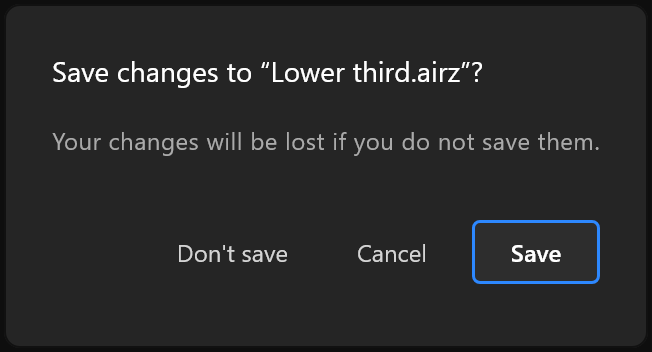
Whenever the open document would be replaced or closed with changes you have not saved — opening another, starting a new one, using a template, closing the window — the editor asks first: Save changes to "<document>"?
| Button | What it does |
|---|---|
| Save | Saves, then carries on. Enter chooses it. If you cancel the save, nothing else happens either |
| Cancel | Stops. The document stays as it is |
| Don't save | Carries on, and the changes are gone |
It only asks when something is really unsaved. A document you have just saved is replaced without a question.
After a crash
If the editor closed before your work reached the disk, the next start asks Recover unsaved work? It names what it found: "The editor closed before <document> was saved." Recover opens that snapshot; it remembers the file it came from, so saving puts it back where it belongs. Discard throws it away.
Alongside that, Versions keeps the states you chose to keep.
Notices
A notice appears at the bottom of the window for a few seconds after something finishes with a detail worth knowing — "Rendered 60 frames to …", or keys that landed on eight objects and not on the two that had nowhere to put them.
- A notice about a file has Show in folder, to go straight to it.
- A notice that something failed carries a red mark, stays twice as long, and has a copy button, so the message can be pasted to whoever can fix it.
- Otherwise Dismiss closes it early.
A problem opening a document is shown the same way, in red, for long enough to read.
Long jobs
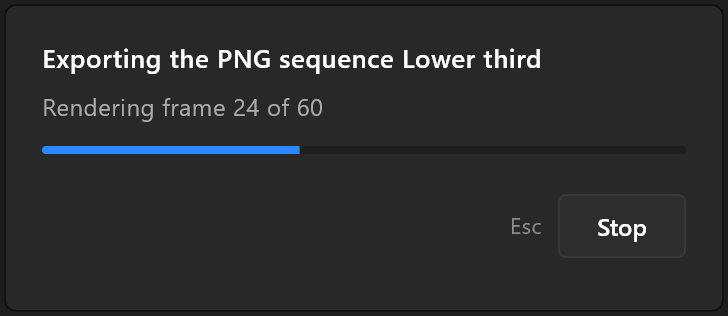
Opening a large file, rendering a PNG sequence: a panel in the middle of the window says what is happening, which step it is on and how far along it is. While it is up, clicks and shortcuts wait, so nothing changes the document underneath it. It appears only if the job takes more than a moment, so a quick one never flashes it.
When the job can be stopped, Stop (or Esc) does so. A stopped sequence keeps the frames already written.
See also
- Versions
- Import report, what the editor says after bringing a file in
- Export PNG and sequence