Appearance
Transform and origin
Where an object is, how big, which way it turns — and the one point all three are measured from.
The origin
Every object has an origin: one point, marked by the blue dot in the middle of its handles. It is the point that
- Position gives the place of,
- Rotation turns around, and
- Scale grows from.
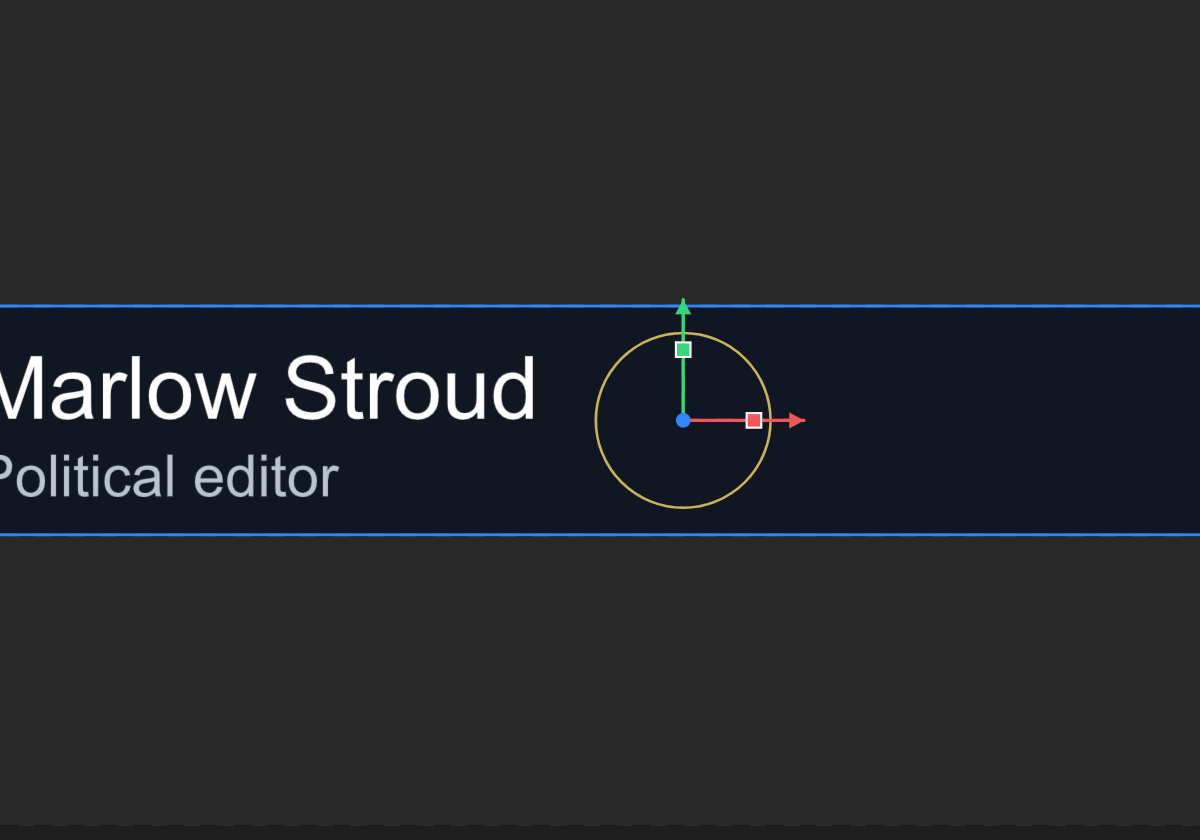
A new shape's origin is its middle, so a rectangle drawn from 260 to 1020 across reports a Position X of 640. On a shape, the Origin row in its path section says where the origin sits, as a percentage of its size: 50, 50 is the middle, 0, 0 the top-left corner.
Choose the origin before you animate. A plate that should grow out of its left edge wants its origin on that edge; a badge that should spin in place wants it in the middle. To move the origin without moving the artwork, use Freeze.
Position, scale and rotation
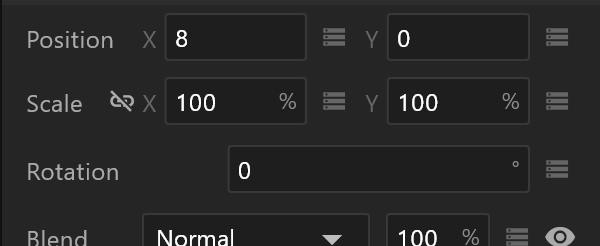
| Row | Measured in | What it means |
|---|---|---|
| Position | Pixels | Where the origin is, from the top-left of whatever holds the object |
| Scale | Percent | 100 is as drawn. Scale grows or shrinks everything, strokes and text included |
| Rotation | Degrees | Clockwise is positive |
Scale is not size. Changing a rectangle's Size changes the rectangle; changing its Scale magnifies it, corners and stroke with it. Animate scale for a pop; change size when the shape itself should be bigger.
Inside something else
An object inside a group — or a layout, or a component — is measured from its parent, not from the artboard. Move the group and everything in it moves with it; rotate the group and its children turn around the group's origin.
Computed Transform, under the transform rows, opens to two positions side by side: Artboard, where the object ends up on the artboard, and Local, where it is inside its parent. When a number in the inspector does not match where you see the object, this is why.