Appearance
Animations panel
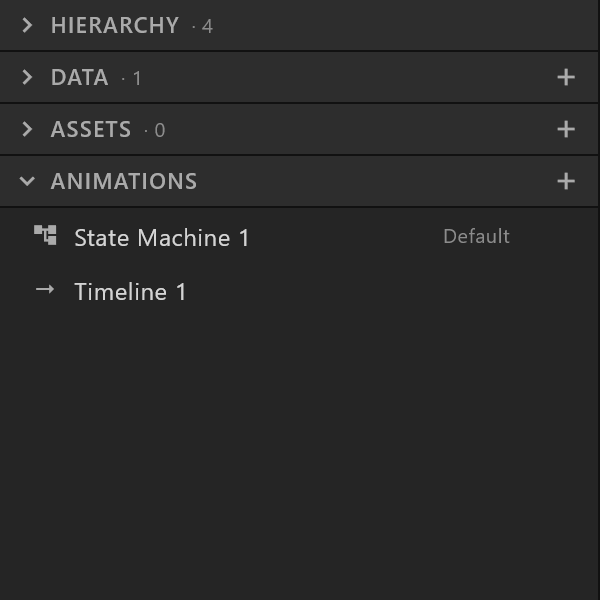
The timelines and Animation States this artboard plays.
Left sidebar, Animations section.
What it does
Two kinds of thing live here, and the difference matters:
| What it is | When to use it | |
|---|---|---|
| Timeline | A sequence you key: at this frame it looks like this, at that frame like that | An in, an out, a loop — anything with a shape in time |
| Animation States | States that play timelines, and the rules for moving between them | Anything that reacts: a graphic that comes on, waits, changes with the data, and leaves |
A new document has one of each. Click either to open it in the bottom panel.
Use it
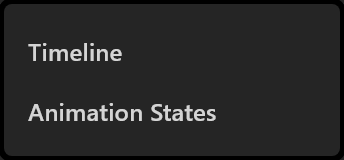
Add with +: Timeline or Animation States.
Rename by double-clicking, or from the row menu.
Make it the one that plays. The row menu's Make default Animation States marks it Default. That is what a player opens and what Preview plays — the single most important setting here, and the one most easily forgotten before handover.
Duplicate a timeline to try a variation without losing the first.
What the rows show
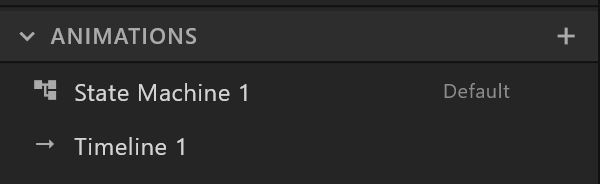
| What you see | What it means |
|---|---|
| Default | The Animation States a player will run |
| A timeline icon | A keyed sequence |
| Animation States icon | A graph of states |
When it is empty
With an artboard, two buttons: + Timeline and + Animation States. With no artboard: "Create an artboard first."