Appearance
Ticker from a list
A line of headlines that scrolls across the bottom of the screen, filled from a list the control system sends.
A ticker is a results board turned on its side: one headline artboard, drawn once per item of a list, in a row that moves.
Or start from a finished one. The Start screen's Tickers category has two templates, ready to fill:
| Template | What it does |
|---|---|
| Scrolling ticker with breaking news | A news ticker beside a clock. Headlines can be added, edited, reordered or removed on air without anything on screen jumping. Breaking news takes over at once: a red band wipes in with a BREAKING tag, the breaking headlines loop with a BREAKING NEWS separator, and when they are cleared the ticker carries on where it left off. Its lists in the Data panel are tickerItems and breakingItems |
| Category ticker | Headlines play category by category (news, sport, weather…). A coloured box beside the clock names the category and flips to the next as its first headline arrives. Categories, colours and headlines are all data (categories, each with its items), and it has breaking news too |
Their take-in trigger belongs to the main artboard's Animation States. If another artboard is active, for example after editing inside a headline, firing it does nothing: check the Animation States header, or the mark beside Fire in the Data panel.
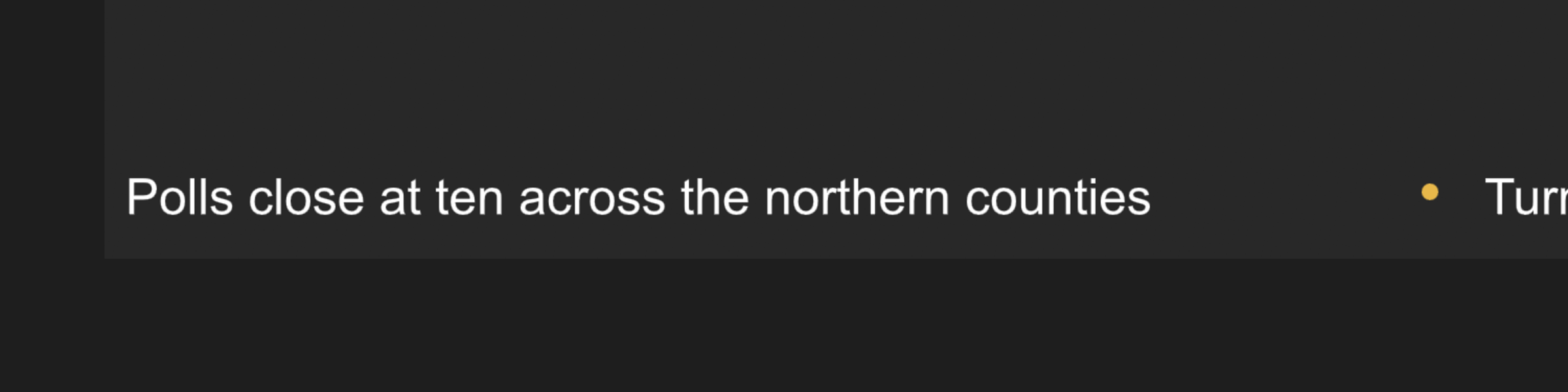
1. One headline
- In the Data panel, add a view model Headline with
text(String). - Draw an artboard the height of the ticker and about as wide as a headline. Set its View model to Headline in its inspector, and put a text bound to
texton it, with a separator after it if the look has one.
2. The row of headlines
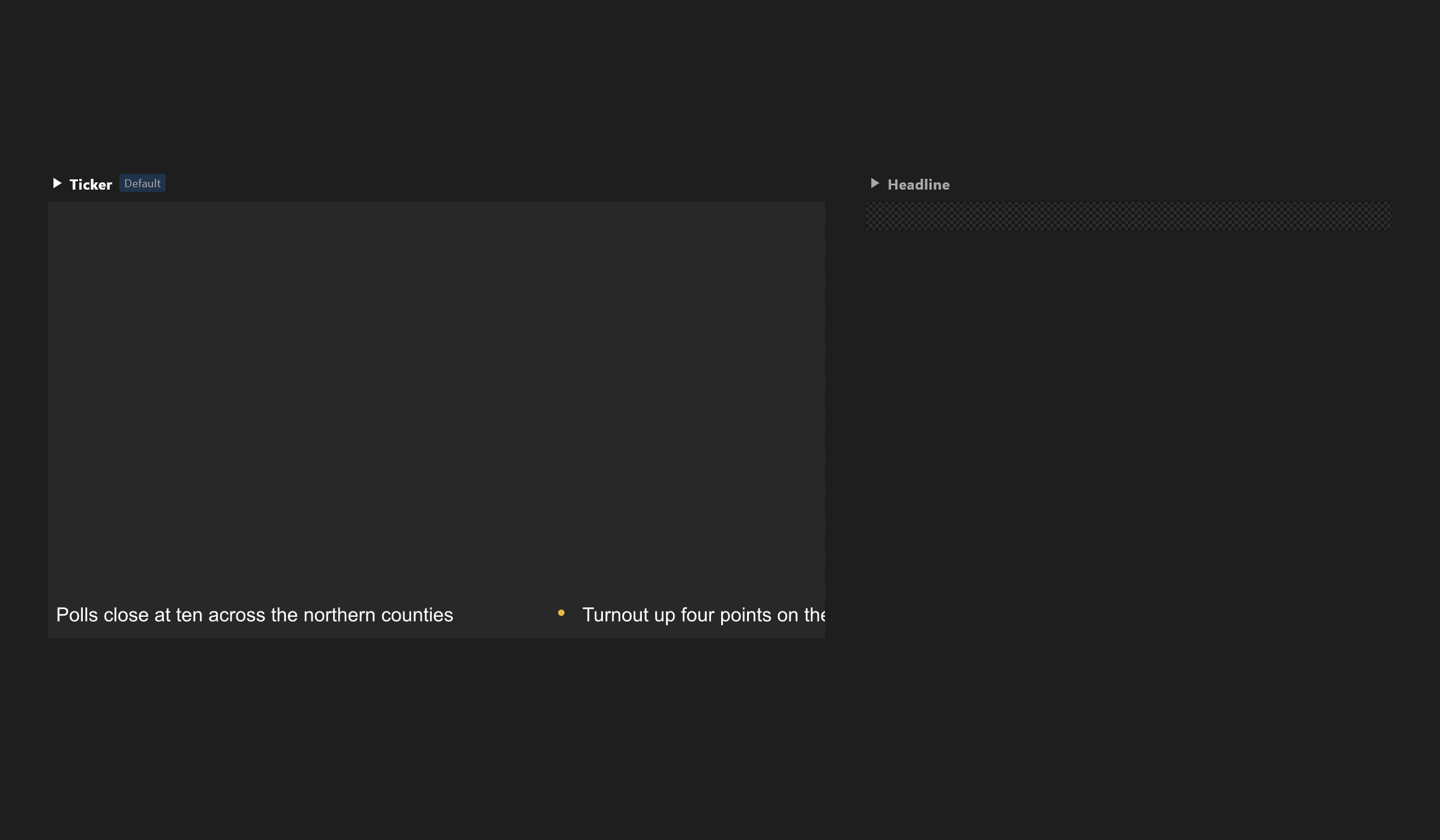
- On the main artboard's view model, add a List property —
headlines— with Headline as its item view model. - Add a layout, Flex, direction Row, with its width set to Hug, so it is as long as all its headlines together.
- Press Artboard list in the layout's inspector and bind its Items to
headlines. Under Row size, press Use the size of Headline: every headline is drawn at the list's row size, which starts at 200 × 60 and cuts them off. - Put the whole row inside a second layout the width of the screen, and switch its clip on — the layout's clip row reads Children clipped to the box — so headlines appear and disappear at its edges. In the row's In This Layout section, switch Laid out off: the outer layout then leaves the row where the timeline puts it.
3. The movement
Make a timeline Crawl, set to Loop: at its first frame, the row just off the right edge; at its last, off the left. Keep the ease Linear — a ticker moves at an even speed. Make it the timeline the Animation States play while the ticker is on air (see Animate with Animation States).
Length and speed
A longer list needs a longer crawl to keep the same speed. Set the crawl's length for the longest list the operator will send, and test with it.