Appearance
Property group
An object that holds nothing but custom properties: a place to keep settings that belong together, apart from the artboard's own.
Choose Property Group from the bolt tool group in the top bar. It appears in the Hierarchy, draws nothing, and has no position.
What it does
A property group has a name and its custom properties, and nothing else. Use it to gather settings a script reads, or values Animation States set, under one name — "Settings", "Colours", "Timing" — instead of adding them all to the artboard.
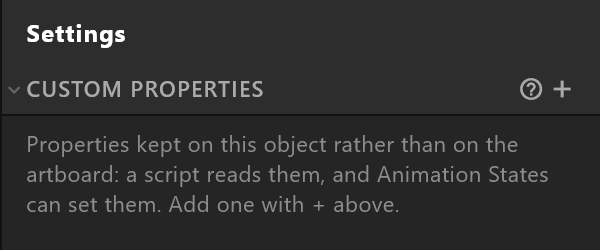
Empty, the panel says what it is for: "Properties kept on this object rather than on the artboard: a script reads them, and Animation States can set them. Add one with + above."
Use it
- Rename it: click its name at the top.
- Click + beside CUSTOM PROPERTIES and choose a type.
- Name the property and set its value.
Every property works as it does anywhere else — it can be keyed, bound to the data, and read by a script. See Custom properties.