Appearance
From scene to air
What happens to a graphic after you design it: who gets it, what they do with it, and what plays.
Three products, one graphic
| Who uses it | What it does | |
|---|---|---|
| airZ Editor | The designer | Makes the graphic: artwork, animation, data, logic |
| The controller | The operator in the gallery | Holds the graphics as templates, fills in their data, and takes them on and off air |
| airZ Engine | The playout server | Plays the graphic on a channel, over the programme |
The same file travels the whole way. What you see on the editor's stage is what the engine plays: there is no second version made for air.
1. Design
In airZ Editor, a graphic is a document — artwork, timelines, Animation States for in, hold and out, and a view model for what the operator fills in.
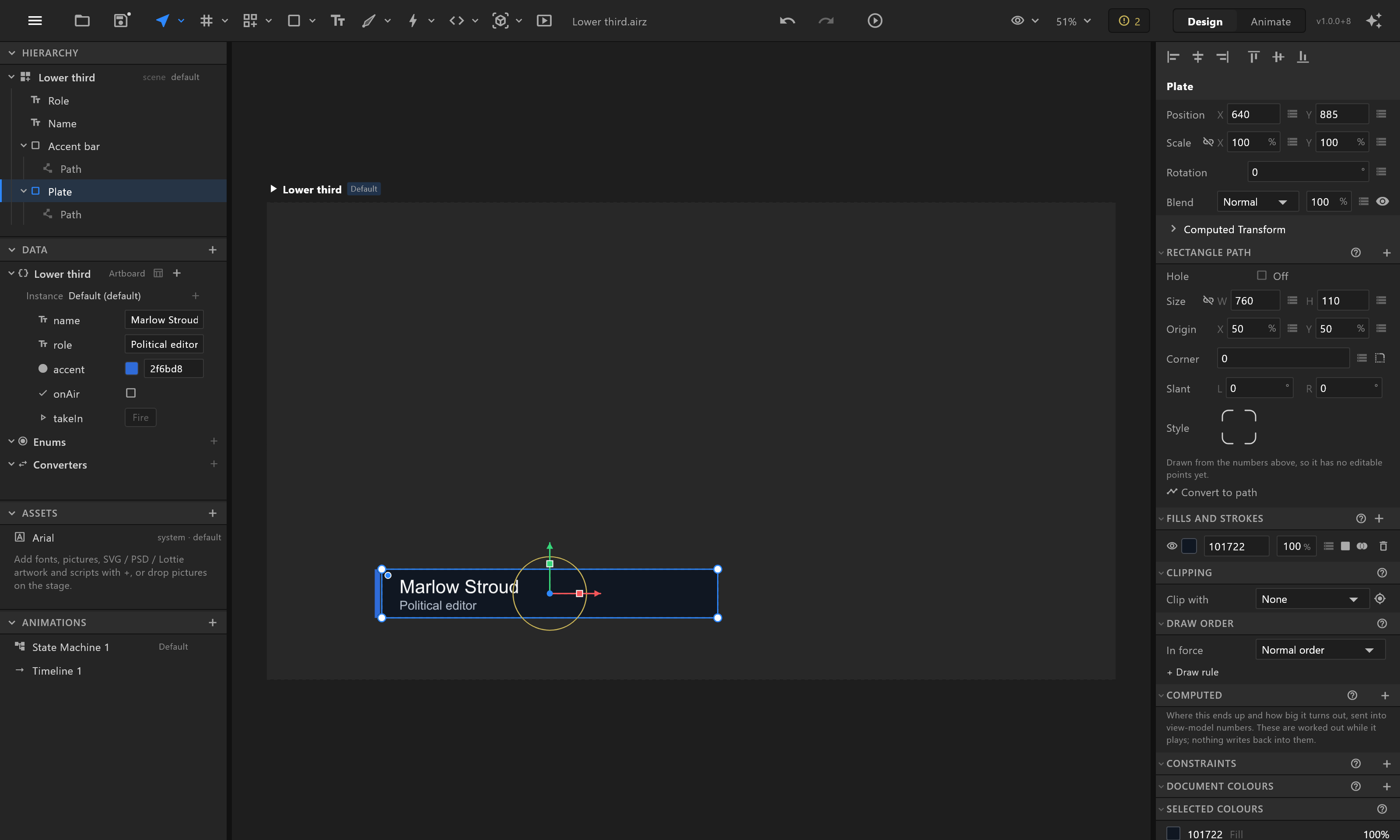
Before it leaves, preflight lists what would go wrong on air.
2. Send
Two ways:
- File › Sync to controllers… sends the graphic straight into a controller's library as a template. It asks first what would happen, and updates a template that is already there without losing its place in the rundown. See Sync to controllers.
- Export .riv writes the file, for any other way of getting it there.
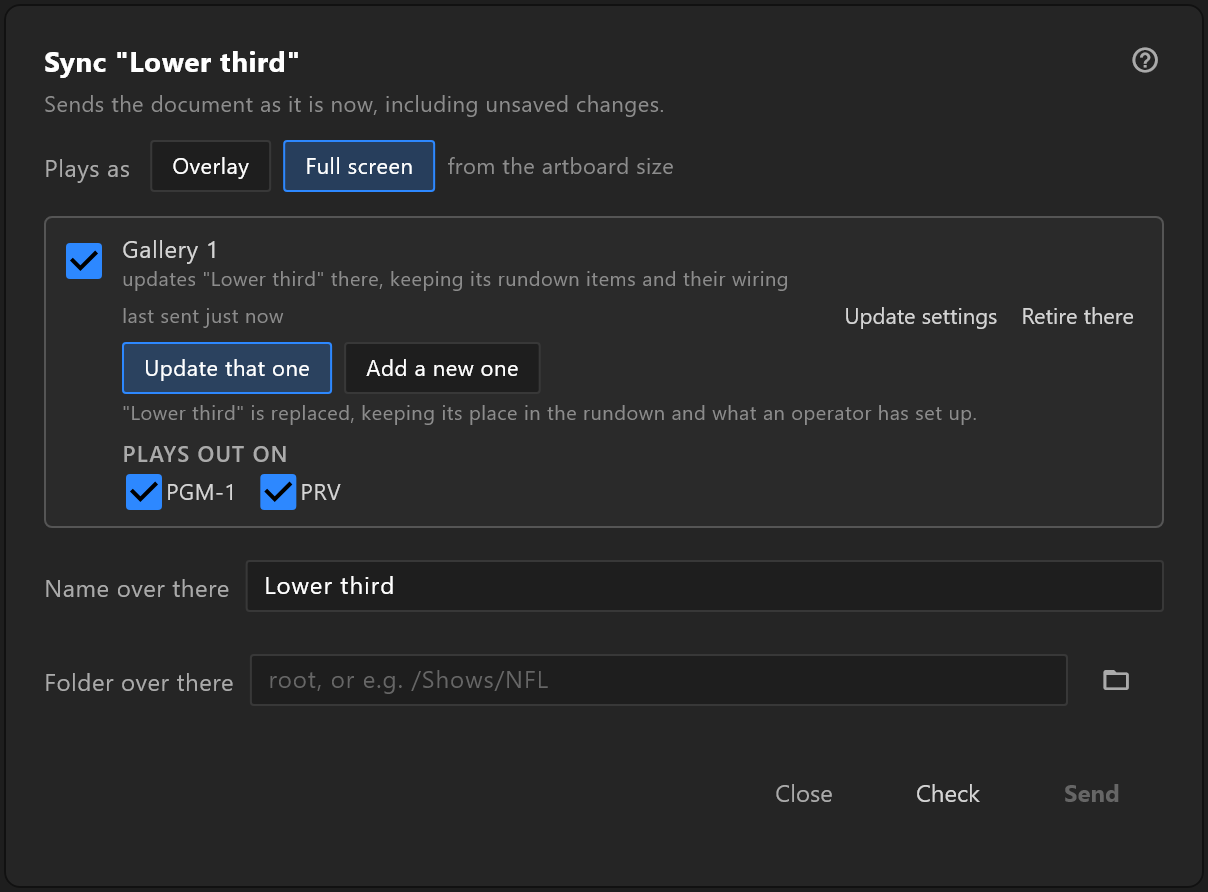
3. Operate
In the controller, the operator puts the template in a rundown, types the name and the role, and takes it to air. What they can fill in is your view model's properties — the names you chose are the names they see.
4. Play
airZ Engine plays the graphic on its channel. The operator's values arrive as the view model's properties; a take fires a trigger such as takeIn; the The Animation States do the rest. Live sources fill their slots from the engine's inputs and clips. See Live sources.
What this means while you design
- Name the data for the operator.
name,role,score— nottext1. - Make the Animation States the default, so the engine runs them.
- Test with the values the operator will send — the longest name, the highest score — by typing them into the Data panel.