Appearance
Paths and points
Drawing an outline by hand, and reshaping one you already have.
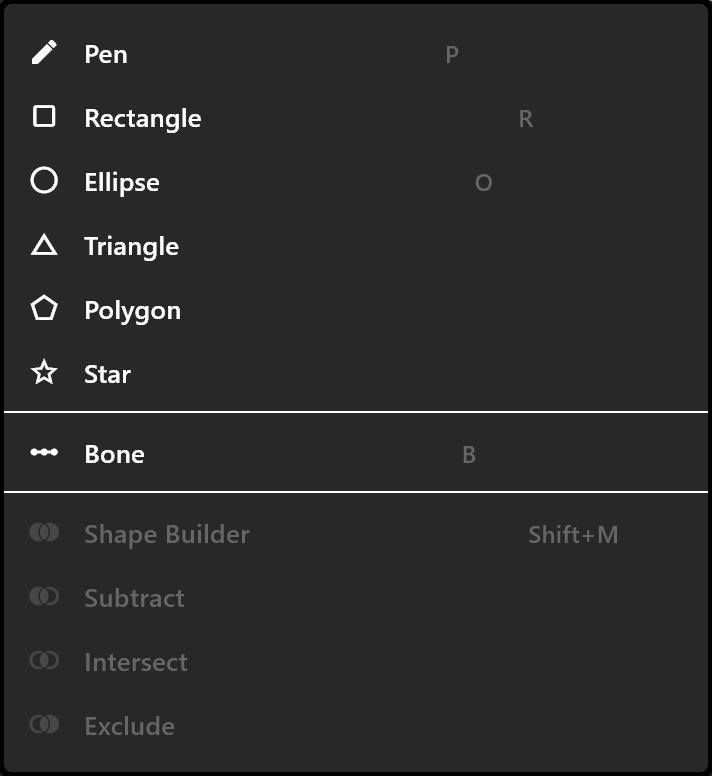
Drawing with the pen
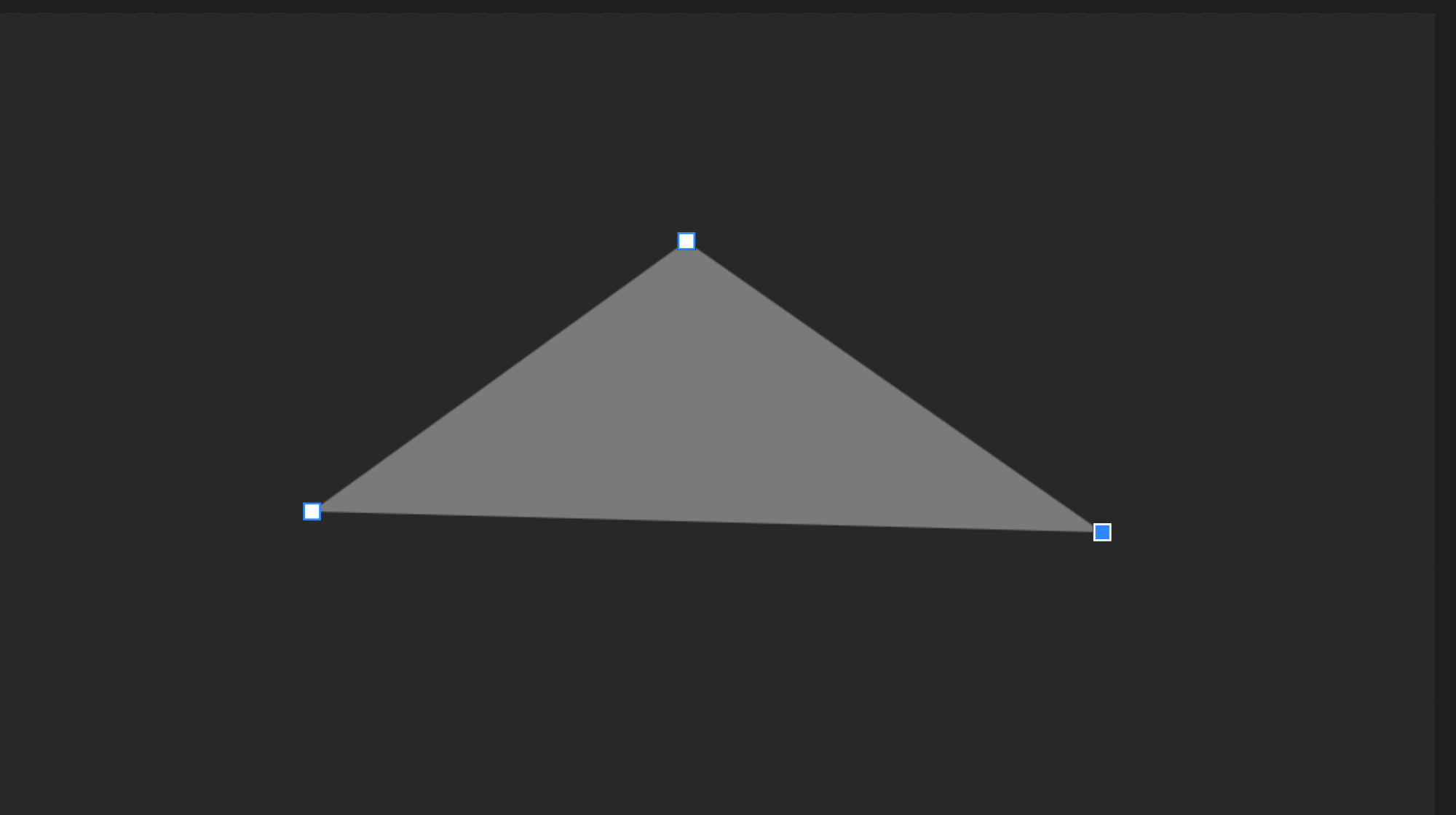
P, then click to place each point. Press and drag instead of clicking and the point comes out curved, its handles following the pointer.
| Key | What it does |
|---|---|
| Click the first point again | Closes the path. Needs three points |
Enter | Finishes it open |
Esc | Cancels and removes it |
A path finished with fewer than two points is thrown away rather than left behind. When you finish, the tool goes back to Select.
Editing the points of a path
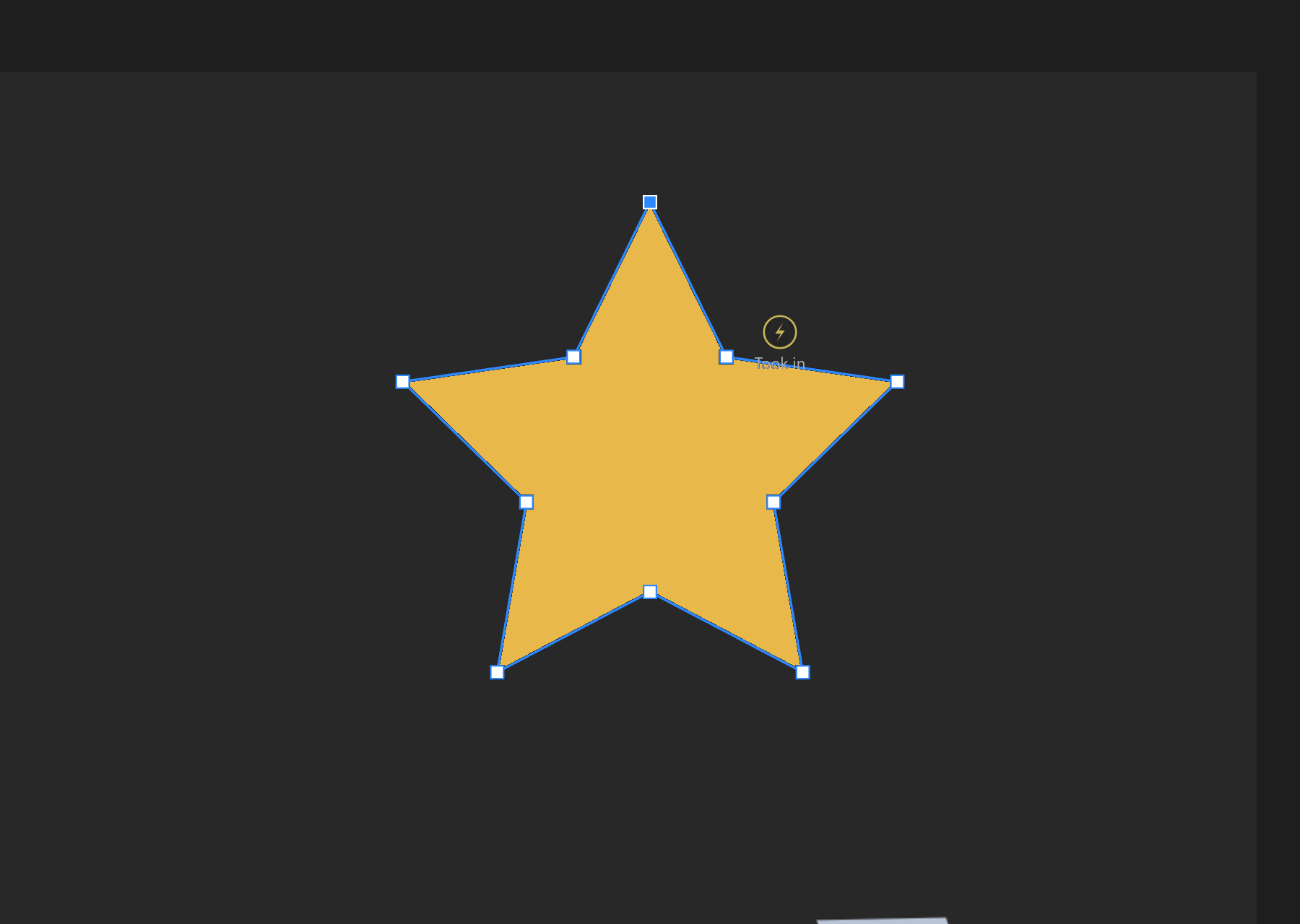
Double-click a path, or press Enter with it selected. The transform handles go away and the points appear — a path is edited or transformed, never both at once.
| What you do | What happens |
|---|---|
| Drag a point | Moves it, and every other selected point with it |
| Click the outline | Adds a point exactly on the curve, so the shape does not change |
| Double-click a point | Switches it between a corner and a smooth curve |
Delete | Removes the selected points. A path will not go below two |
| Drag on empty space | A box that selects the points it contains |
Shift+click | Adds or removes one point |
Ctrl+A | Every point |
| Arrow keys | Nudge by one unit, Shift by ten |
[ and ] | Shrink and grow the selection |
Esc | Leaves point editing |
Hovering near the outline shows a small circle with a cross where a click would add a point, so you can see what you are about to do.
A point's kind
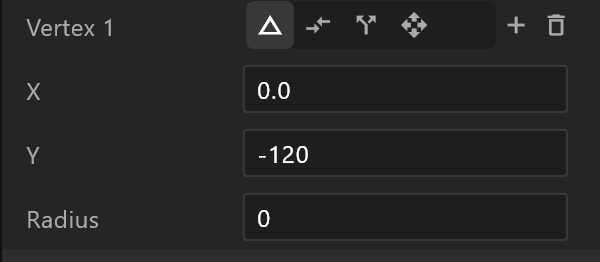
| Kind | What it does |
|---|---|
| Corner | A sharp turn |
| Mirrored | A smooth curve, both handles matched |
| Asymmetric | Smooth, but the handles can differ in length |
| Detached | The handles move independently |
A corner point can also carry a radius, rounding just that corner.
Turning a drawn shape into a path
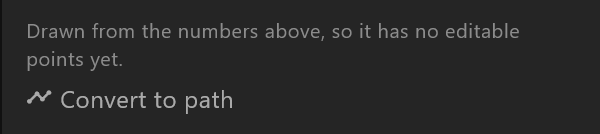
Rectangles, ellipses, stars and the rest are drawn from their numbers, so they have no points to pull. The panel says so, and offers Convert to path.
Afterwards its size and corner numbers stop driving it — the editor says which ones, and warns you when they had keyframes that will stop working. Undo puts the shape back.
Tidying up
| Action | What it does |
|---|---|
| Close path / Open path | Joins the last point to the first, or breaks it |
| Reverse direction | Turns the path the other way round. Matters for holes and for trims |
| Simplify | Fewer points, same shape |
| Convert radial corners | Turns rounded corners into real points you can pull |