Appearance
Scenes and artboards
What a document holds, and what a player opens.
A document
One file — .airz — holding everything: the artwork, the animation, the data, the fonts and the pictures. Copy it to another machine and nothing is left behind. That is why a font you import becomes part of the document rather than a link to your font folder.
An artboard
A rectangle of a chosen size, holding objects. A document can have many, side by side on the stage.
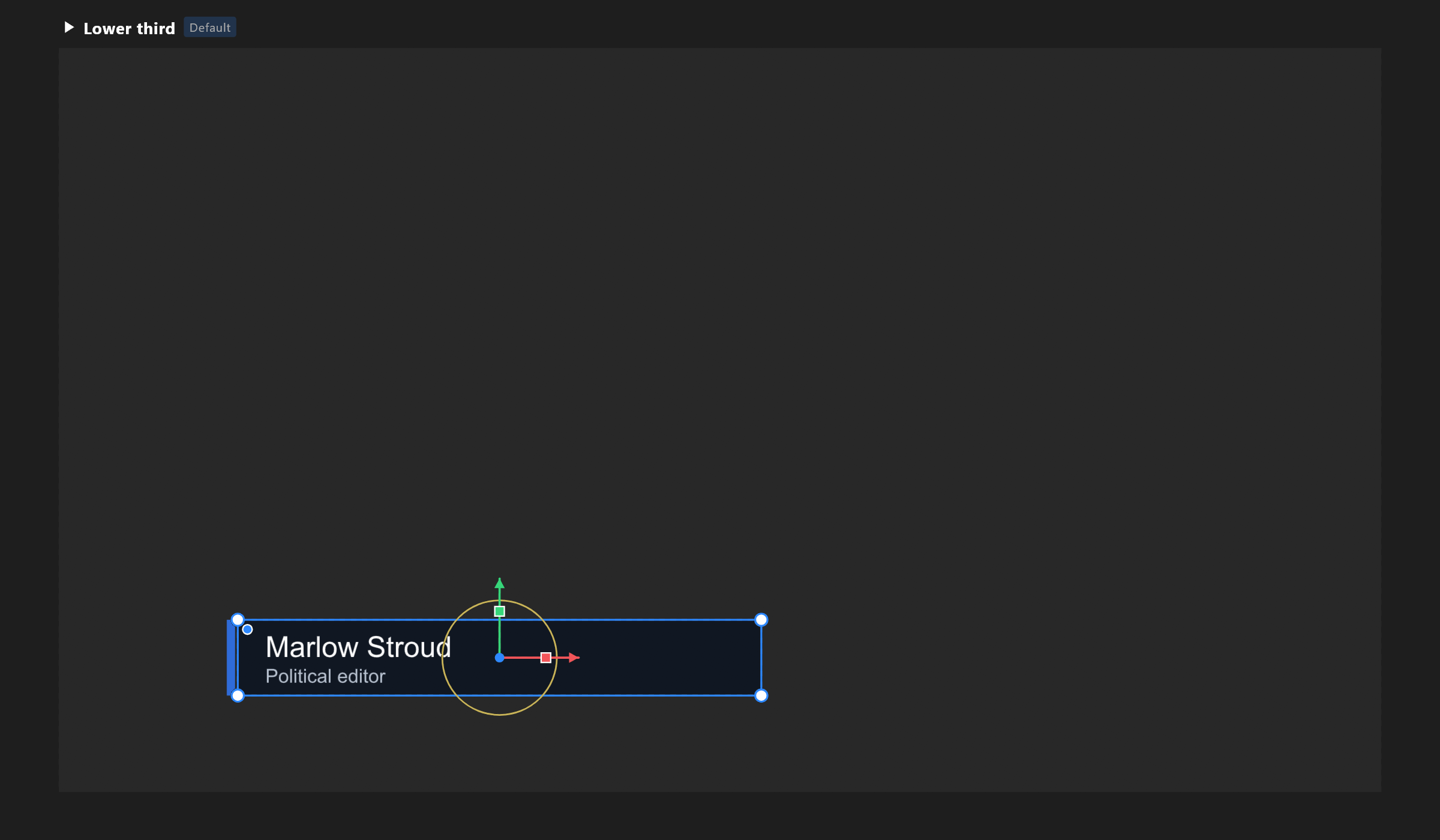
One artboard is the default: the one a player opens and the one a control system plays. It is marked in the hierarchy, and you can change which it is at any time.
Two roles, one switch on the artboard's row:
| What it is for | |
|---|---|
| Scene | A graphic in its own right. Players and the playout server open it |
| Component | A piece meant to be placed inside other artboards — a row of a table, a name plate, a clock |
The word you choose changes nothing in the exported file. It changes what the editor offers you first, and it tells the next designer what the artboard is for.
Artboards inside artboards
Place one artboard inside another and you get a component: one design, used in many places, changed once. A table with twelve rows is one row artboard placed twelve times, or an artboard list that draws one row per item of your data.
A component keeps its own timelines and Animation States, so a row can animate itself while the table animates as a whole.
Size, frame rate and safe areas
The size is pixels — 1920 × 1080 for HD. The frame rate belongs to each timeline: how many frames a second it counts in. Keys sit on whole frames. A new timeline starts at the rate the document was made with.
What plays on air runs at the channel's rate, whatever the document says. Choose the rate you are working to and let playout do the rest.
Safe areas are the margins broadcasters work to: motion inside the outer rectangle, words inside the inner one. Show them from the view aids menu; they are a guide for you and are never exported.
The space around the artboards
Artboards sit in a shared space you can pan and zoom around. Where an artboard sits in that space is for your convenience while working; it has no meaning on air.