Appearance
Import report
What came in when you opened a file from elsewhere, and what did not.
It opens by itself after importing a .riv, and again from File › Last import report…. It also opens after an SVG, PSD or Lottie import that could not bring two or more things across: see After SVG, PSD or Lottie.
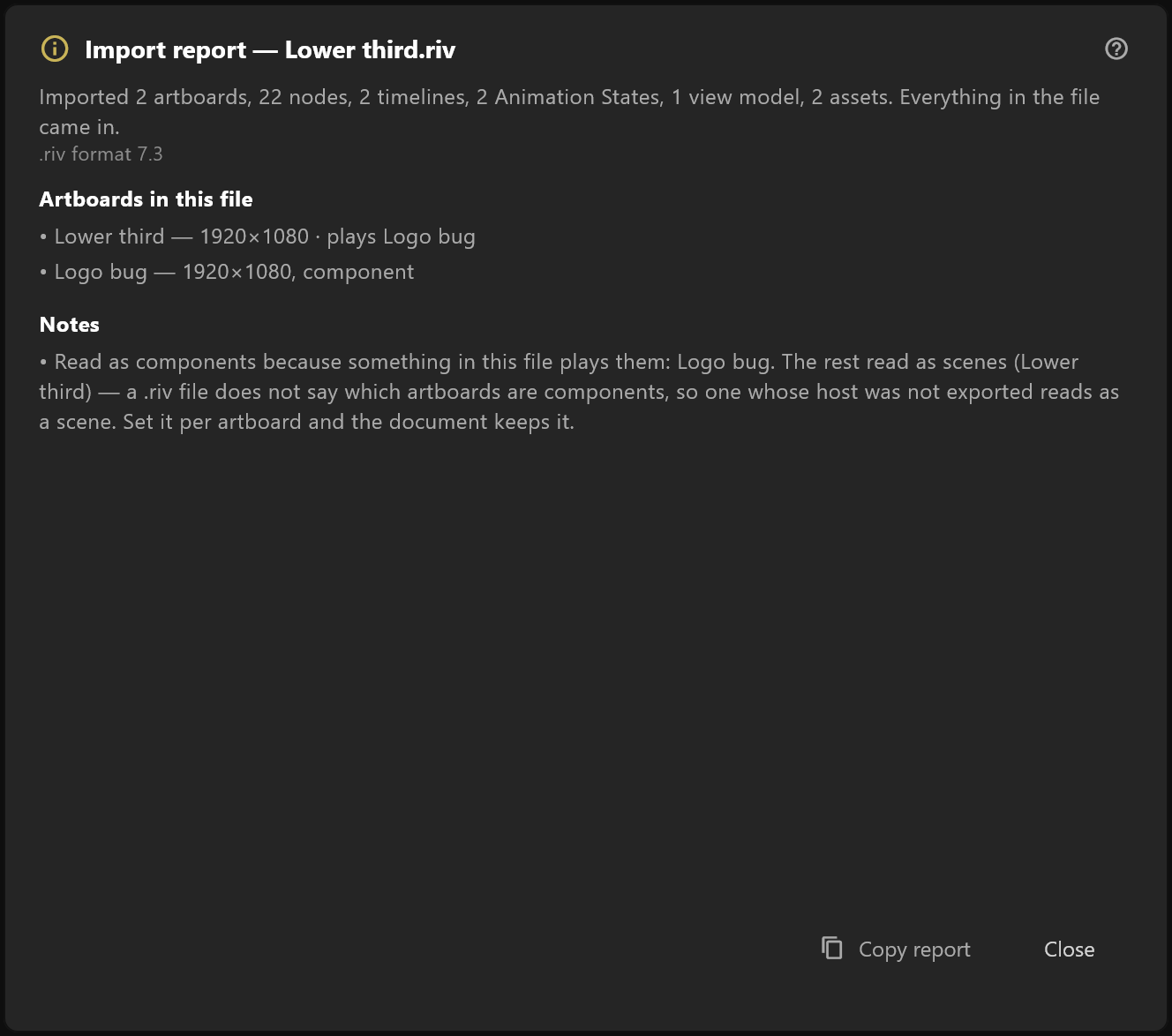
What it does
The editor opens files made by other tools, and it tells you the truth about what it did with them rather than quietly dropping things.
| Section | What it lists |
|---|---|
| Artboards in this file | Every artboard that came in |
| Not imported — objects | Things the editor has no place for, and where each one was |
| Not imported — property values | Settings it could not carry |
| Notes | Things it kept but changed, and things the file itself says |
Copy report puts the whole thing on the clipboard — worth doing before you ask anyone about a file that does not look right.
After SVG, PSD or Lottie
Artwork from other tools comes into the open document, so its report is shorter. Its title names the file, "Import report — file", and it lists only what did not come across, under "Everything else came in. These could not:". A PSD's adjustment layers are one example, and so is a blend mode the editor has no equivalent for, which comes in as normal.
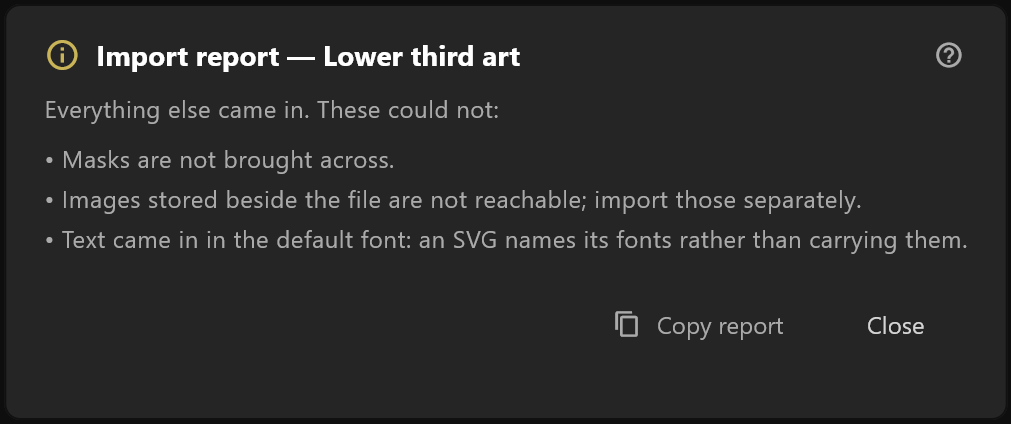
When only one thing could not come across, the notice names it and no window opens. Copy report and Close work as above.
How to read it
An empty report is the good case: everything came through.
Notes are not failures. A note says something was kept but adjusted — a text style with two fills where one is kept, an interpolation that became linear. The graphic works; it may look slightly different.
Keys that do not say how they ease hold their value until the next key, exactly as the file plays in any other player: a jump, not a glide. That is not a loss and has no note. If a move should glide, select its keys and pick an ease in the timeline.
"Not imported" is a loss, and the entry says where it was, so you can decide whether it mattered. A dropped object in a part of the scene you are not using costs you nothing; one in the middle of your lower third does.
What to do about it
- If something important is missing, keep the original file. It is unchanged.
- Rebuild the missing piece in the editor — usually quicker than it sounds, since everything around it came in.
- Send us the report if you think something should have been imported and was not. That is what Copy report is for.