Appearance
Prepare a scene for air
A last look before a graphic leaves the editor. Ten minutes here saves an evening in the gallery.
1. Preflight is clear
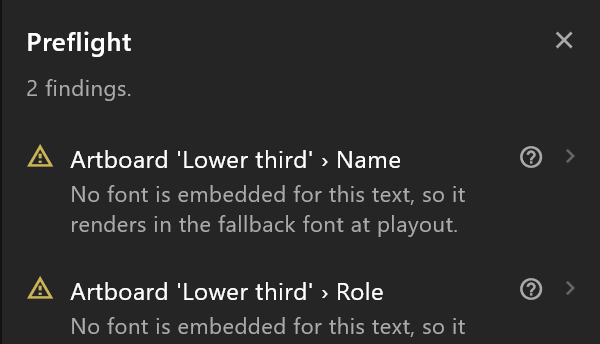
Click the preflight chip and work down the report. Fix every red finding; read every amber one and decide.
2. The right things play
- The artboard that should open is marked Default — the badge on its title on the stage, and Opens first in its inspector.
- The Animation States that should run are marked Default in the Animations panel.
- It starts in the right state: open the Animation States, press play, and the graphic should be where the operator expects it before the first take — usually off screen.
3. The data is ready for the operator
- Every property the operator fills in has a name they will understand:
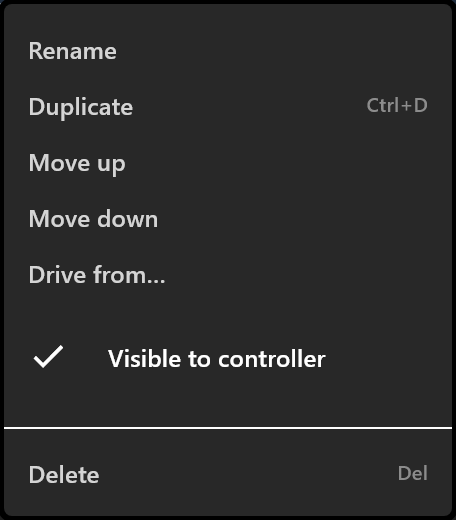
name,role,score. - Anything the operator should not see or touch has Visible to controller unticked in the property's menu. (Today the controller still lists it: see The controller.)
- Triggers are named for the controller: the take off air has out in its name, and no other trigger does. See Triggers and events.
- Try the worst values. Type the longest name you can think of, a three-digit score, an empty role. Does the plate still fit? Does the number still line up?
4. It sits where it should
Turn on the safe areas: words inside the inner frame, movement inside the outer.
5. The frame rate matches the channel
Each timeline's rate is in its settings. A graphic made at 60 for a 50 Hz channel plays, but its timing will not be the timing you saw.
6. The fonts may travel
The document carries its fonts. If preflight or the template card warns about a commercial typeface, check its licence allows the playout server to have it. See Licensing.
7. Keep a version, then send
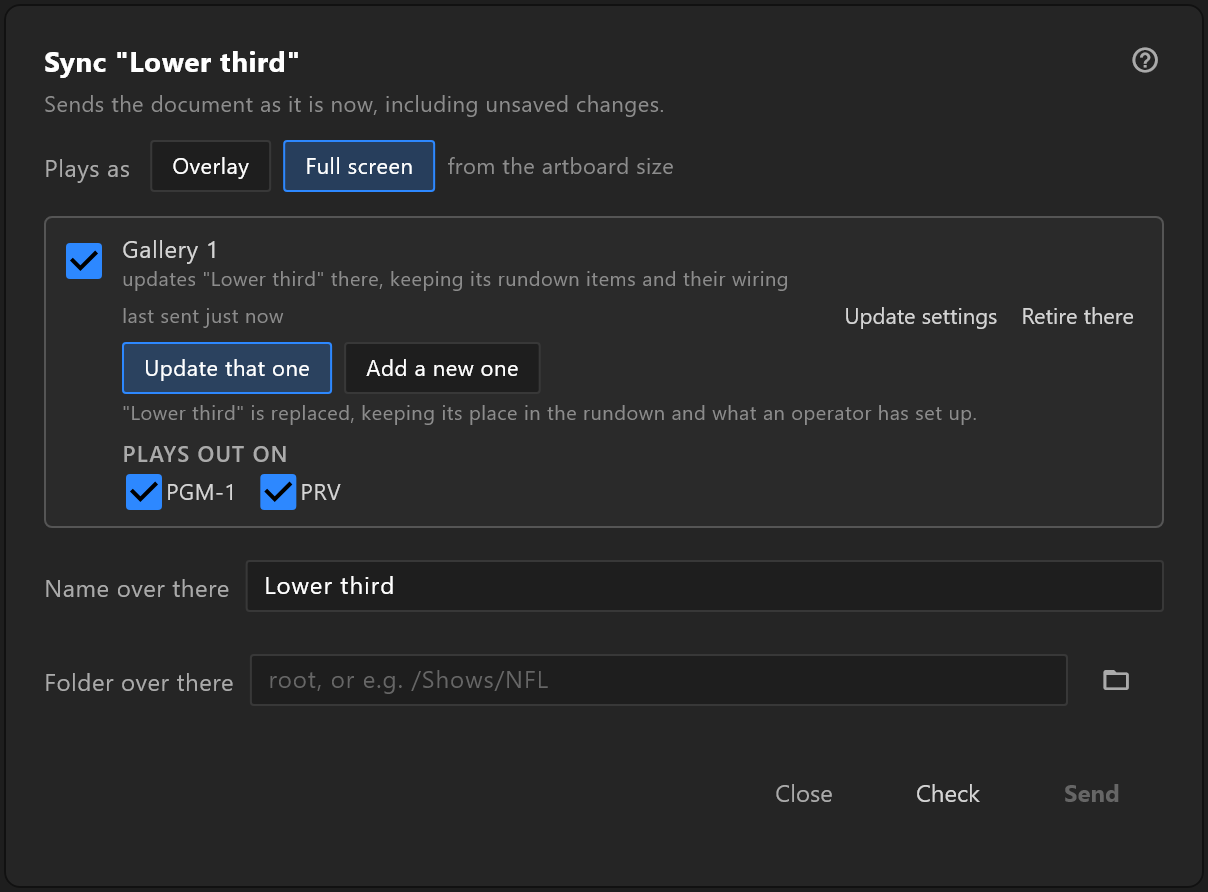
Ctrl+Alt+Skeeps this state as a version, named for what it is: "sent to Gallery 1".- File › Sync to controllers…, Check, read each line, Send. Or Export .riv if it is going another way.