Appearance
File menu
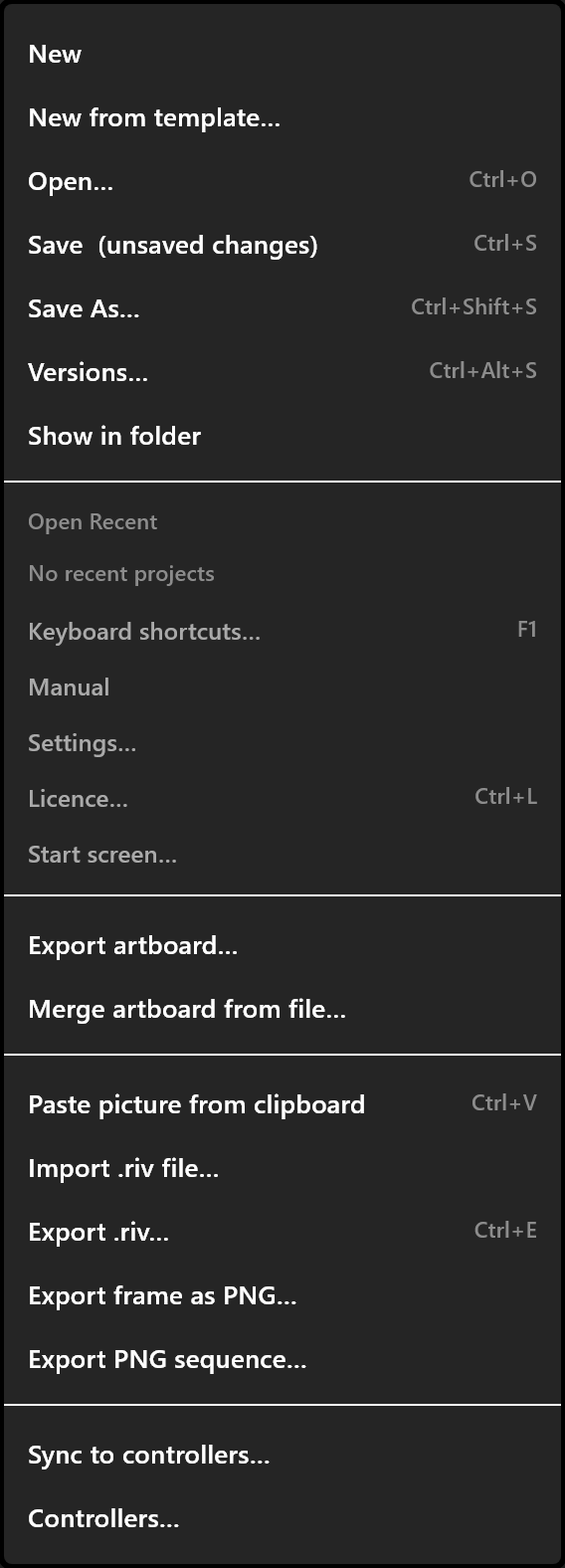
Opening, saving, importing, exporting, and everything that happens to the document as a whole.
The three-line button at the far left of the top bar.
Documents
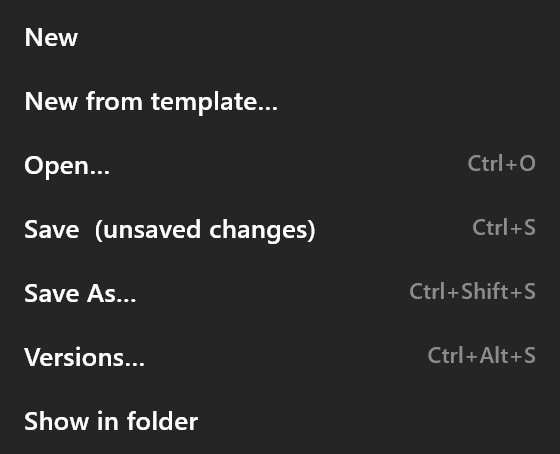
| Item | Keys | What it does |
|---|---|---|
| New | Asks about unsaved changes, then New document | |
| New from template… | Opens the Start screen at its templates. A template opens as a new untitled document | |
| Open… | Ctrl+O | Opens an .airz, .airzscene or .riv file. A .riv opens as a new untitled document |
| Save | Ctrl+S | Saves to the same file. A document with no file yet is asked where to go. While there are unsaved changes the item reads Save (unsaved changes) |
| Save As… | Ctrl+Shift+S | Saves to a new file. The copy counts as a separate document where controllers are concerned, so it can be synced on its own |
| Versions… | Ctrl+Alt+S | Keeps this state as a version you can come back to. See Versions |
| Show in folder | Opens the folder with the file selected. Windows only, and only once the document has been saved |
Open Recent
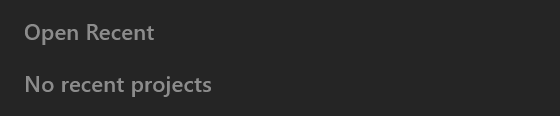
The last eight documents, each showing its file name with the full path in its tooltip. A file that has moved or been deleted is dark grey and cannot be clicked, its tooltip reading Not found: <path>. Clear Recent empties the list. With nothing in it, the menu says "No recent projects".
Before you lose anything
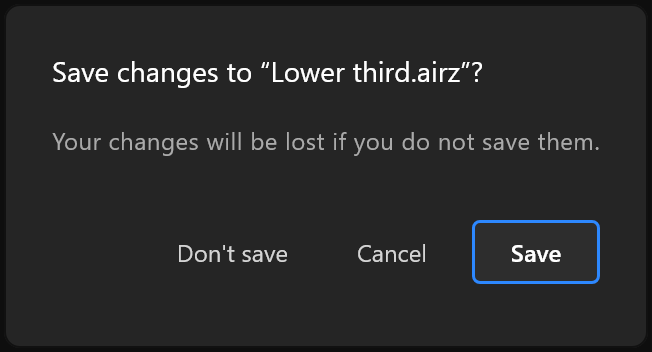
Anything that replaces the document — New, Open, a recent file, importing a .riv, going to the Start screen — asks first, if there is anything to lose:
Save changes to "
<name>"? Your changes will be lost if you do not save them. — Don't save · Cancel · Save
Settings and help
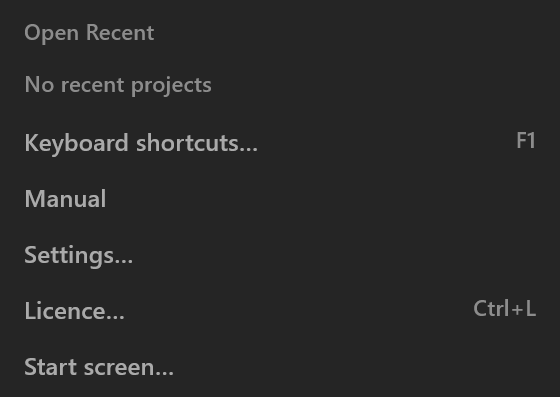
| Item | Keys | What it does |
|---|---|---|
| Keyboard shortcuts… | F1 | Every action and its key, searchable, rebindable. See Keyboard shortcuts |
| Manual | Opens this manual in your browser | |
| Settings… | The editor's own settings. See Settings | |
| Start screen… | Back to the Start screen |
Bringing things in and out
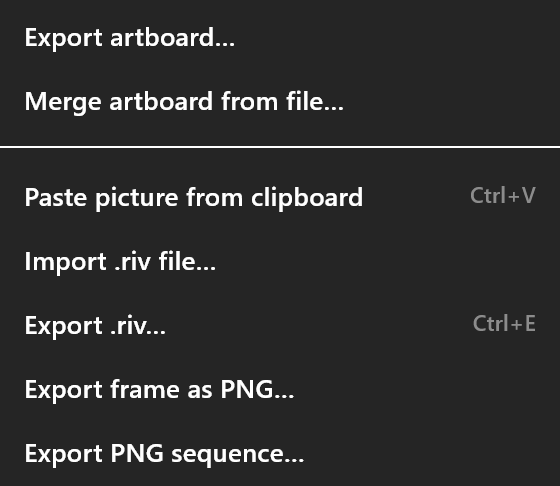
| Item | What it does |
|---|---|
| Export artboard… | Writes the artboard you are on — with everything it needs — as a standalone .airz. Afterwards: <Artboard> written to <file>. with Show in folder |
| Merge artboard from file… | Takes one artboard out of another document (.airz, .airzscene or .riv) and brings it into this one, with everything it needs. If the file holds more than one, it asks which: "Which artboard of <file>? The file holds N. One is merged, with everything it needs." The merged artboard becomes the one you are working on |
Paste picture from clipboard (Ctrl+V) | Places a picture from the clipboard in the middle of the artboard, at its own pixel size, and selects it |
| Import .riv file… | Opens a .riv as a new untitled document. A large file reads in the background and says how far it has got; when it finishes, the import report opens |
| Last import report… | Re-opens that report. Only there once something has been imported in this session |
Getting it to air
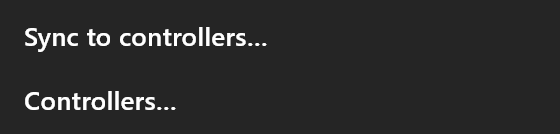
| Item | Keys | What it does |
|---|---|---|
| Export .riv… | Ctrl+E | Writes the file for playout and its bindings.json beside it. See What export produces |
| Export frame as PNG… | Writes the stage as it stands now to a PNG. Afterwards: Exported the frame (<W>x<H>) to <file>. | |
| Export PNG sequence… | One PNG per frame, with transparency, over a frame range you choose. See Export PNG and sequence | |
| Sync to controllers… | Sends this document to a paired controller as a template, as it is now, including unsaved changes. See Sync to controllers | |
| Controllers… | Finds, pairs and forgets controllers. See Controllers |
Things worth knowing
An ordinary save says nothing. The first save of a document, and every Save As, says Saved <file> to <folder>. with Show in folder. If a save fails, the message stays on screen longer, can be copied, and the unsaved dot on the toolbar's Save icon stays where it is.
Sync sends unsaved work. Sync to controllers… sends the document as it is on screen, not as it is on disk. That is usually what you want mid-rehearsal — just know that it is what happens.