Appearance
Live video slots
A slot is a place in the graphic where live pictures play: a camera, a clip, another channel. You design the slot. The operator, or the scene itself, says what fills it on air.
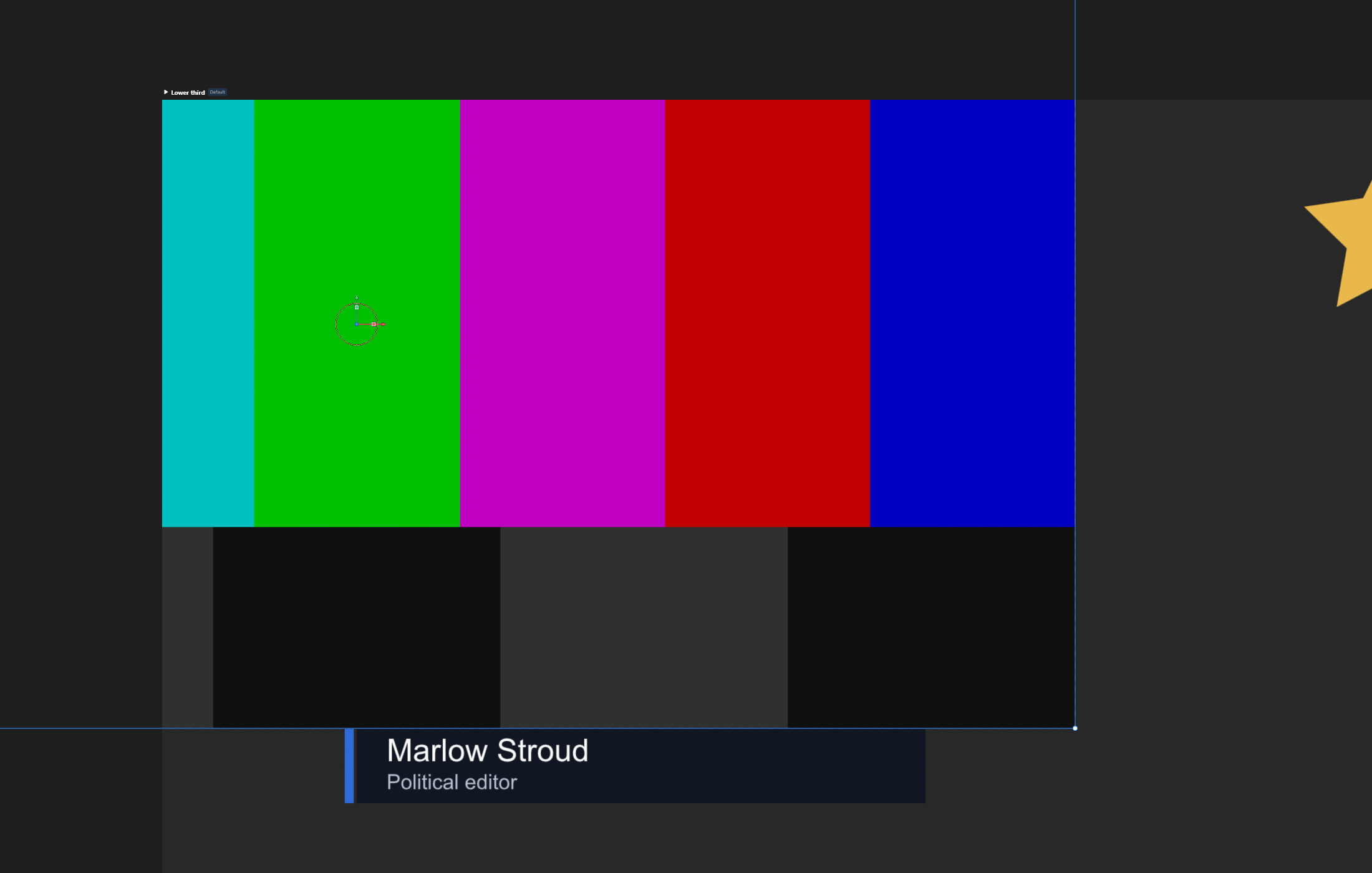
For the idea, see Live sources. To make one step by step, see Video or camera slot. This page is what happens to a slot on air, and every setting that decides it.
Two kinds
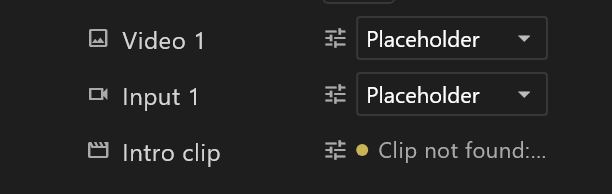
| Live input | Live video | |
|---|---|---|
| Made with | + › Live input in the Data panel | + › Live video |
| Named | input1, input2, … | video1, video2, … |
| Plays | A camera or line coming into the playout server | A clip on the server, or another channel of it |
| Saved with the scene | Which input: Input 1 … Input 4, or none | A clip, looping or not, or none |
Both are image properties, and the slot on the stage is bound to one. The name is the role, so it is never renamed. What you type over it is a label.
What fills a slot on air
The scene's own choice plays unless the operator sends another. These are the sources a slot can take:
| Source | Plays | Example |
|---|---|---|
| An input | Whatever that server wires to its input | input://1 |
| A clip | A video file on the playout server, once or looping | play://intro.mp4 LOOP |
| A channel | What another channel and layer of the server is playing | route://2-1 |
| A picture | A still, resized to the placeholder | smith.png |
While a clip plays, the operator can pause it, resume it, and turn its sound off and on again.
One camera, many graphics. A capture card's input can be opened only once. To show the same camera in several slots, the server captures it once on a channel of its own, and each slot takes that channel.
Setting up a live input
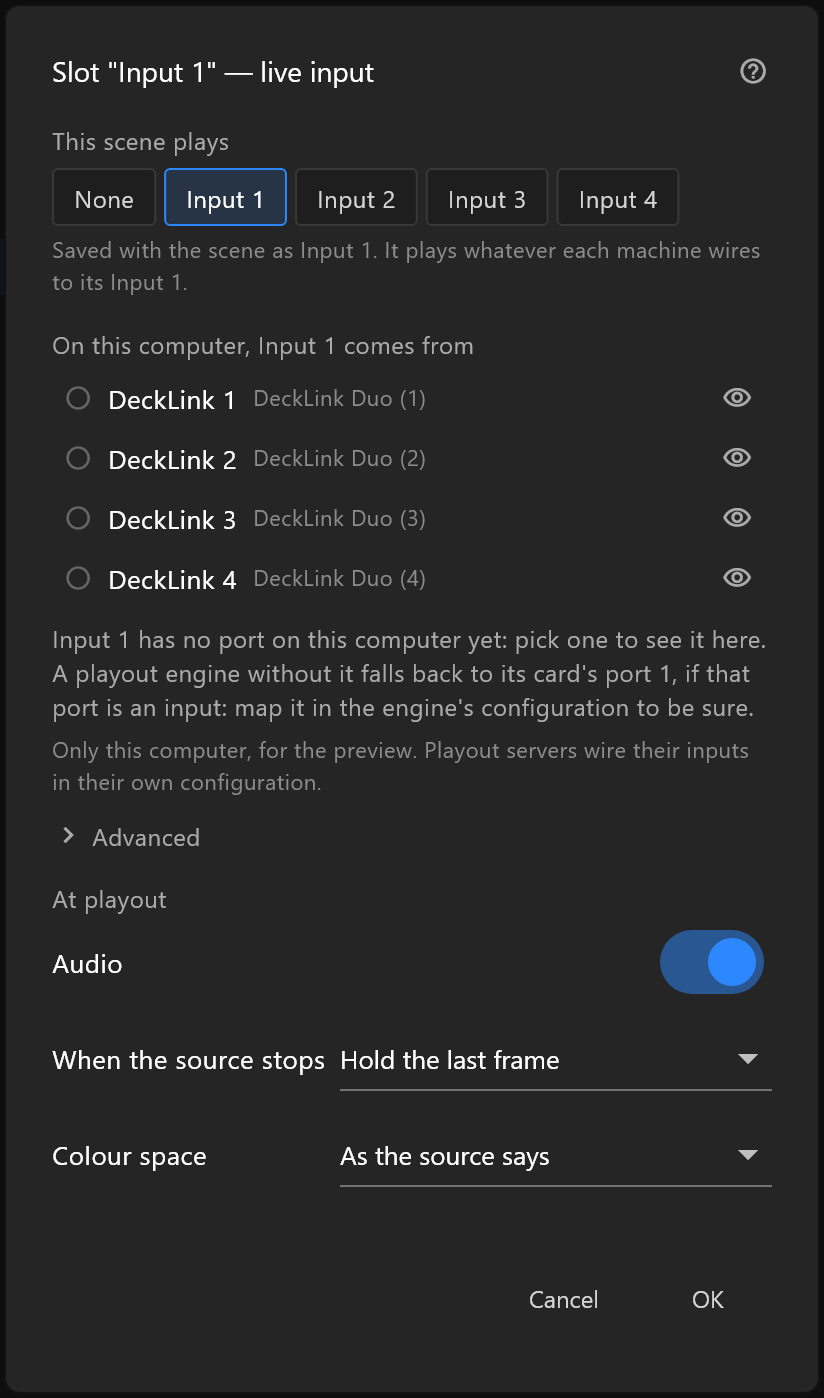
Click the settings icon at the start of the slot's row in the Data panel, or right-click the slot and choose Placeholder size / default source….
- This scene plays: None, or Input 1 to Input 4. Saved with the scene, and the same on every machine.
- On this computer, Input 1 comes from: a port of this computer's DeckLink card, for the preview while you design. It is not saved with the scene. The playout server wires its own inputs in its configuration.
Setting up a live video
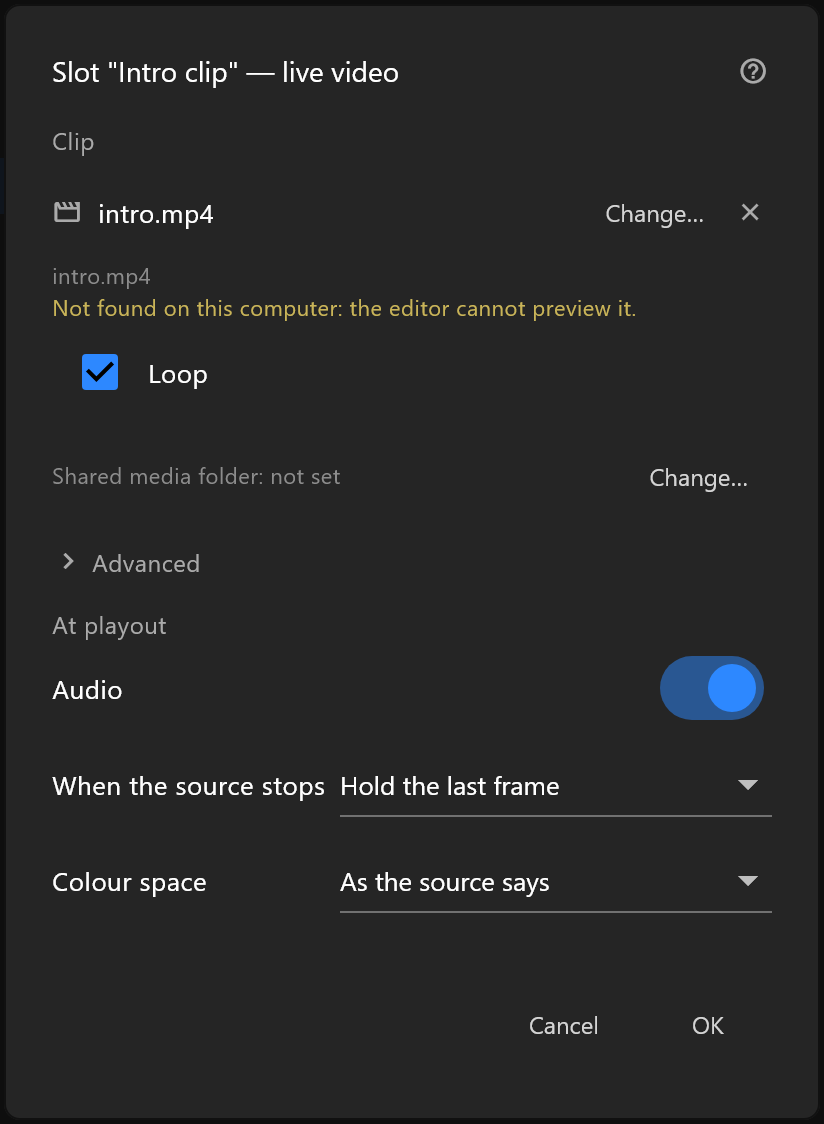
The same settings icon opens it, or Placeholder size / default source… in the slot's right-click menu.
- Clip: Choose… a video file, Change… it, or × to clear it. Inside the Shared media folder, it is saved relative to that folder, which is how the playout server finds it. A clip that is not on this computer shows "Not found on this computer: the editor cannot preview it."
- Loop: play it round and round, or once.
The slot's row in the Data panel says how the clip stands on this computer: its size and rate while it plays, or "Clip not found" in amber. Click the row to try again.
At playout
Both kinds end with the same three rows:
| Row | Choices |
|---|---|
| Audio | On: the source's sound plays with the graphic. Off: the slot is silent |
| When the source stops | Hold the last frame, Show the placeholder, or Go to black |
| Colour space | As the source says, or BT.601, BT.709, BT.2020 for a source that labels itself wrongly |
Sound from several slots is mixed together at the level it arrives. Set levels on the mixer after the playout server.
Advanced shows the source as the controller receives it, and the Slot size.
The placeholder
The placeholder is the slot's shape and what the slot shows while nothing is connected. It is not a lead-in:
- Live pictures arrive at their own size, whatever the placeholder's size. A 1920 × 1080 camera stays 1920 × 1080. To fit it into a smaller box, the slot must be in a layout, where its Fit and Align place the picture, or fill a shape with it. The image inspector warns when it is neither, and Put it in a layout fixes it in one step.
- A graphic with live slots waits until every slot has a picture, then comes on. It never goes to air half-filled.
- A still picture sent to a slot is resized to the placeholder's size.
Design with a placeholder of the same shape as the source: 16 × 9 for a camera.
Other players
The slot is an ordinary picture in the exported file. A player without live sources shows the placeholder, and the graphic plays everything else.