Appearance
Install and sign in
How to put airZ Controller on a computer, sign in, and keep it up to date.
What you need
airZ Controller runs on 64-bit Windows 10 and 11. It draws its graphics with the computer's graphics card; the installer tells Windows to use the high-performance card for it.
Install
Run the airZ Controller installer and follow its steps. It:
- installs airZ Controller in your programs folder;
- installs the Microsoft Visual C++ runtime it needs;
- allows airZ Controller through Windows Firewall, so other computers in the studio can reach it;
- offers a desktop shortcut, and to start airZ Controller when it finishes.
To upgrade, run the new installer. It closes airZ Controller if it is running.
Sign in
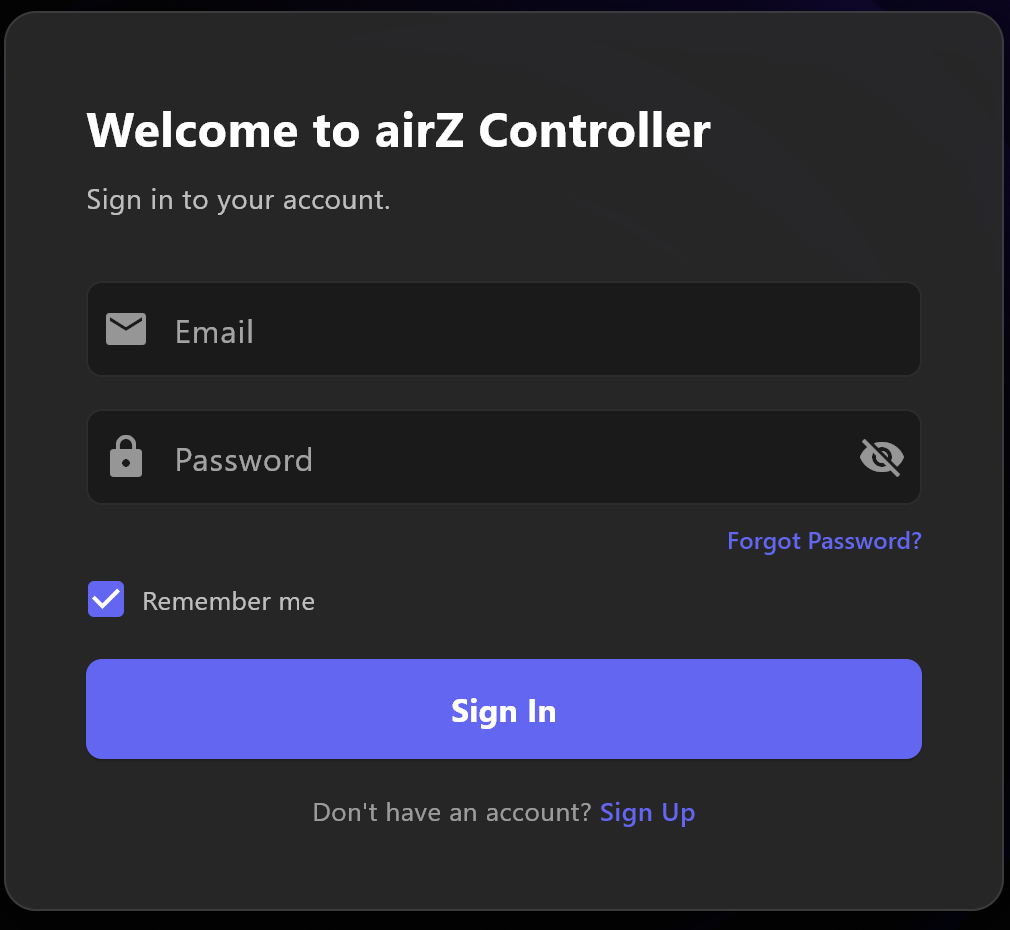
Enter your Email and Password and select Sign In. Remember me keeps you signed in on this computer.
Forgot Password? sends a reset link to the email address in the Email box, so type it first.
Create an account
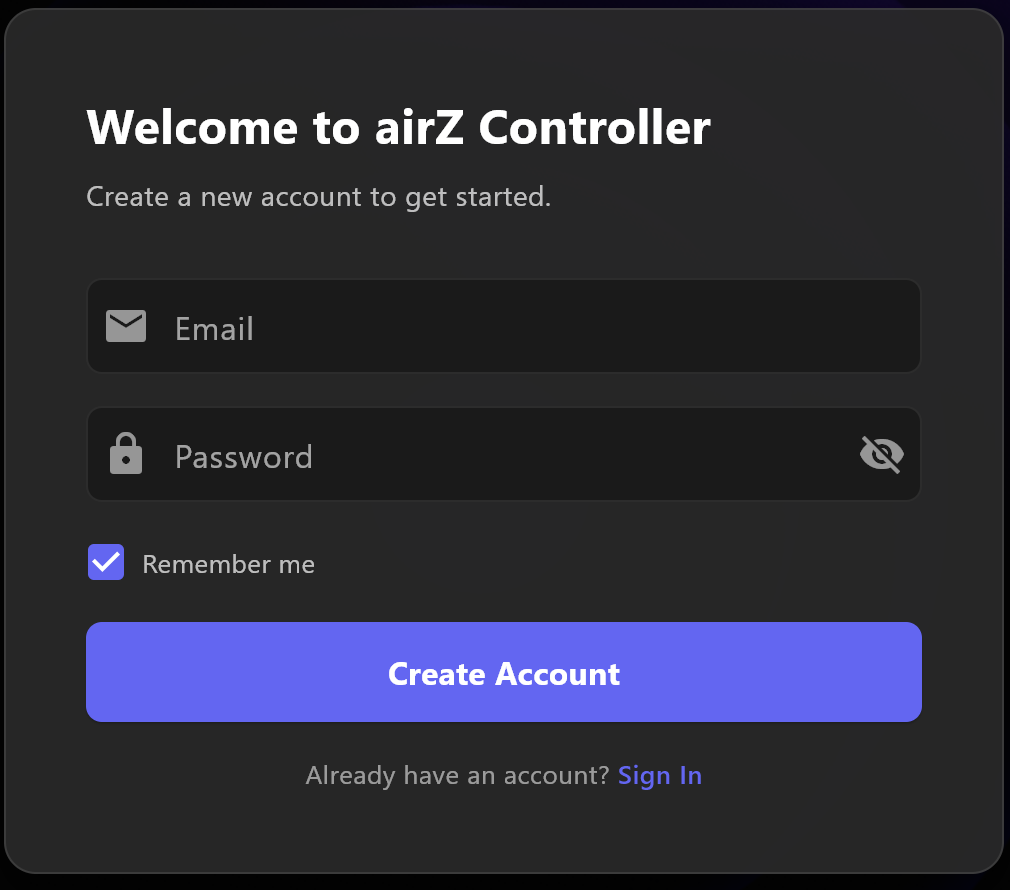
- Select Sign Up at the bottom of the card, enter your email and a password of at least six characters, and select Create Account.
- airZ Controller shows Check Your Email. Open the message and confirm your address; the screen moves on by itself. Resend Email sends it again.
- Read Terms & Privacy to the end, tick the box to agree, and select Continue.
- In Set Up Your Organization, enter the Organization Name and Contact Email, choose your Platform, and answer the short questions. Select Complete Setup.
A new account starts with a seven-day Pro trial, unless this computer has had one before: then it starts on Free, and airZ Controller says so. See Plans and the Broadcast licence.
Use a licence key instead

A computer with an airZStudio licence key needs no account. Select Activate with License (Ctrl+L) at the bottom of the sign-in screen, or press Ctrl+L. See Plans and the Broadcast licence.
Without internet
airZ Controller starts without an internet connection. Signed in with an account, it does so up to five times in a row; at the fifth it signs you out, and signing in again needs the internet. Any start with a connection resets the count. A computer with a valid licence key has no such limit.
Studios without internet
If a studio runs without internet for days at a time, use a licence key rather than an account, so airZ Controller never asks to sign in.
Updates
When a new version is ready, airZ Controller shows Update Available, with the version and WHAT'S NEW.
- Update Now downloads the installer and opens it; airZ Controller closes so the update can install.
- Remind Me Later asks again later. An update marked as critical cannot be put off.
Sign out
Log Off, at the right of the title bar, signs out after asking you to confirm, and returns to the sign-in screen.