Appearance
Your first show
One graphic from template to air and back, to learn the path every show follows.
You need airZ Controller signed in, and at least one template in the library. Templates arrive from airZ Editor by themselves; you can also import a template file. See The template library.
1. Make a rundown

Select the RUNDOWNS rail at the far left, type a name in Create New Rundown and press Enter. Select the new rundown to open it. More about rundowns
2. Add a graphic
Right-click the empty item list and choose airZ Template. Select a template, then ADD TO RUNDOWN. The item appears in the list with its number. More about adding items
3. Fill it in and try it
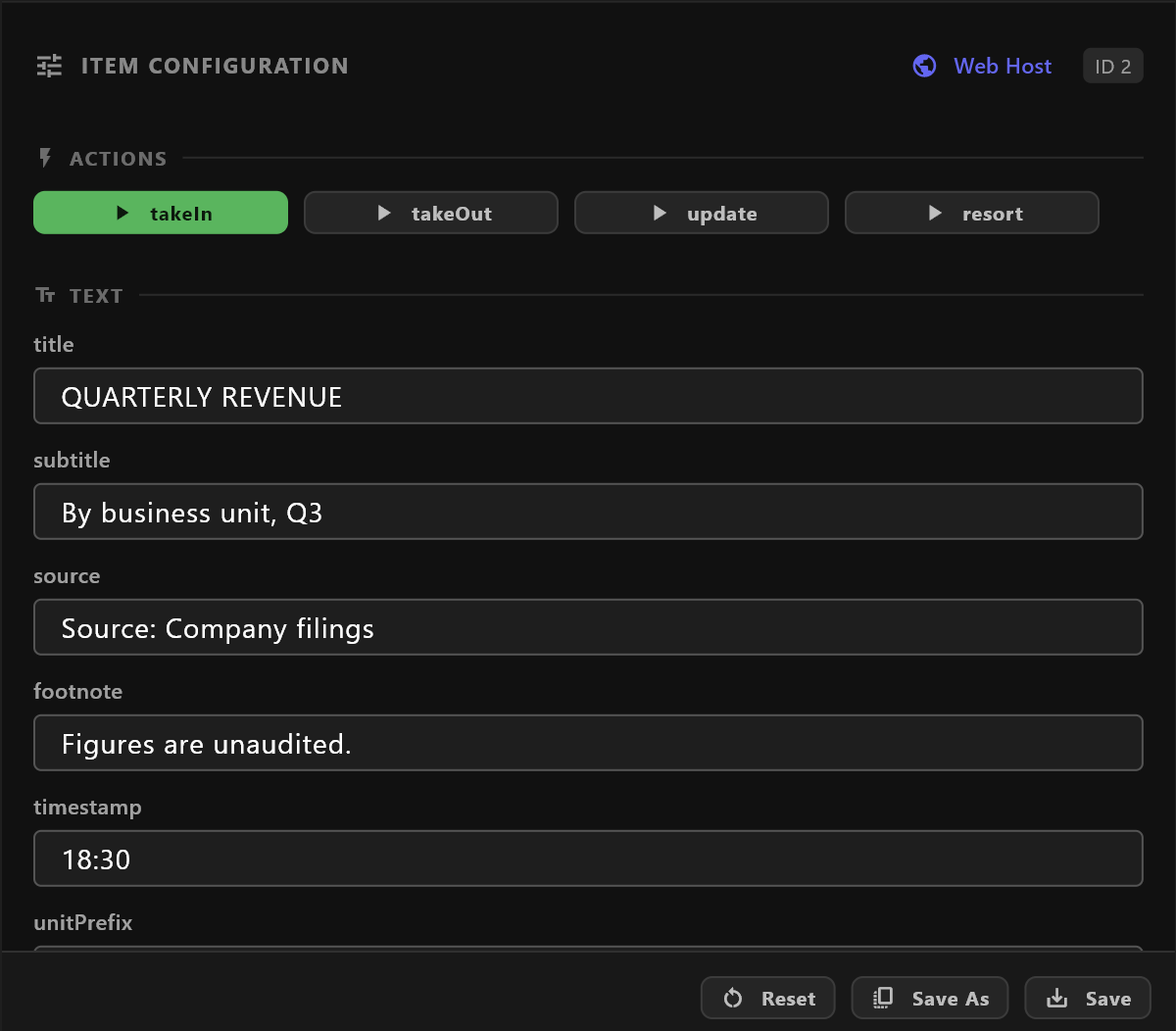
Select the item. Preview shows it, and Item Configuration below lists its values. Type your words; the preview follows as you type.
Press the buttons under ACTIONS to watch its animation in the preview. Nothing goes to air from here. More about item configuration
4. Take it to air
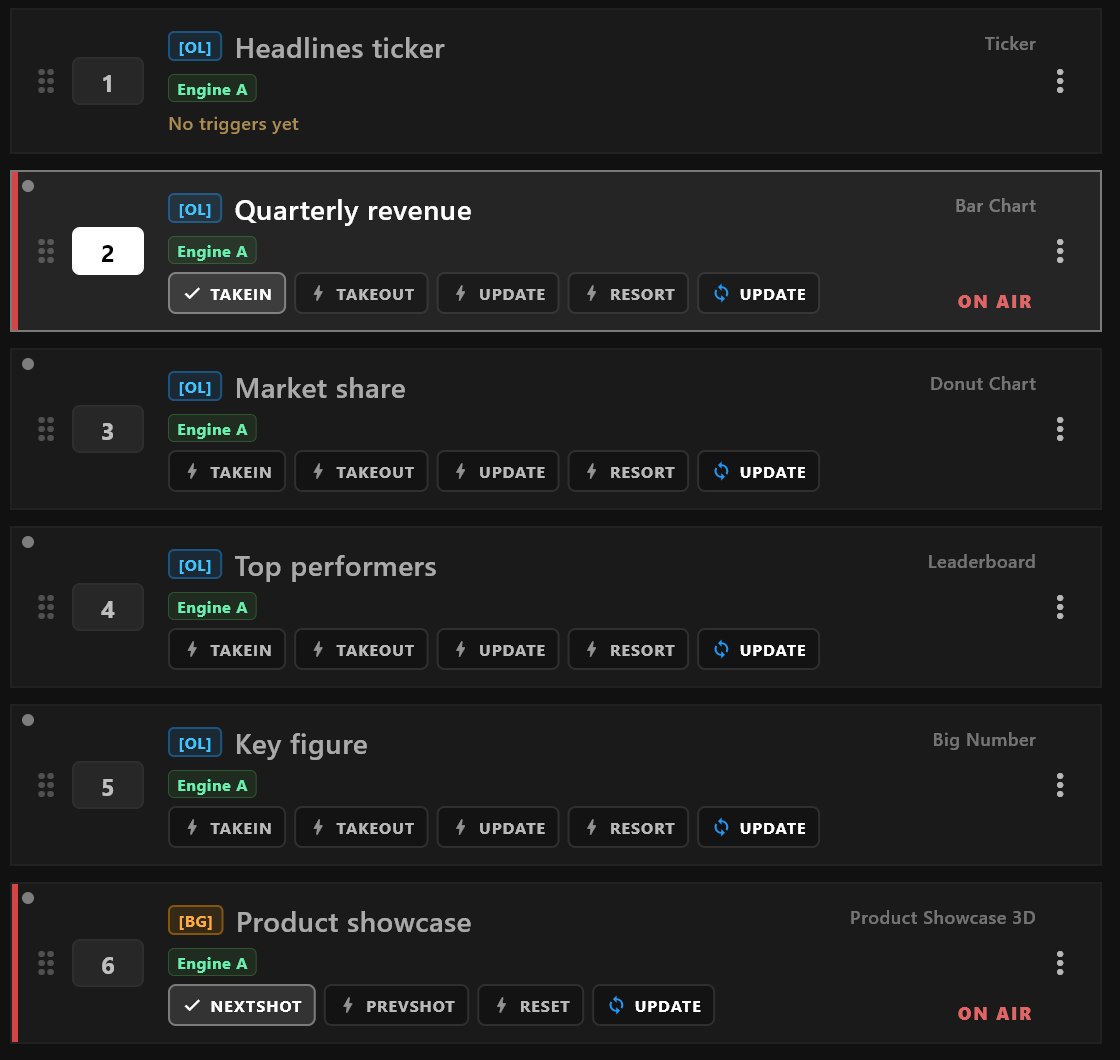
On the item's row, press its first trigger button, usually TAKEIN. The graphic goes on air. Check it in PROGRAM MONITOR, at the top right of the window: that is what your audience sees.
5. Correct it while it is up
Change a value in Item Configuration, then press the blue UPDATE on the item's row. The graphic on air changes without playing its animation again.
6. Take it off
Press the item's out trigger, usually TAKEOUT. To clear everything at once, right-click the item list and choose CLEAR › All. Clearing does not ask first.
Before a real show
- Select each item once. A small grey dot on its row means it is prepared and goes up at once.
- An item on air has a red edge and ON AIR on its row.
- To jump to an item by its number, type it on the numpad, or in the ID… box (
Ctrl+K), and pressEnter. The number keys above the letters fire the selected item's triggers on air. - Watch PROGRAM MONITOR after every take.
See Taking to air for everything above in full.