Appearance
The web rundown
Journalists and producers build the rundown from a browser on the studio network, while the operator runs it in airZ Controller.
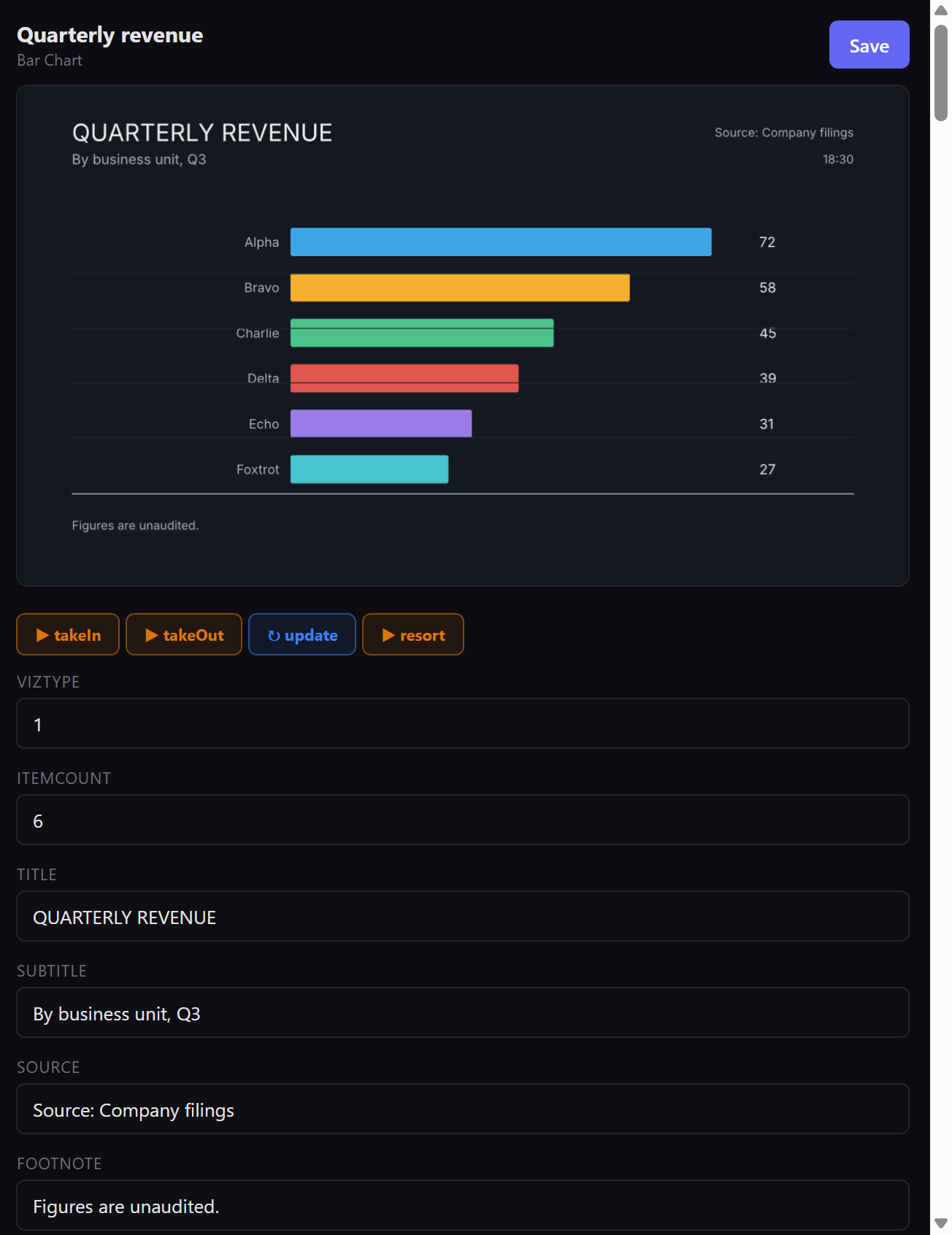
Everything done in the web rundown appears in airZ Controller at once, and the other way round. No software is installed on the journalists' computers: it is a web page that airZ Controller serves.
Before you start
The rundown server must be open to your network, and each person needs an account. See Accounts and roles.
Sign in
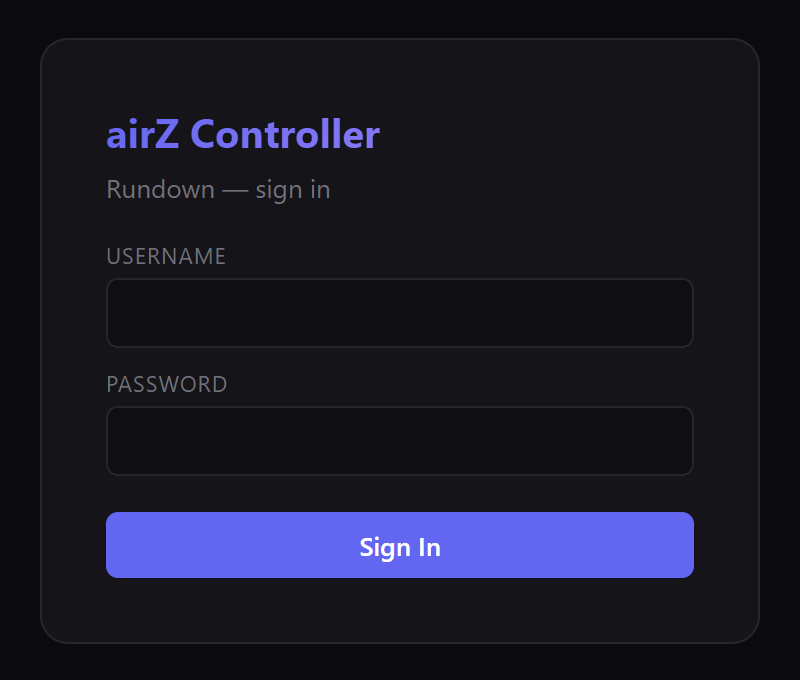
Open the address shown in Settings › Rundown API, ending in /rundown, in a browser. Sign in with your Username and Password. After 12 hours the page asks you to sign in again.
The page

The top bar has Templates, Ticker and Rundown; a dot that shows the page is connected to airZ Controller; who else is in this rundown; your own account; Users (for administrators); and Sign out.
Build a rundown
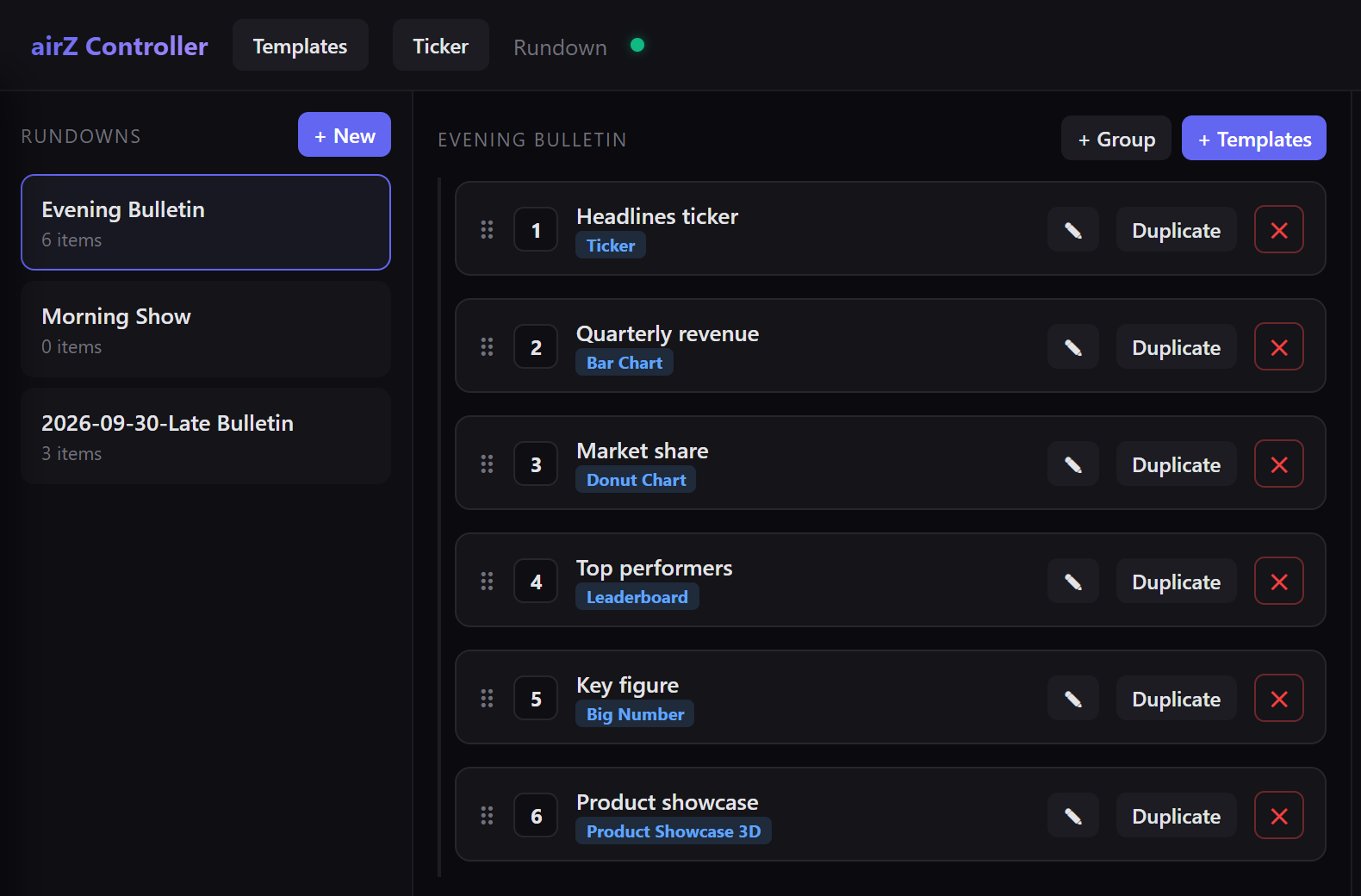
- + New, at the top of RUNDOWNS, creates a rundown.
- + Templates adds an item: select a template, or drag it into the list.
- + Group adds a group.
- Rename an item with the pencil, or by double-clicking its name. Duplicate copies it; the red × deletes it.
- Drag items to reorder them.
Edit an item
Select an item to see its graphic and fields at the right. Fields hold text, numbers, colours (Pick) and images (Pick or Upload).
- Changes are sent to airZ Controller a moment after you make them. Save sends them all at once and confirms Saved — synced to controller.
- The buttons under the graphic, such as takeIn and takeOut, play the animation on this page only.
- While someone else is editing an item, its row shows Editing: and their name; a locked item shows Locked: and the name of whoever holds it. An item locked by someone else cannot be renamed: the page says Locked by and their name.
What reaches air
Editing never puts anything on air by itself. Edits from journalist, producer and breaking-news accounts are kept in the rundown but do not change an item that is already on air. Operator accounts, and breaking-news accounts on templates the graphics team has approved, see buttons on each item that fire it to air.