
 airZ Editor
Design it.
Connect your data.
Put it on air.
airZ Editor is design software for broadcast graphics. Make lower thirds, scoreboards, election maps, weather, touch-screen graphics and real-time 3D, connect them to live data without code, and airZ Engine plays them on air exactly as you designed them.
What you can make
Every graphic a broadcast needs
From a single lower third to a whole election night: made by your designers, driven live by your control room.
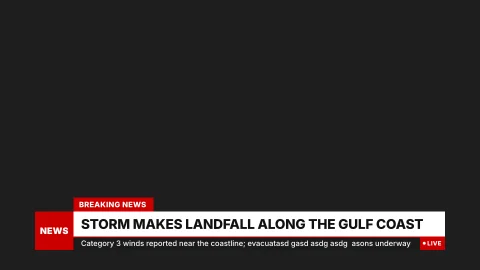
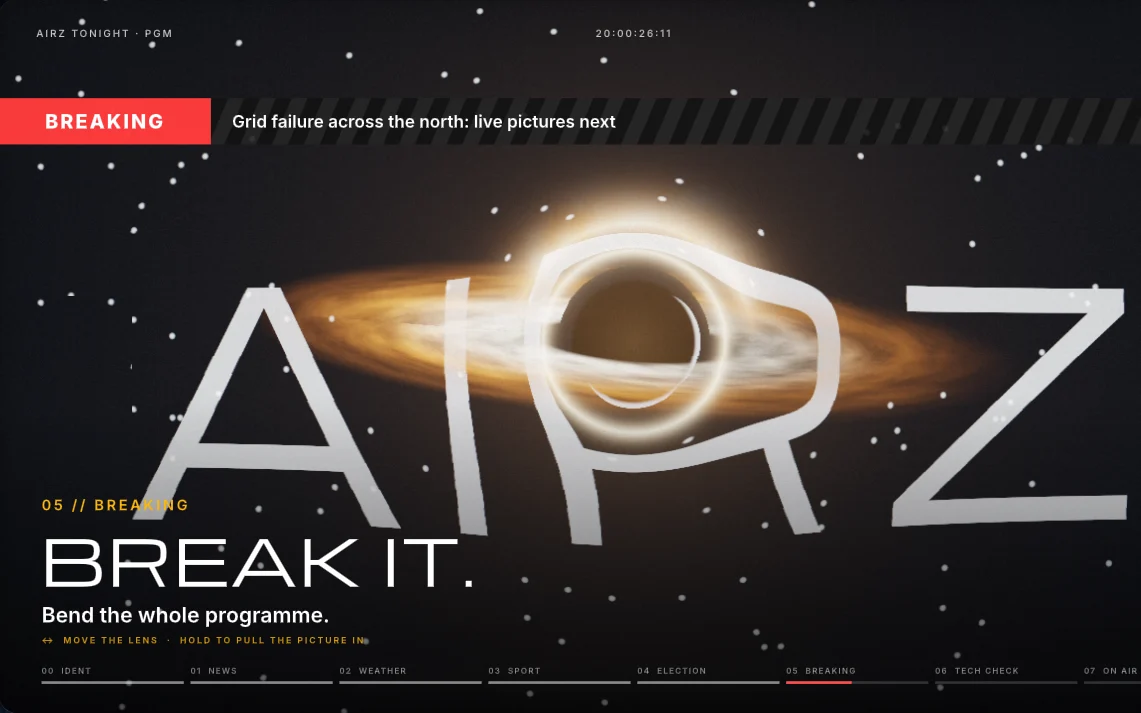 NewsBreaking news, lower thirds, tickers and explainers
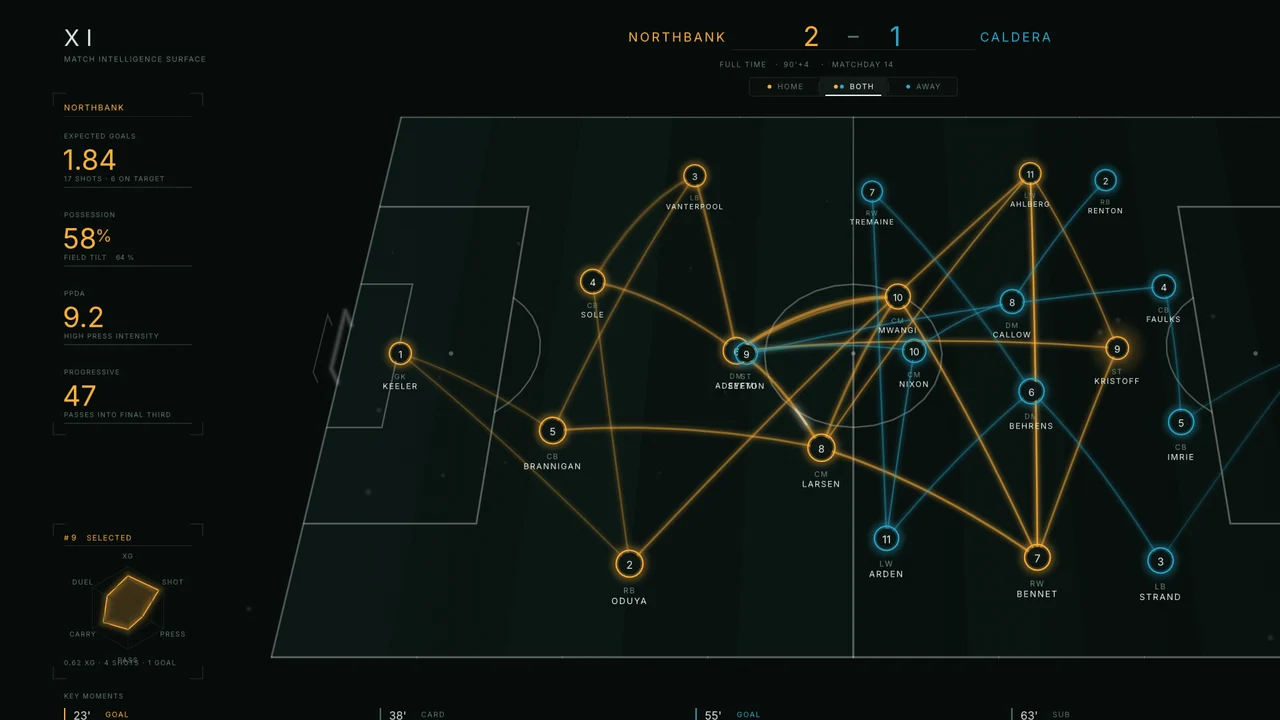 SportsScoreboards, match clocks, standings and analysis
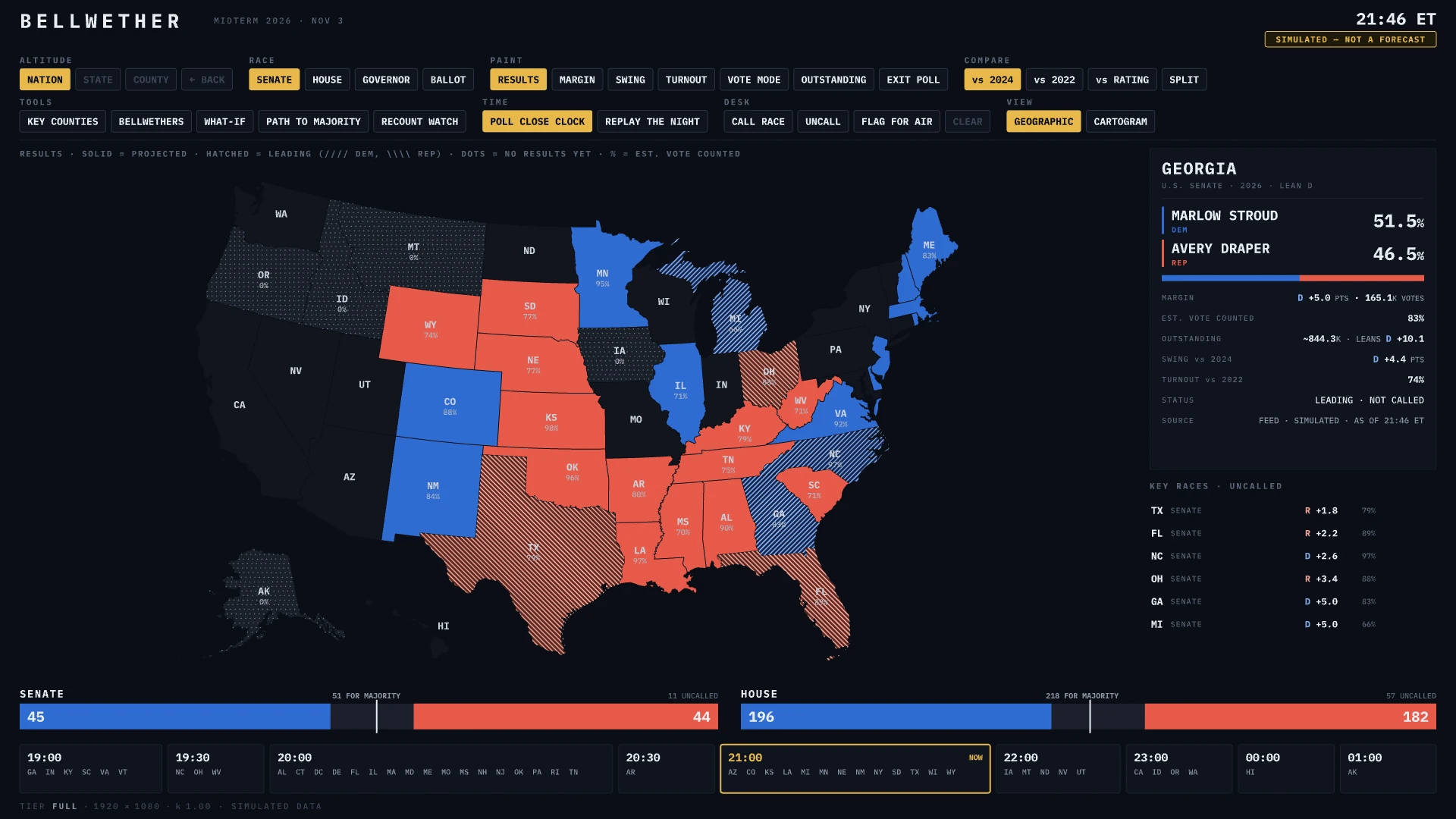 ElectionsResults maps, seat counts and swing, live all night
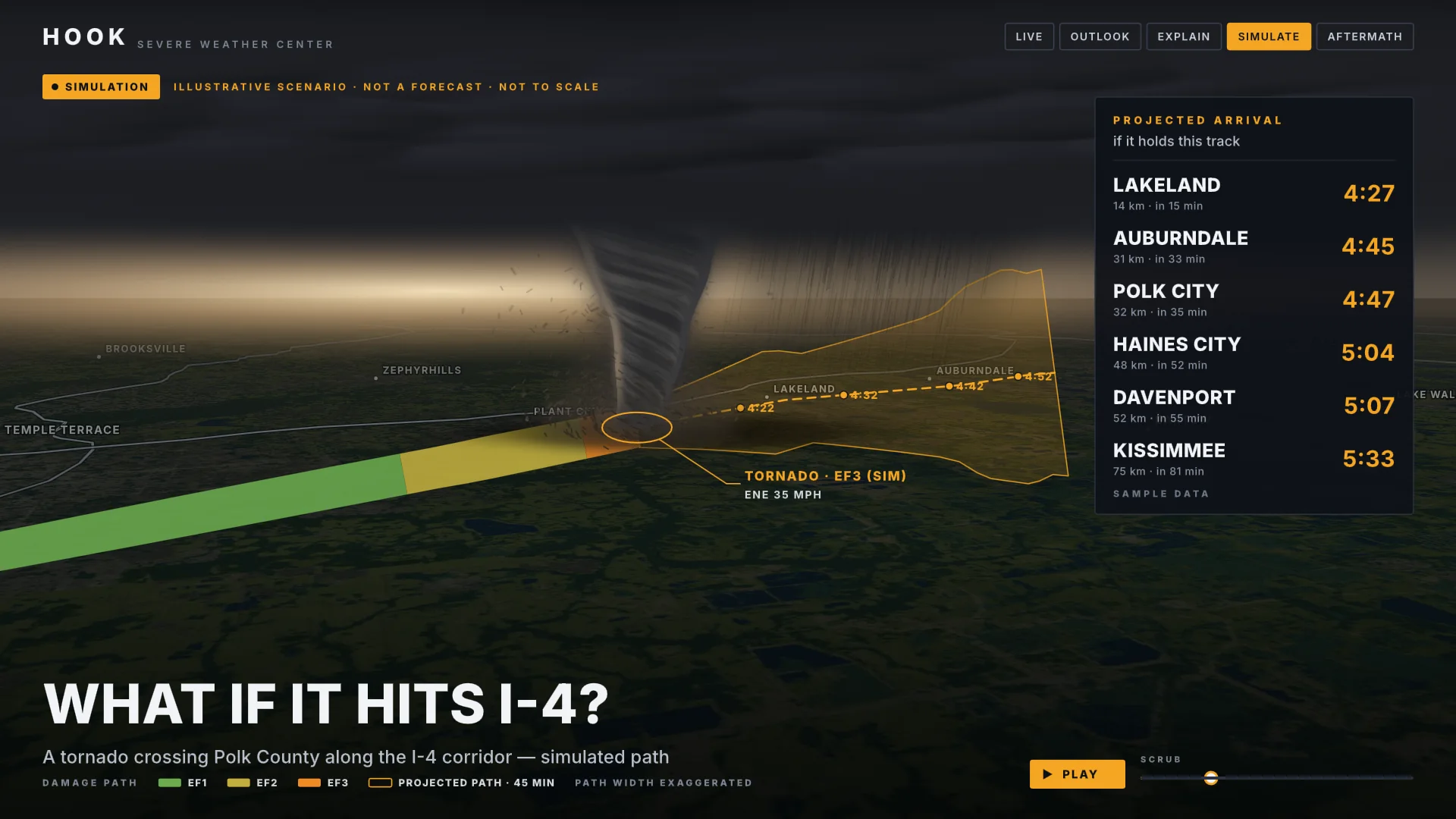 WeatherForecast maps and weather stories
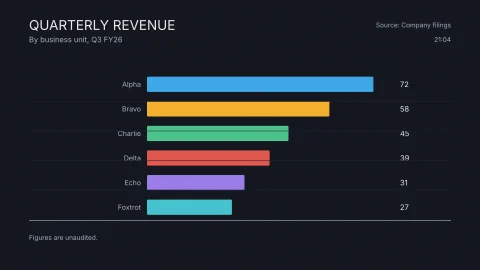 Data and businessCharts and big numbers that update themselves
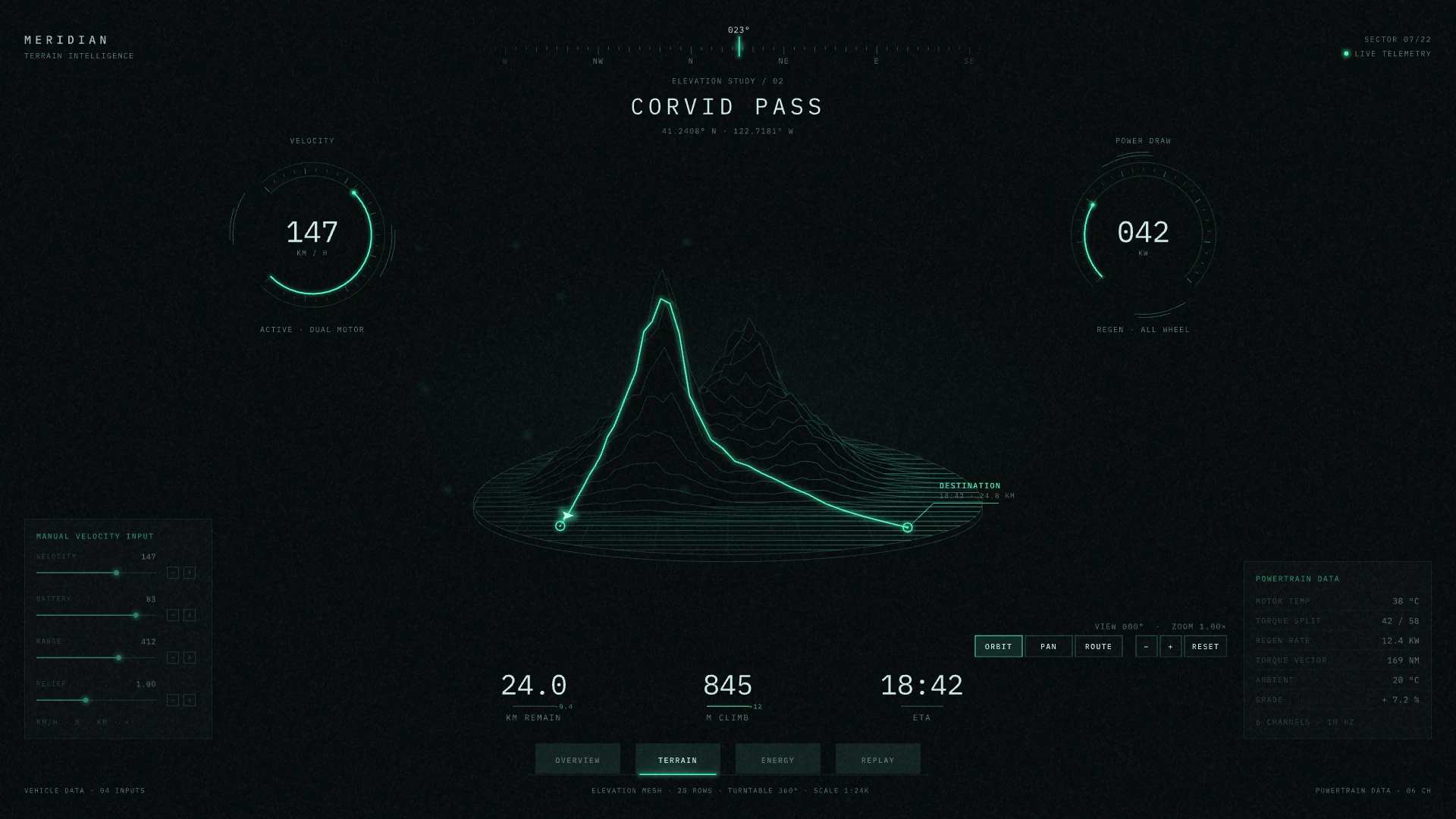 Touch screensStudio consoles a presenter drives by touch
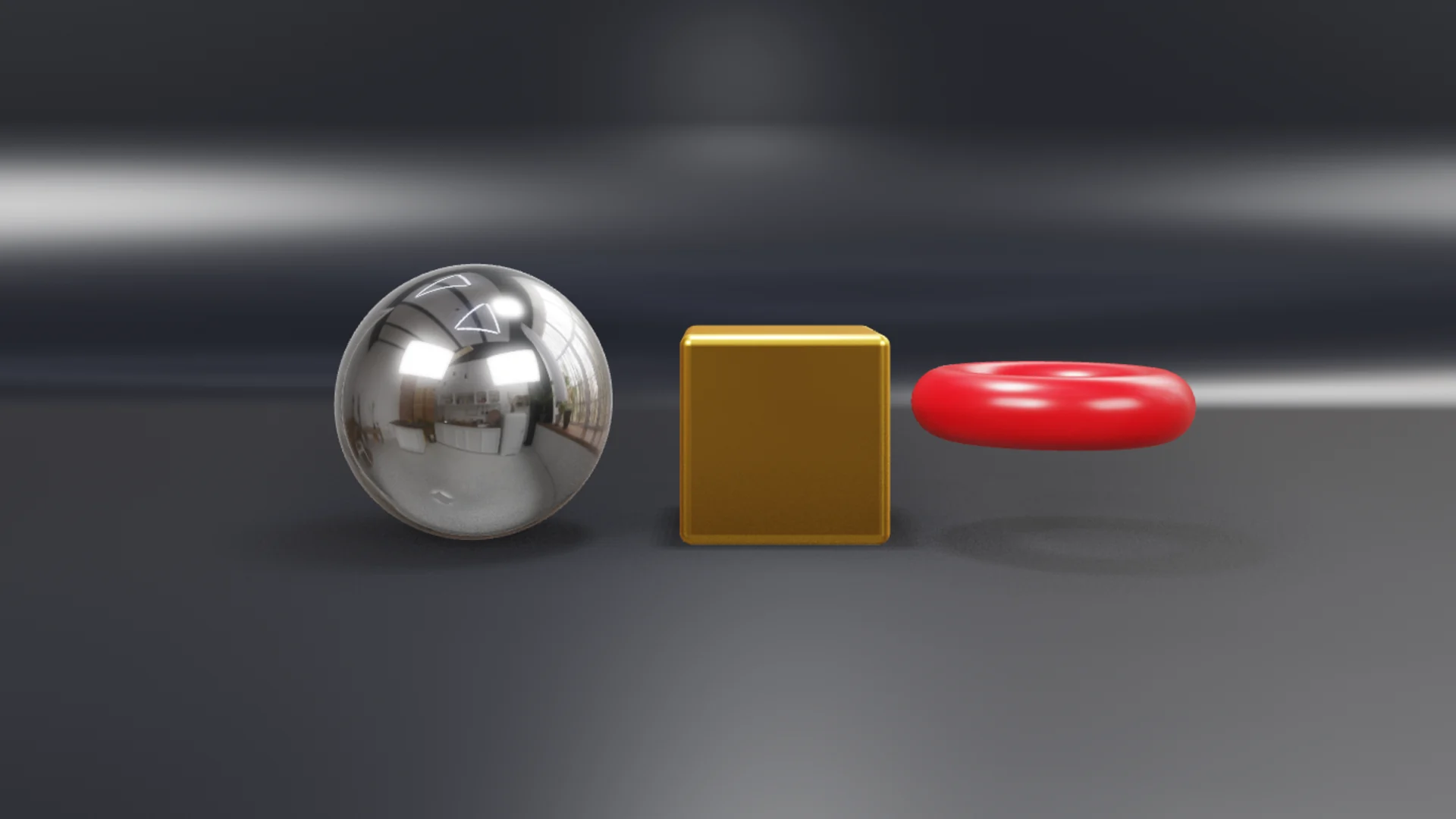 Real-time 3DProducts, logos and sets in 3D, lit in real time
- Promos and brandingLaunches, countdowns and animated backgrounds
How it works
Three steps from idea to air
Design
Draw it, or open the Photoshop, vector, animation and 3D files you already have. Animate it on a timeline, as in a motion design app.
Connect your data
Name the parts that change: a headline, a score, a colour, a picture, a camera feed. On air, the control room fills them by hand or from a data feed, and the graphic updates as it plays.
Put it on air
Check it, then send it to the control room. airZ Engine plays the same file you designed, so what you approved is what the audience sees. The same file runs on studio touch screens and on the web.
Designed here. Live everywhere.
What makes it different
Most broadcast graphics tools are built to play templates. airZ Editor is built for the designers who make them, and it covers everything a broadcast needs, and more.
 Your files
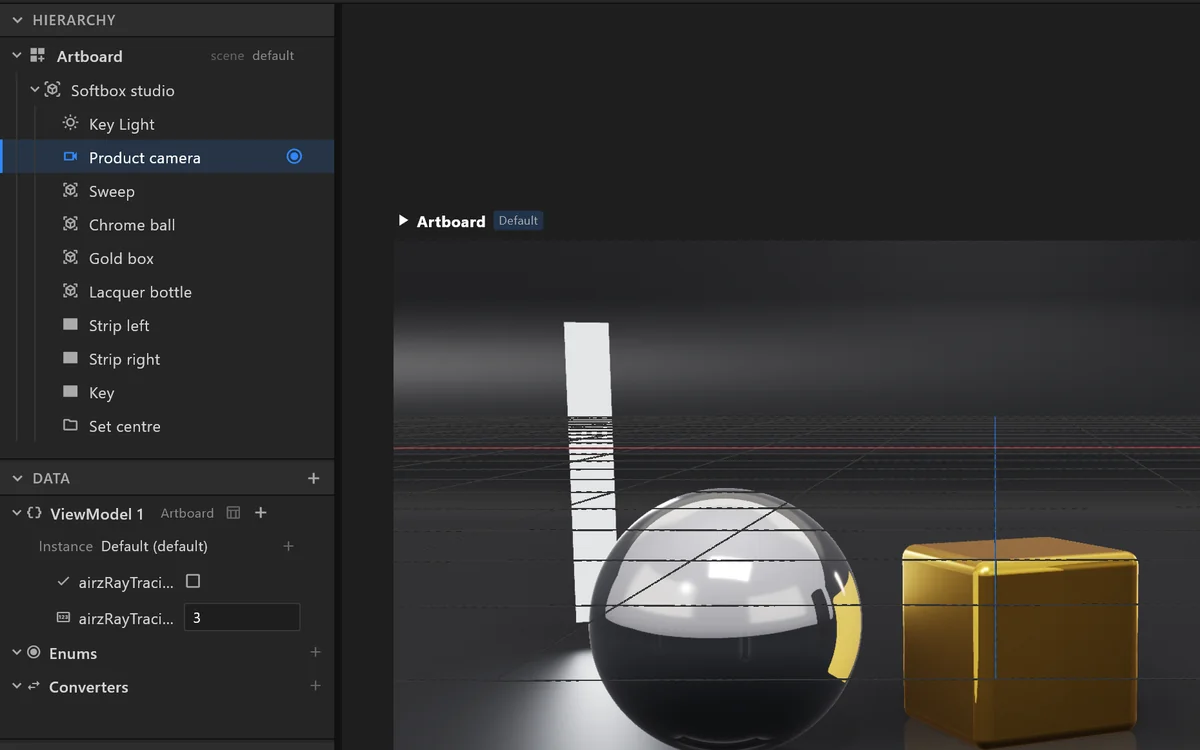
Your Photoshop, SVG, Lottie and 3D files open fully editable
Layers stay layers, animations stay keyframes, 3D models keep their parts and materials. Nothing to rebuild, and anything that cannot come across is listed, never lost.
 Motion design
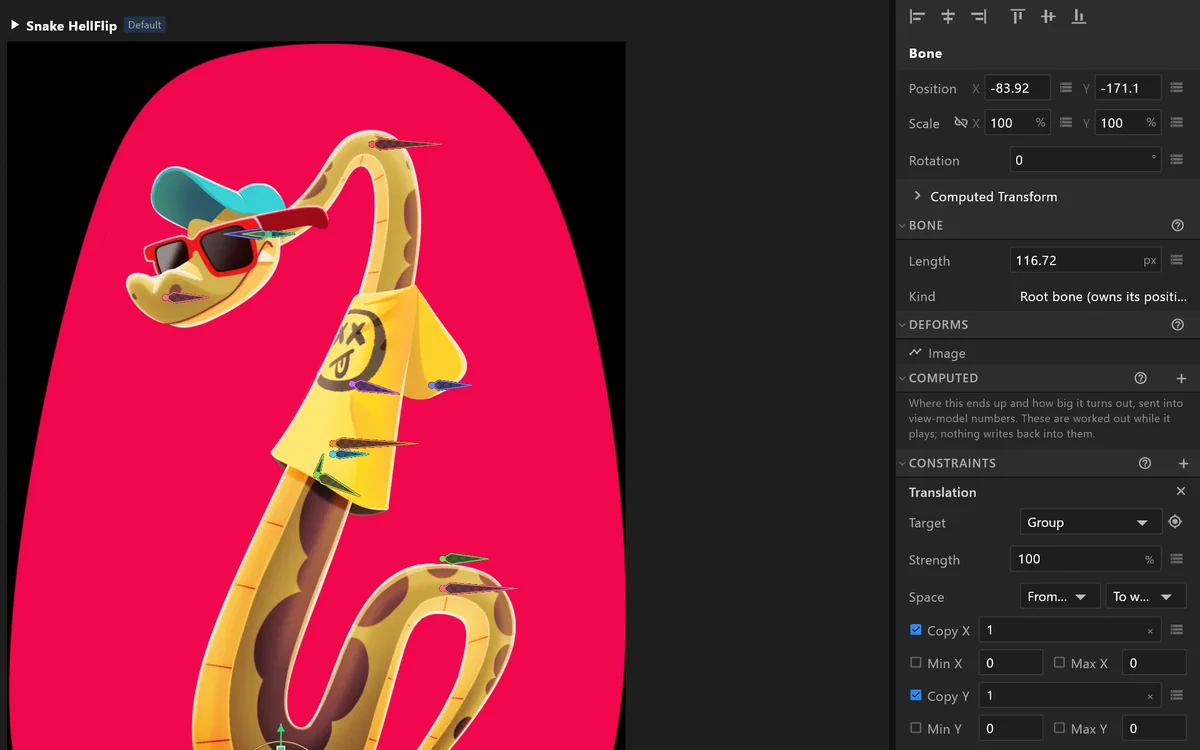
The animation tools motion designers expect
Timelines and easing curves, bones and rigging, text that animates letter by letter, and layouts that resize with their content.
 Interactive
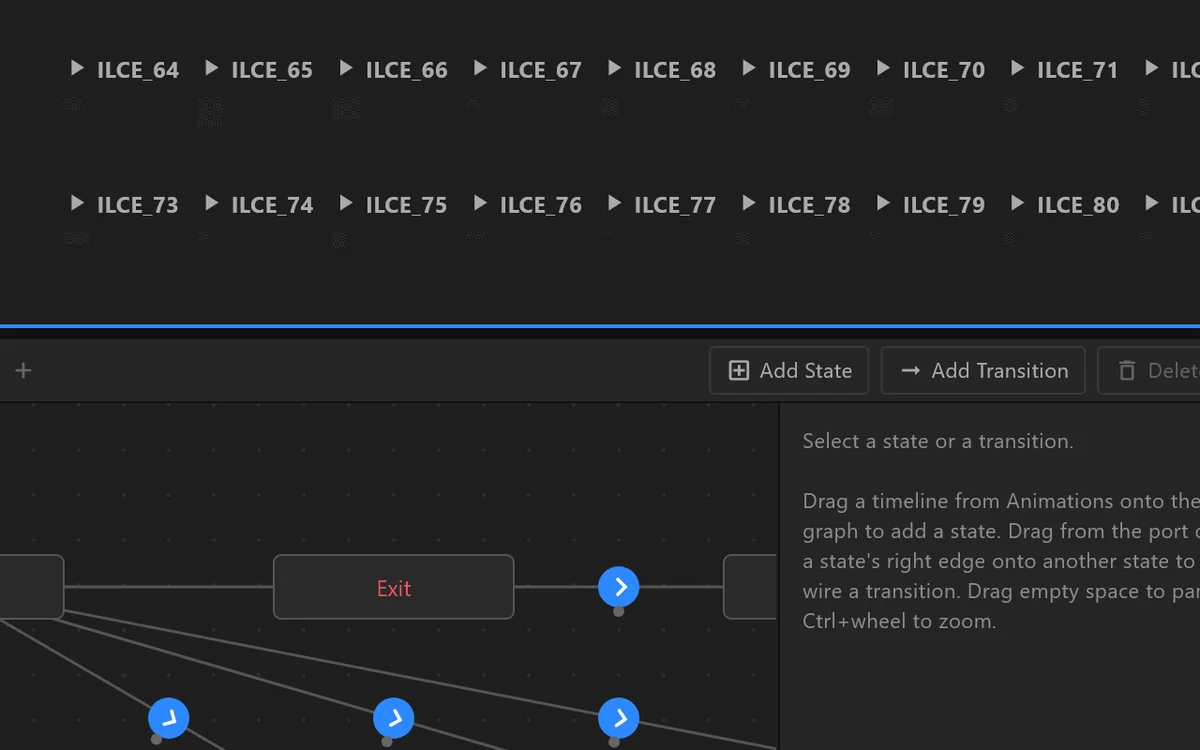
Build interactive graphics without code
Decide visually how a graphic comes in, updates and goes out, and what happens when someone taps it. Scripting is there when you want it, never required.
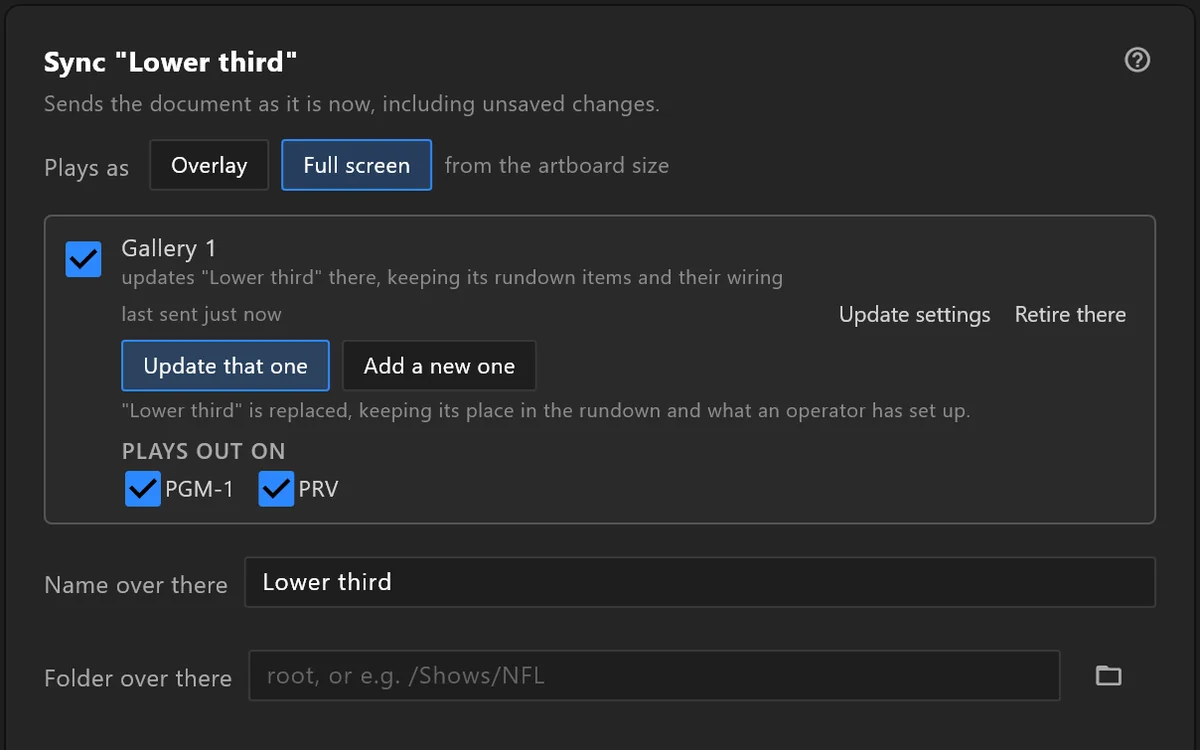 One file
One file plays everywhere
The graphic you approve is the file that airs: on air with airZ Engine, on a studio touch screen, and on the web. Nothing is rebuilt along the way.
Features, in depth
Everything above, one part at a time: what it does, and how it looks in the editor.
AI assistant
Describe a graphic,
Describe a graphic,
and the assistant builds it.
Tell the assistant the graphic you want. It builds it in your document, step by step, in front of you: the artwork, the animation, the logic and the data. It checks its own result and fixes what it sees. Guide it in plain words, and undo any step.
40 minutes in 30 seconds
A real session, replayed: the prompts, the assistant’s own words and the frames it rendered while it worked. Sped up: about 40 minutes of work, here in 30 seconds. The names are placeholders.
Reference pictures and fontsSteer it in wordsIt checks its own rendersInto your document, or as a previewOne Ctrl+Z undoes a turn
Import
Imports stay editable, layer by layer
Every layer, shape, keyframe and 3D part arrives as something you can select and change. Anything a file holds that the editor cannot use is listed when it comes in, never dropped quietly.
- Design filesPhotoshop layers, vector art, Lottie animations and .riv scenesPSD · SVG · Lottie · RIV
- 3D modelsModels with their parts, materials, cameras and lights, and HDR skiesglTF · FBX · OBJ · DAE · 3DS · STL · PLY · HDR
- Video, pictures and soundClips for live video windows, stills, and sounds for eventsMP4 · MOV · MXF · PNG · JPEG · WAV · MP3 · FLAC
- FontsTypefaces carried inside the file, so it opens the same anywhereTTF · OTF
Format by format
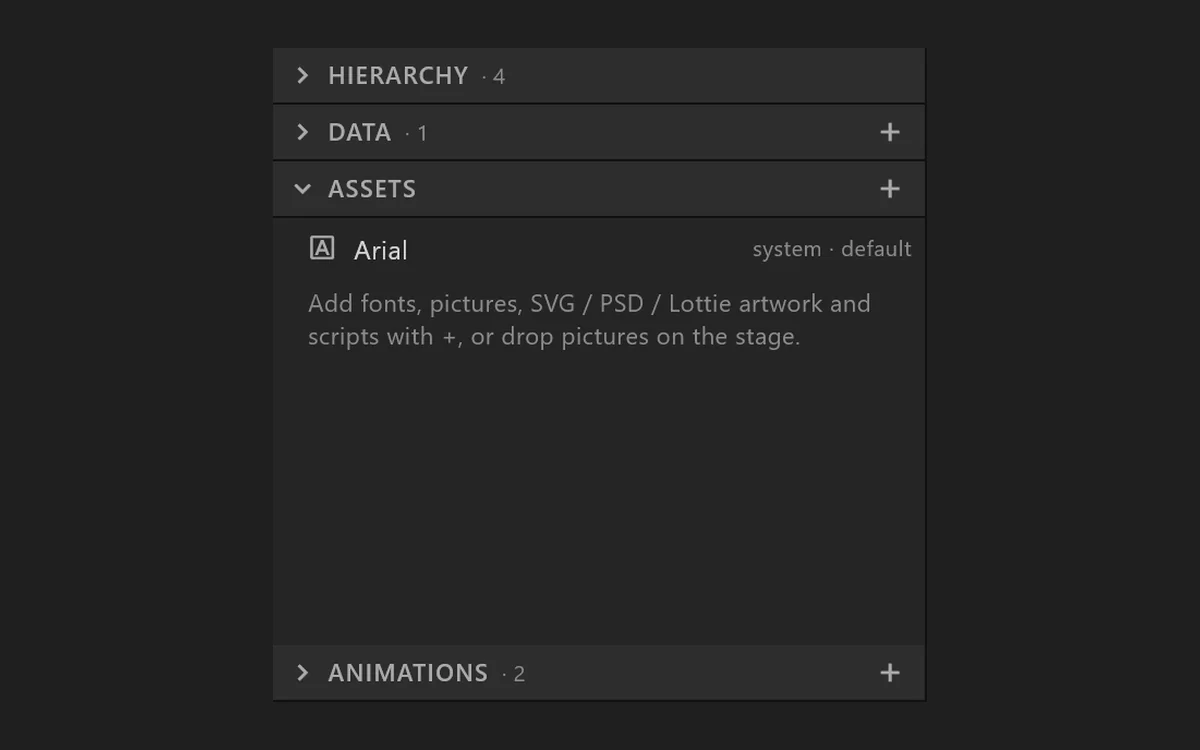 Photoshop · PSD
Every layer, in its place
Each layer arrives as its own picture in Photoshop's order and grouping, with its opacity and blend mode, ready to animate.
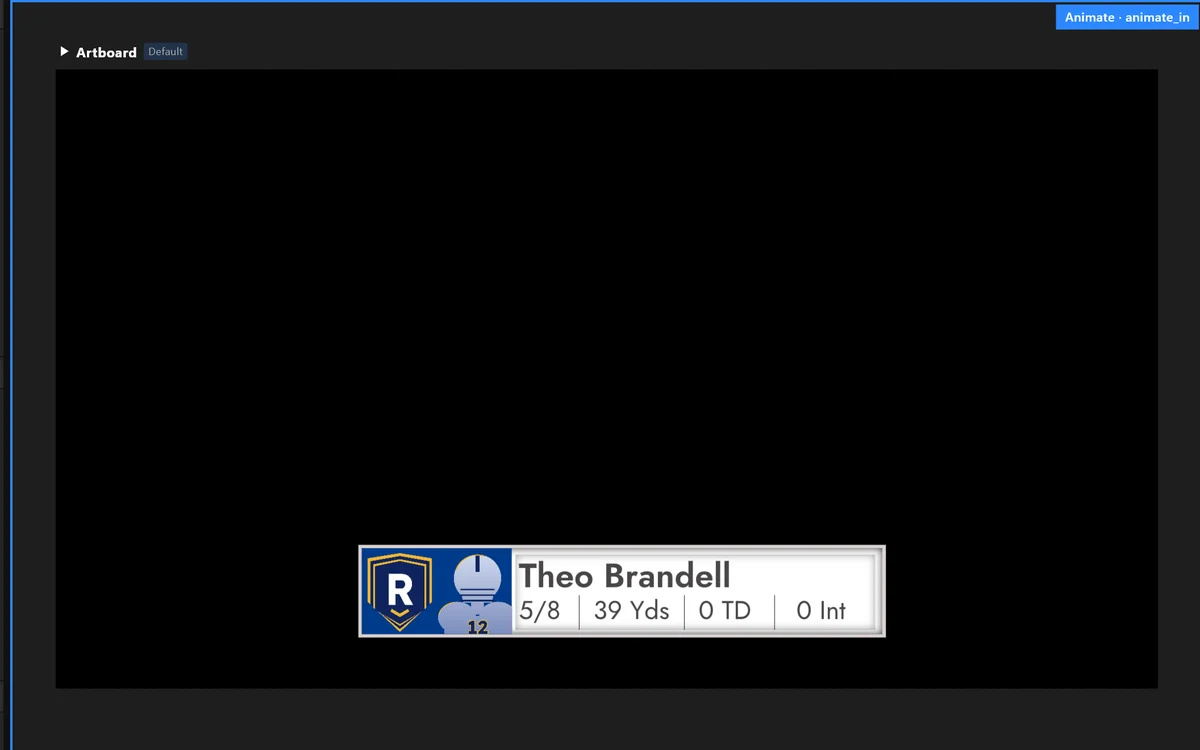 Lottie · JSON, dotLottie
Shapes and their motion
The animation comes in as a timeline of editable shapes, gradients and pictures, so you can retime it and bind it to data.
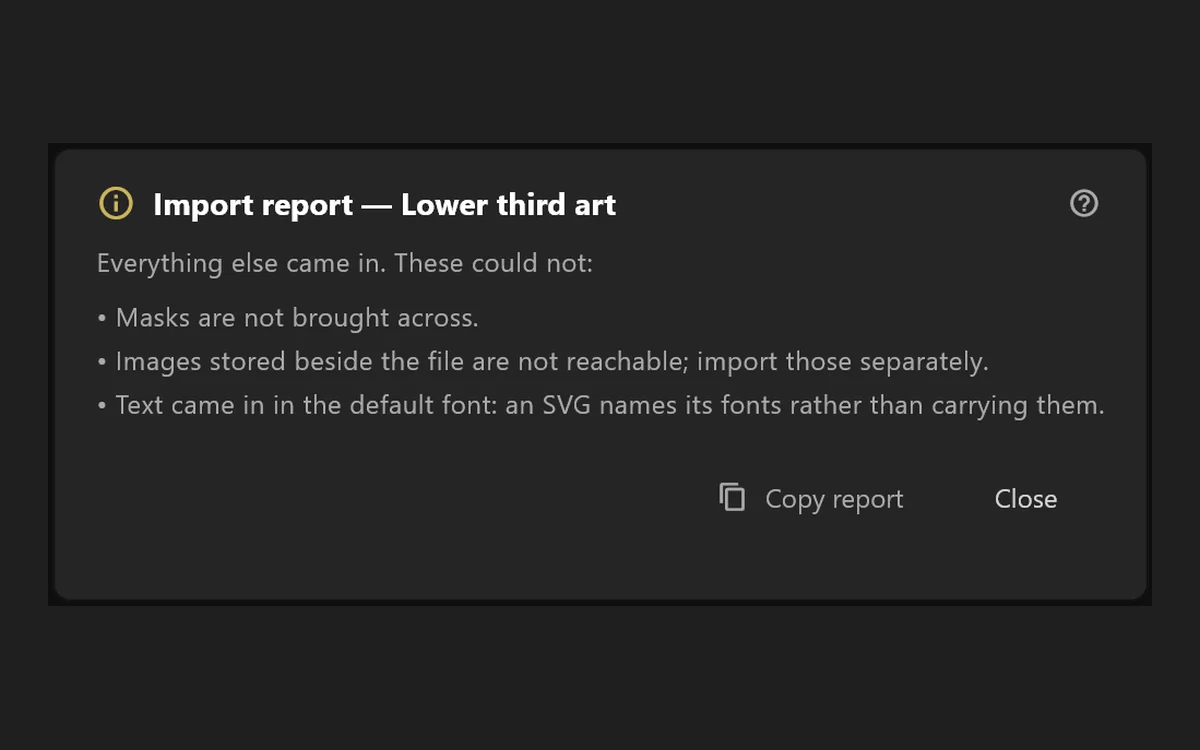 SVG
SVGVector artwork
Paths, groups and gradients become shapes you can edit point by point.
3D modelsglTF, FBX, OBJ and more
GLB and glTF, FBX, OBJ, COLLADA, 3DS, STL and PLY, with their parts, materials, cameras, lights and animations, into a real-time 3D scene.
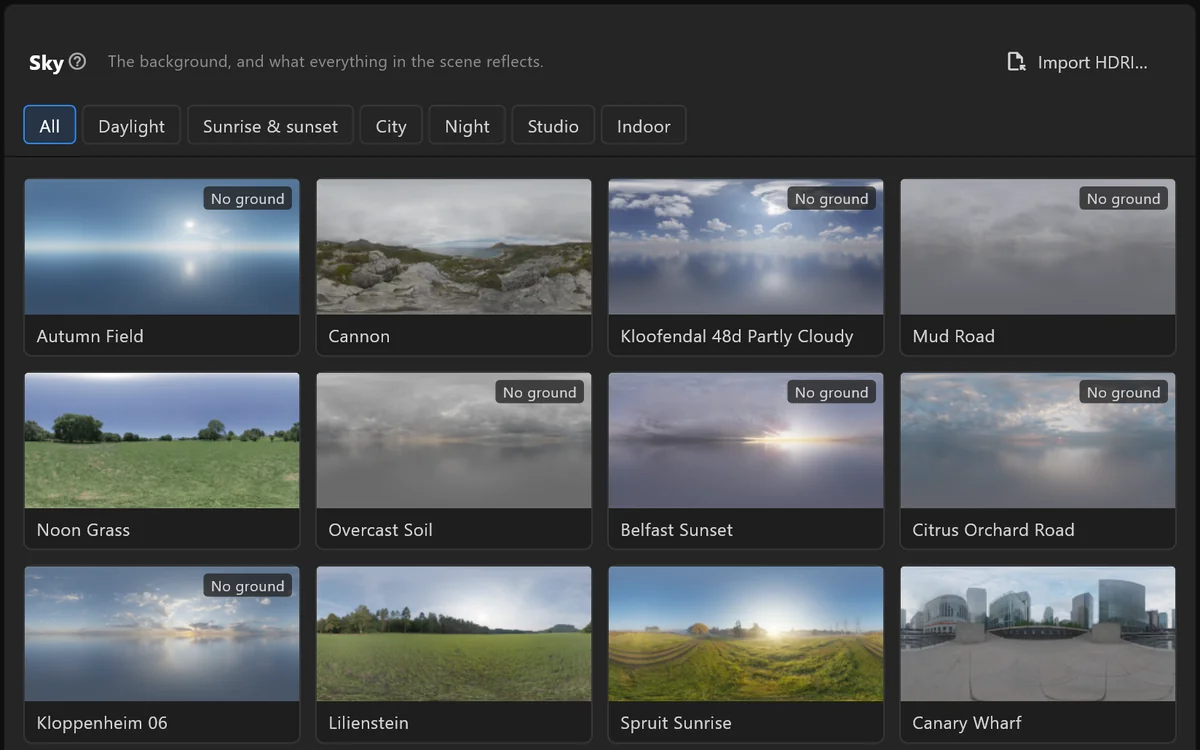 Skies · HDR
Your own lighting
An HDR image or a panorama lights and reflects in the 3D scene.
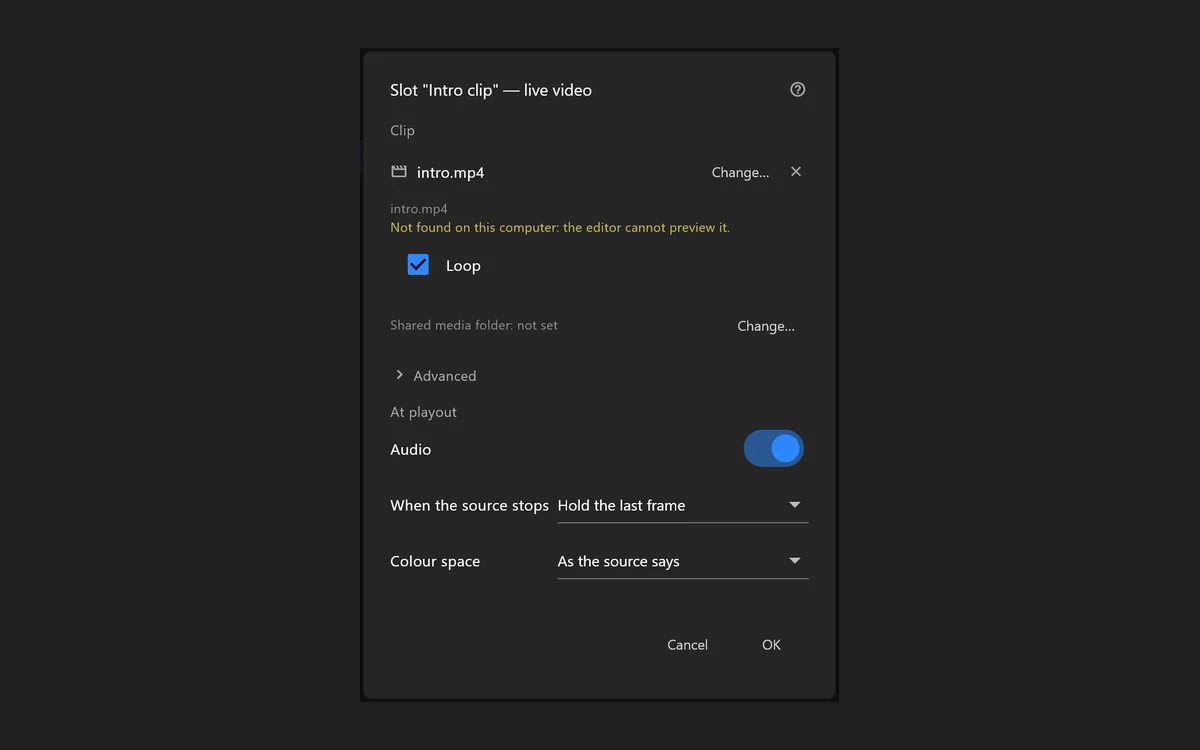 Video
VideoClips for a video window
MP4, MOV, M4V, MXF, WMV, AVI, MKV and WebM play in a video window, and the control room can swap them on air for a camera or another clip.
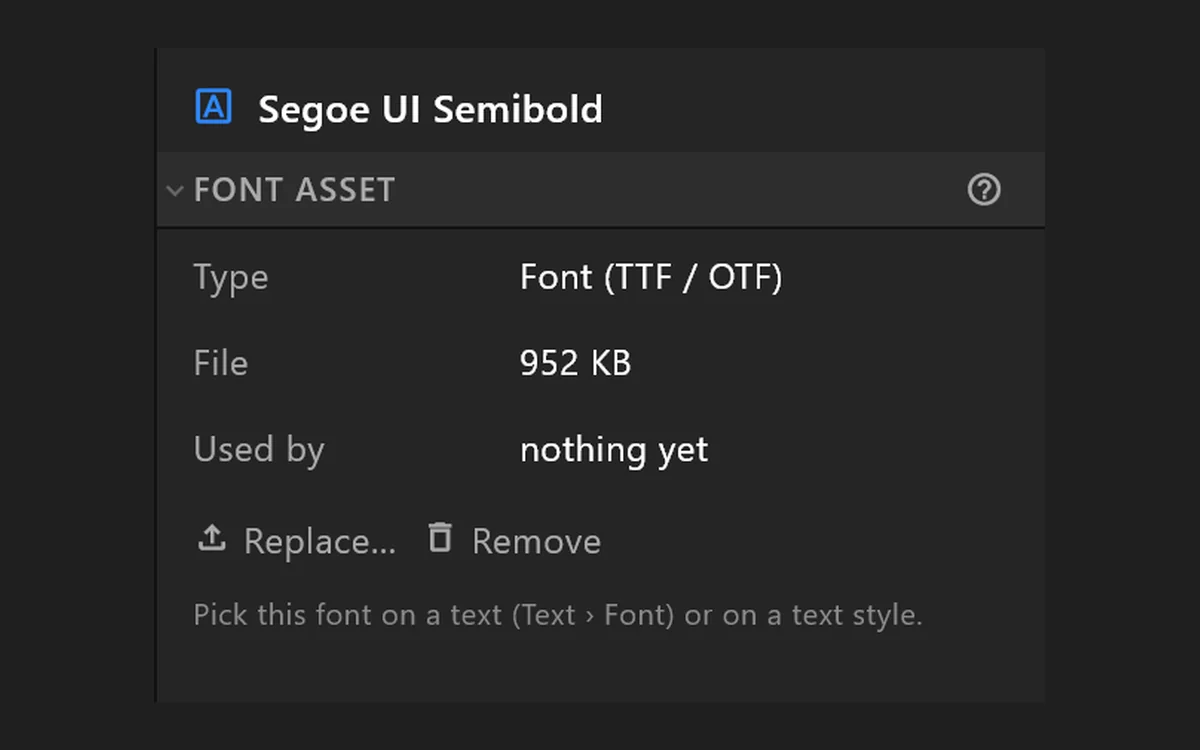 Pictures and fonts
Carried in the document
PNG and JPEG pictures, TTF and OTF typefaces, kept inside the file so it opens the same on any machine.
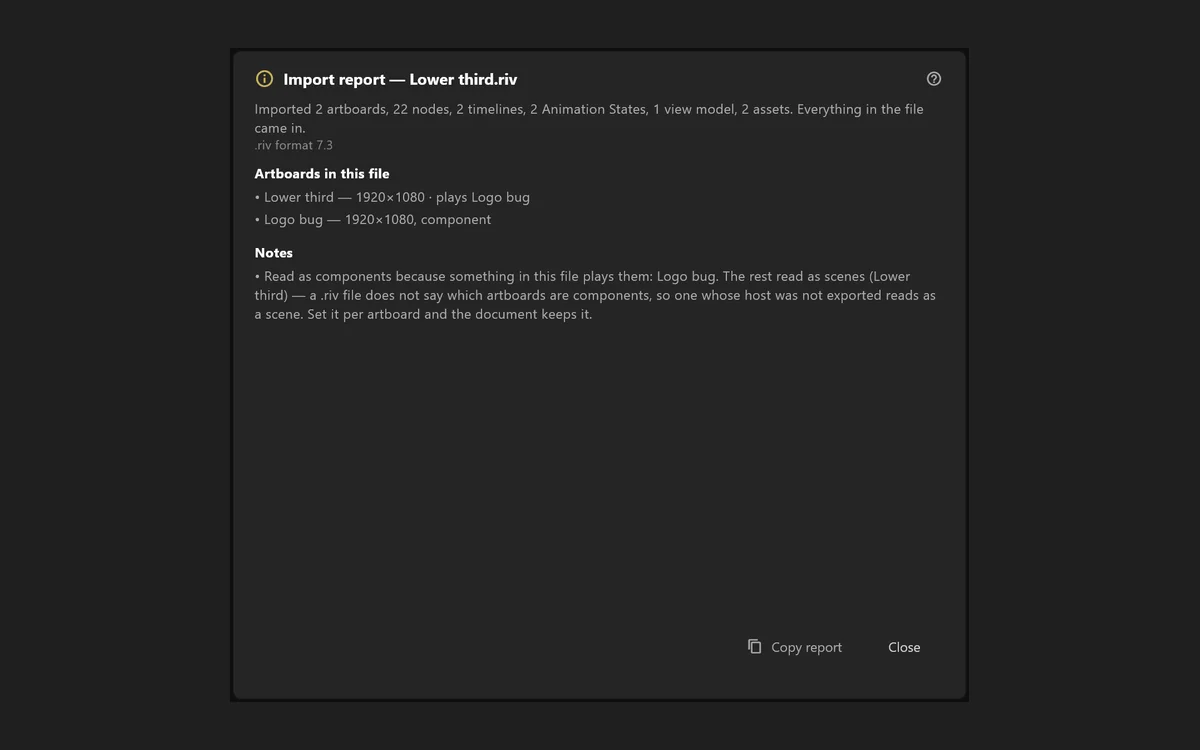 .riv
.rivFiles from other tools
Open a .riv animation made in another tool and keep working on it.
Design and animation
The tools of a motion design app
Draw, paint, rig and lay out your graphic, then animate it on a timeline. Everything a motion designer expects, inside the broadcast editor.
 Draw
DrawShapes, paths and text
Rectangles, ellipses, polygons and stars with rounded corners and slanted ends, a pen for paths you can reshape point by point, and text with runs, styles and a background box.
In the manual →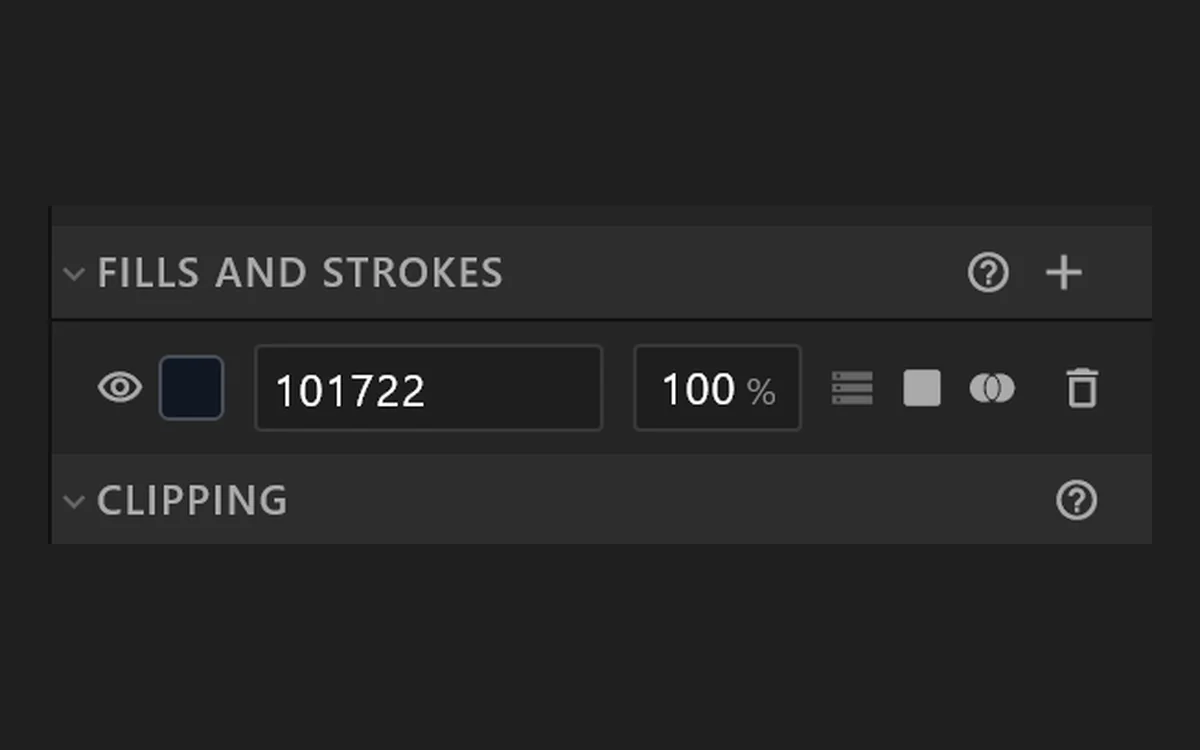 Paint
PaintFills and strokes
Colours and gradients you drag on the stage, feathered edges, strokes trimmed and dashed, blend modes and opacity.
In the manual →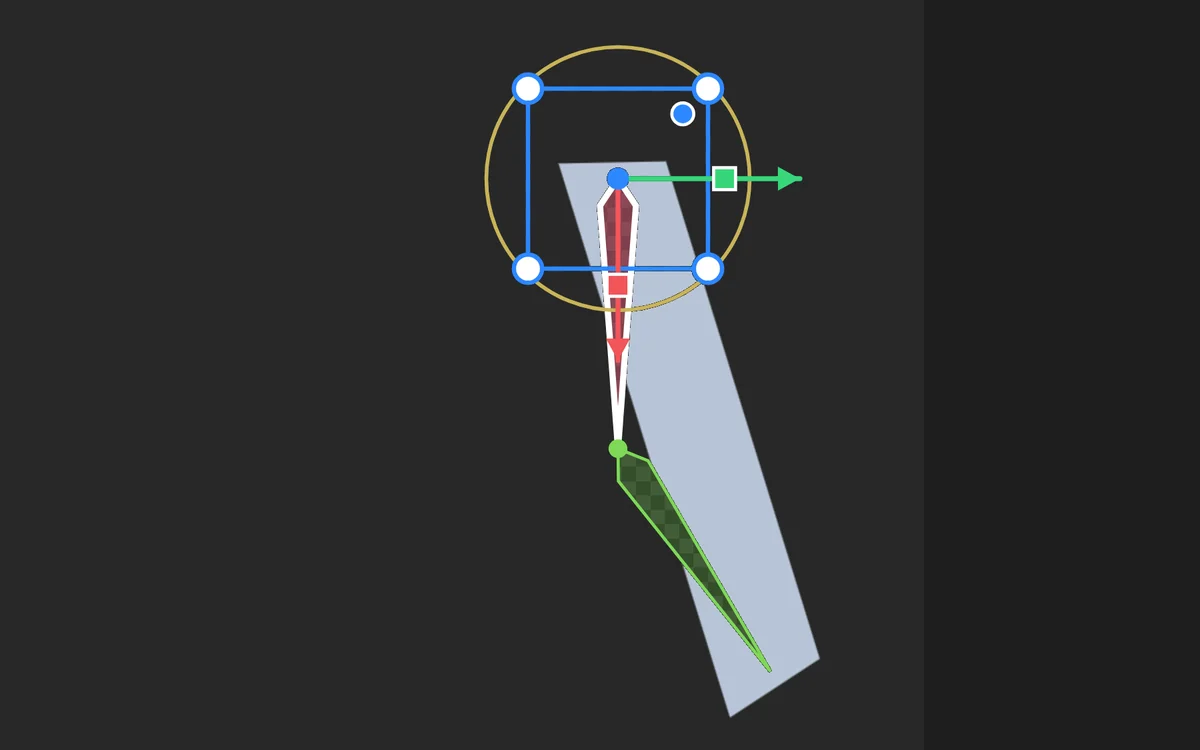 Rig
RigBones and weights
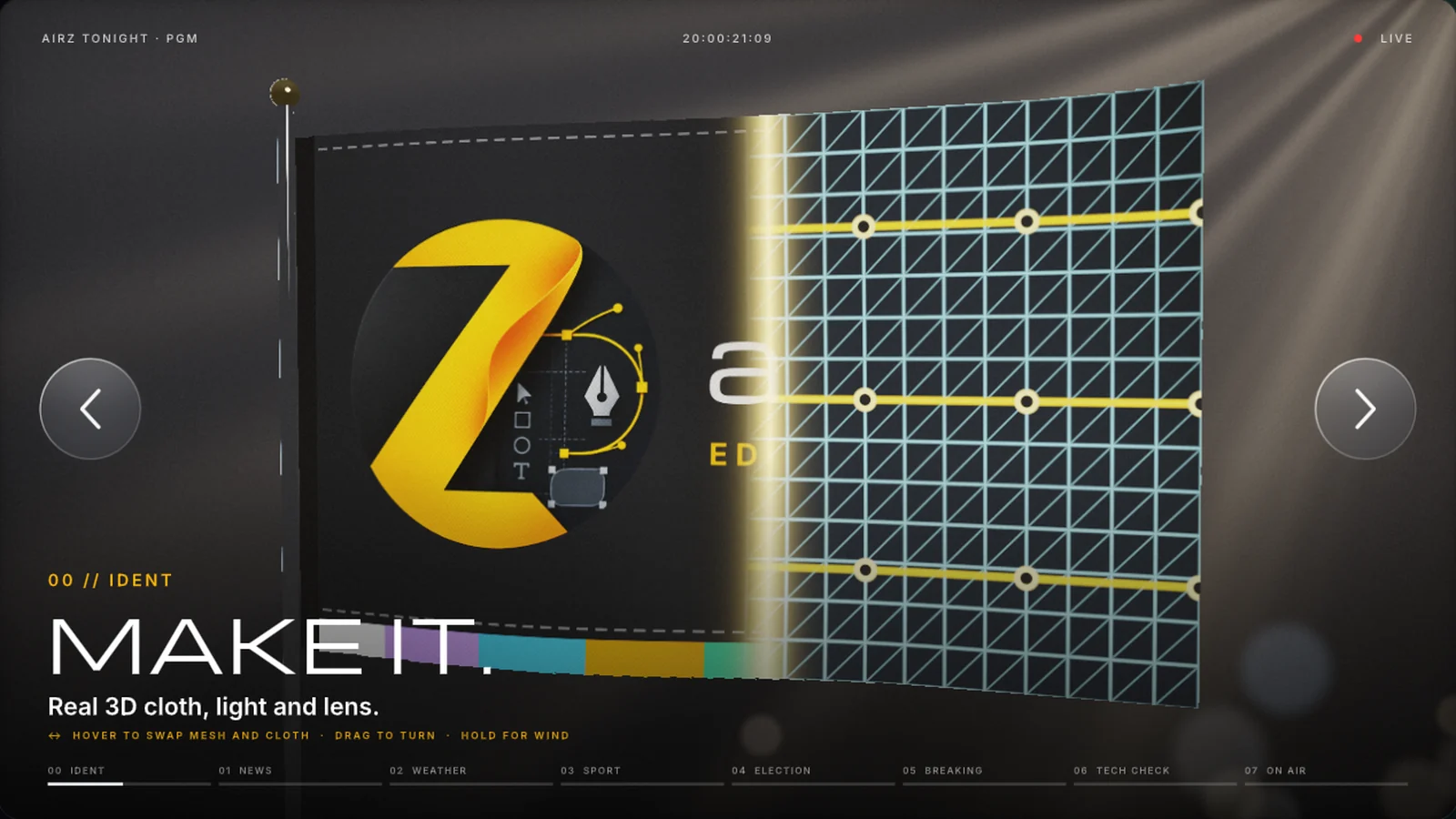
Draw a chain of bones, bind artwork to it and pose it: an arm that swings, a flag that waves. Meshes bend pictures the same way.
In the manual →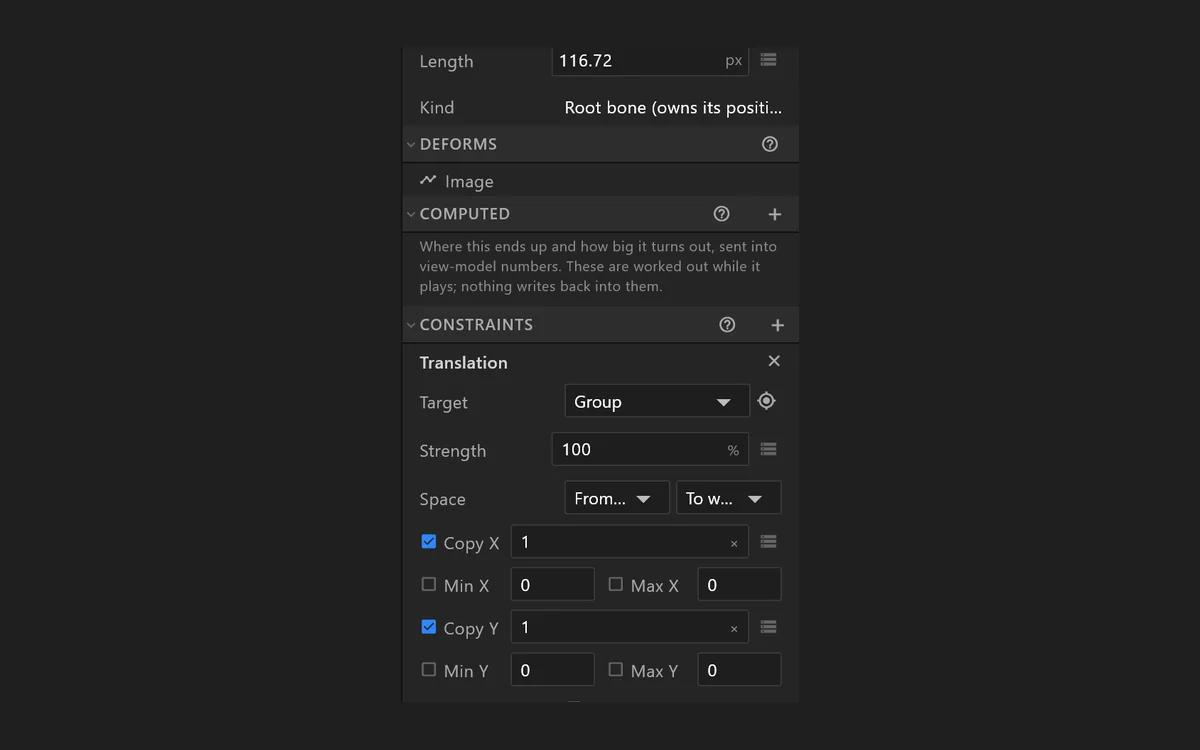 Constrain
Constraints
Tie one object to another: follow its position, rotation or scale, keep a distance, run along a path, or make a limb reach for a point.
In the manual →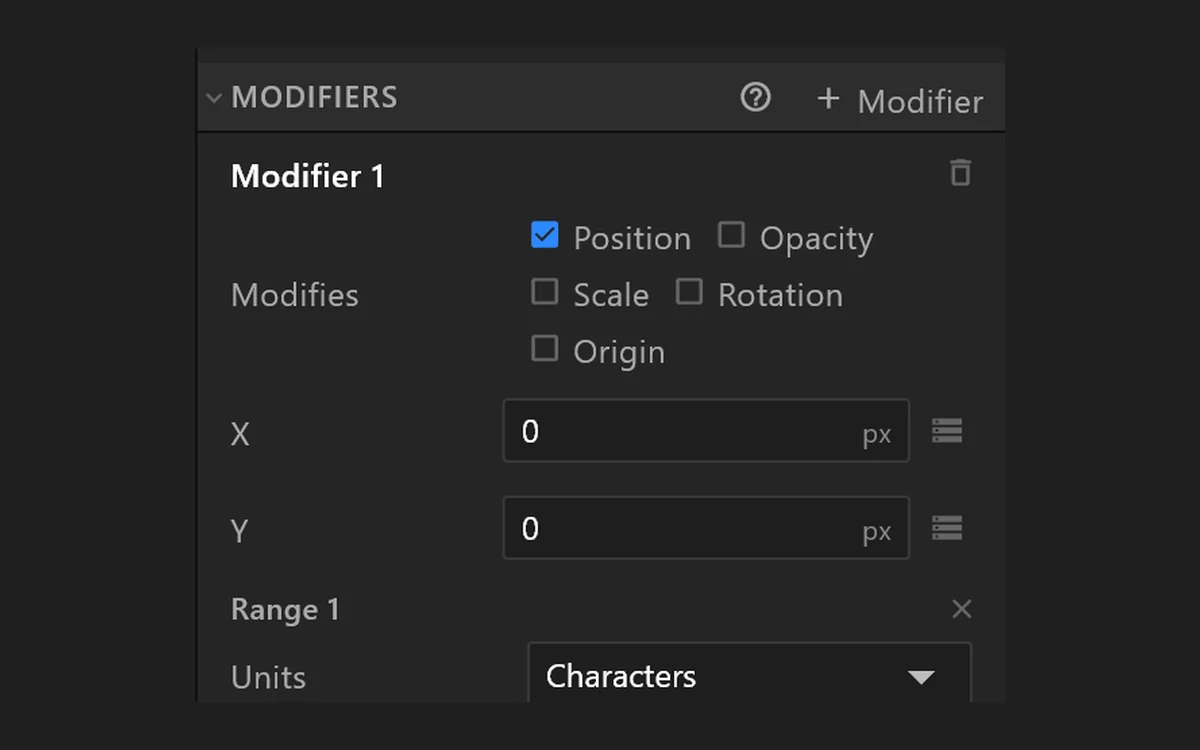 Type in motion
Text modifiers
Animate a range of characters rather than the whole line: a typewriter, a word that lifts, letters that stagger in.
In the manual →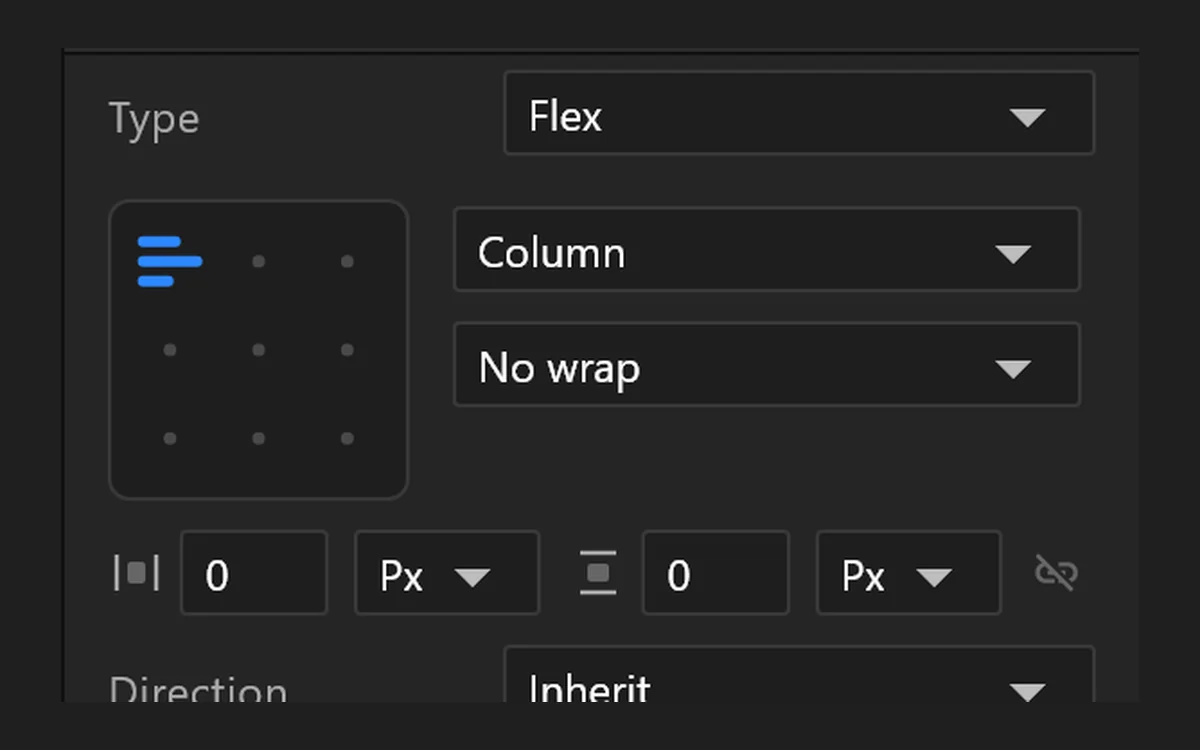 Layouts
Boxes that reflow
A layout arranges what is inside it, so a name bar grows with a long name and a table fits whatever the data sends.
In the manual →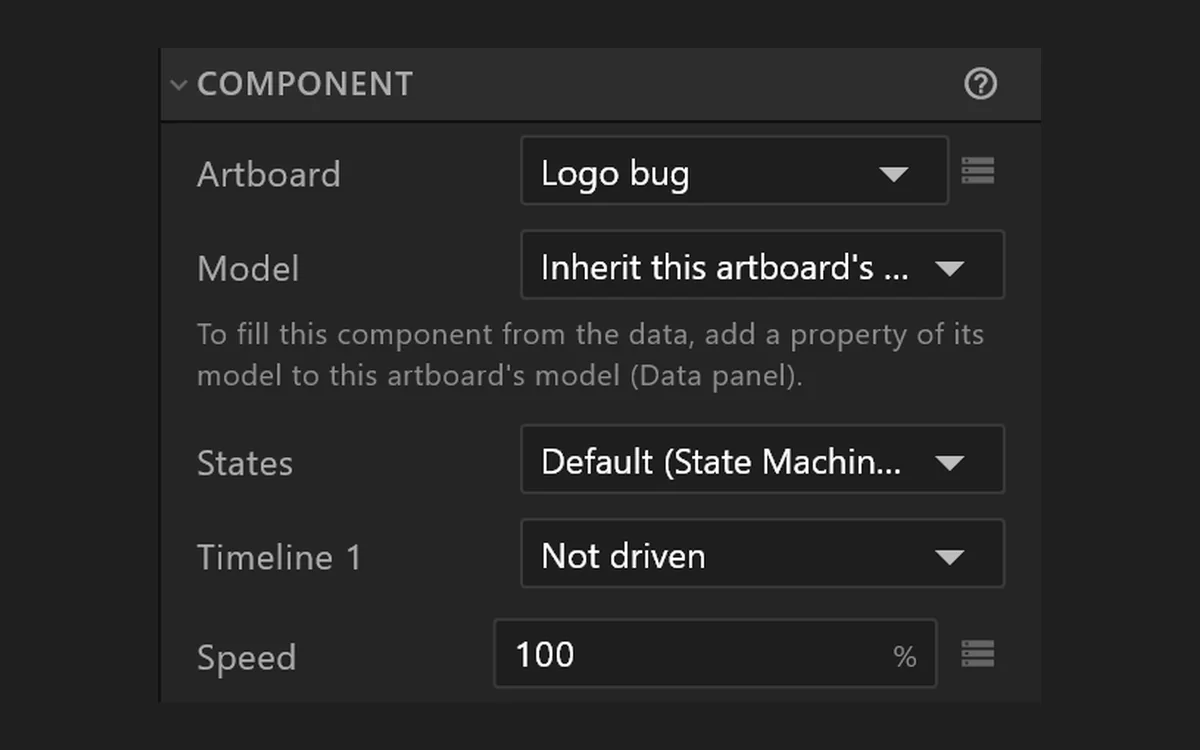 Components
Reuse a design
Place one design inside another, with its own data and its own logic: design a row once, use it everywhere.
In the manual →
Animate
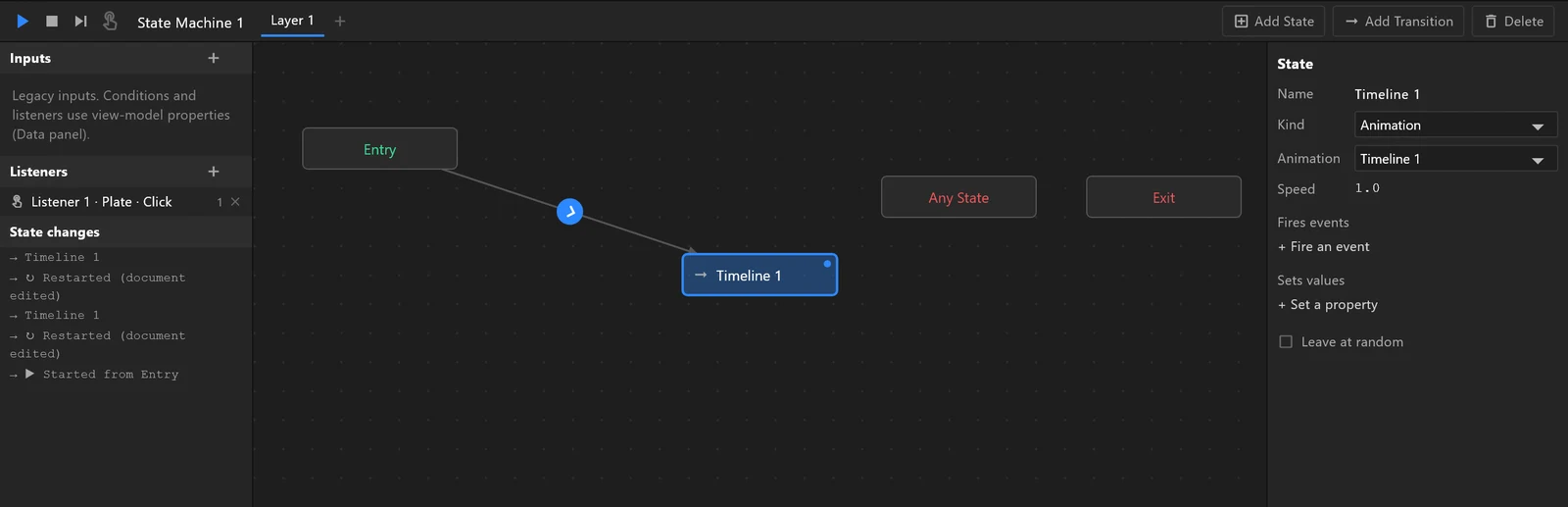
Timelines for the motion, Animation States for the logic
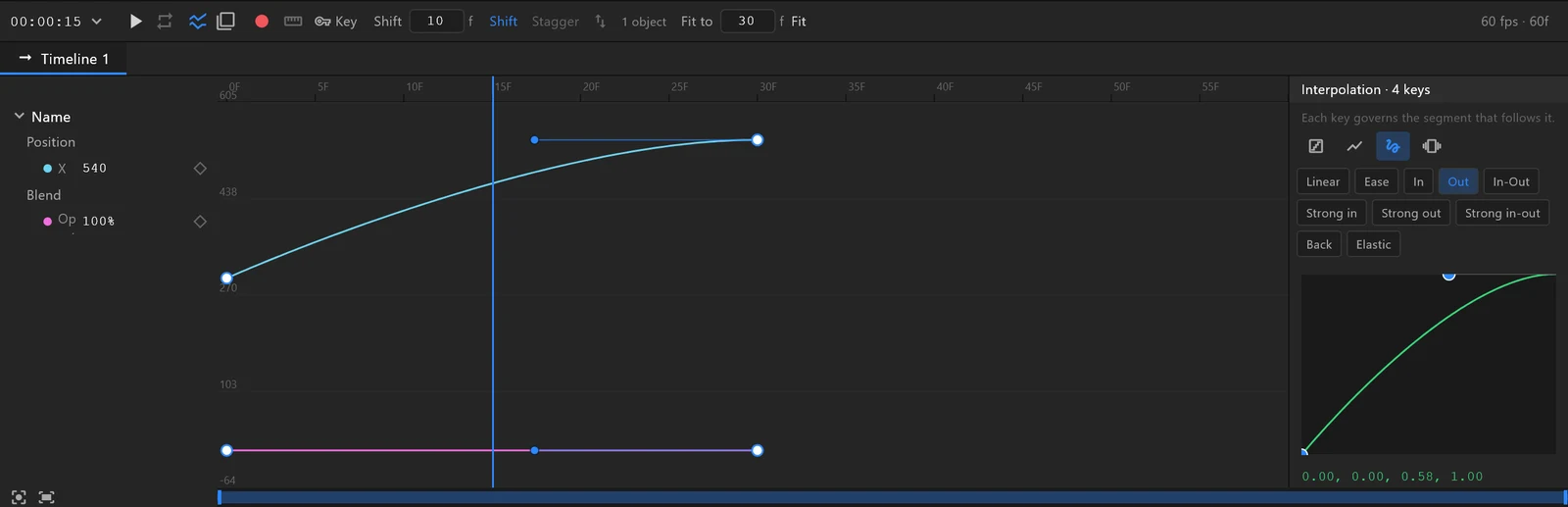
Key anything on the timeline and shape its easing in the graph editor. Animation States, the editor’s visual logic, connect the timelines: how the graphic comes in, updates and goes out, and what happens when the data changes, a button is pressed or someone touches the screen. No code.
In the toolkit
Timelines and Animation States
AnimateTimeline and graph editor
Auto-key, onion skin, a work area, and every key with its own ease, shaped as a curve in the graph editor.
In the manual →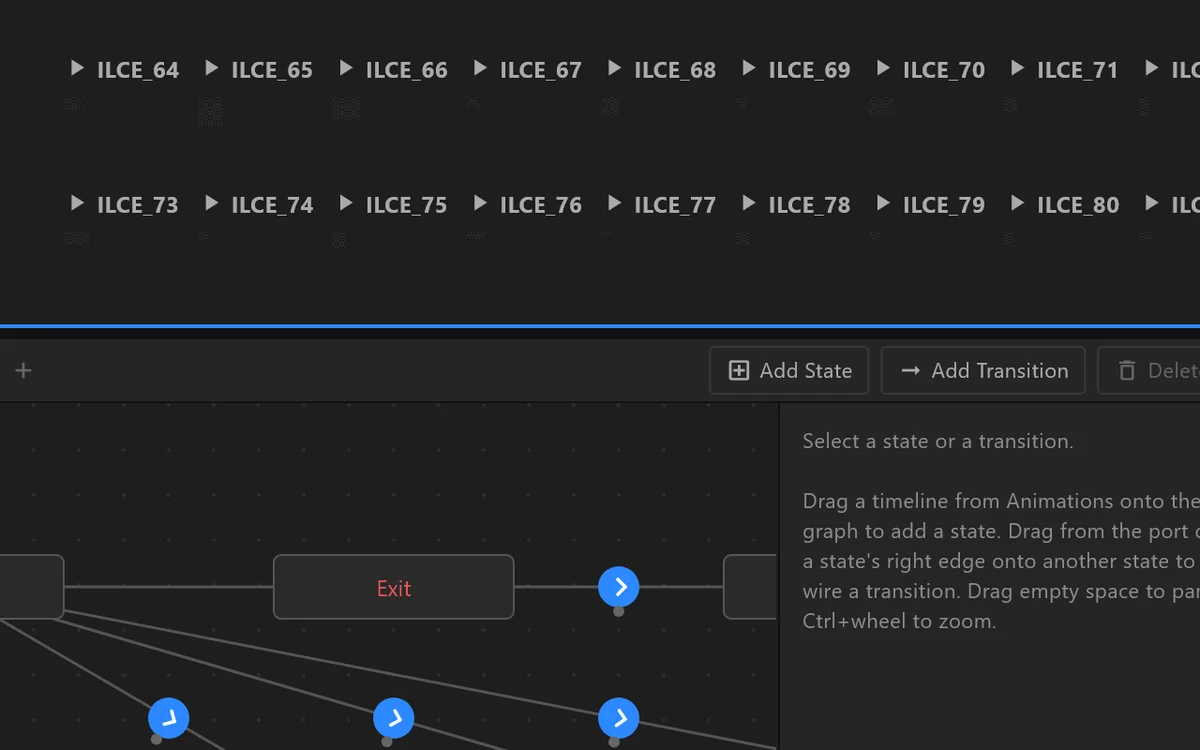 Logic
LogicAnimation States
States and the rules between them: react to the data, to clicks, keys and touch, or to a joystick that scrubs an animation.
In the manual →
Ready-made elements
34 ready-made elements
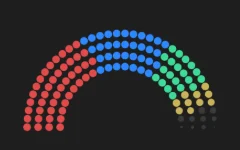
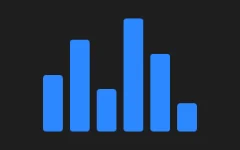
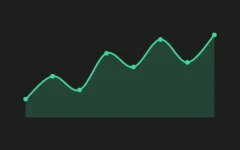
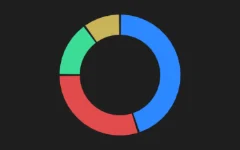
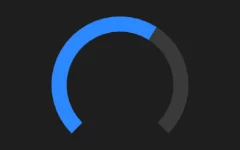
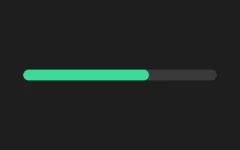
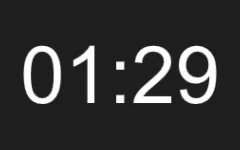
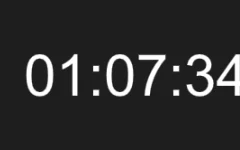
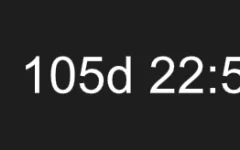
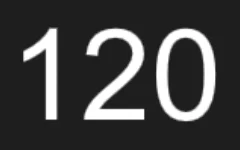
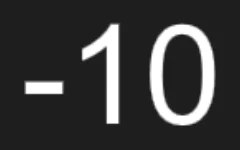
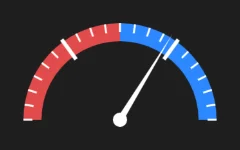
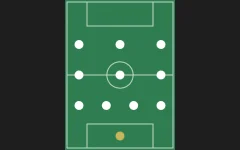
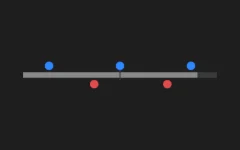
The pieces every broadcast needs, already made: a parliament that fills seat by seat, a swingometer, clocks and countdowns, charts that grow, standings, formations. Drop one into your design, point it at your data, and it is done. Nothing to build from scratch, nothing to code.




Live data and video
Connect any text, number or colour to live data
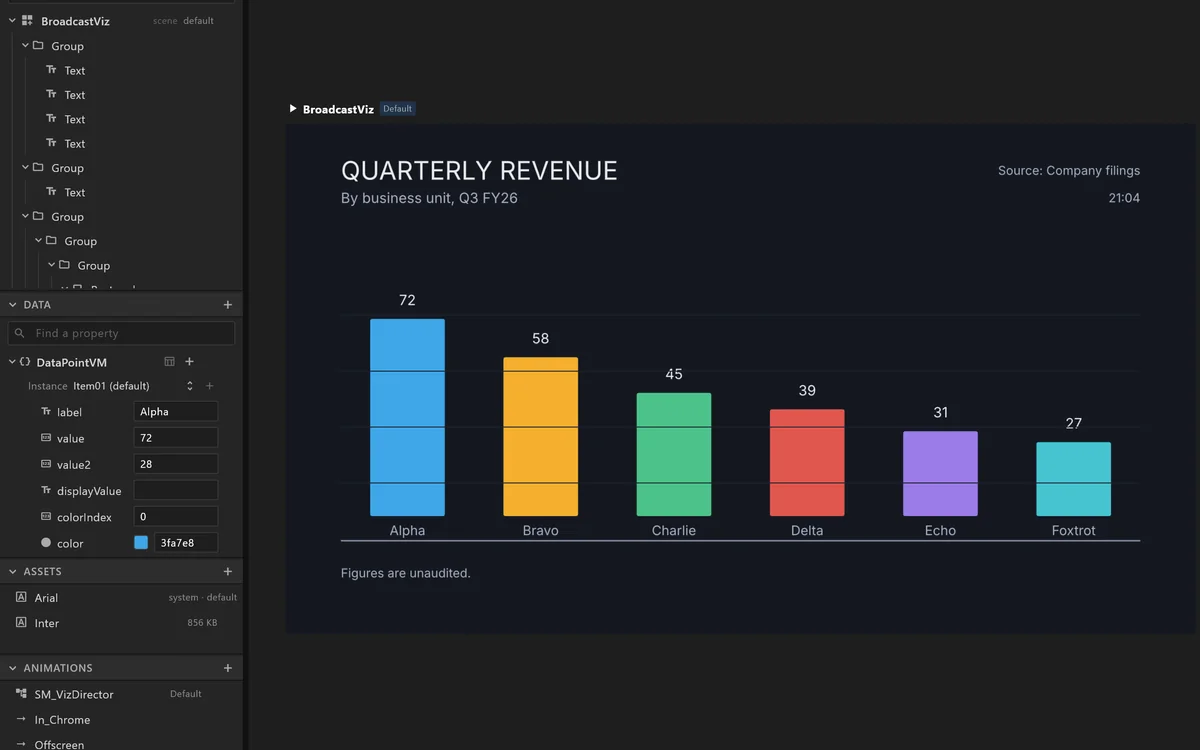
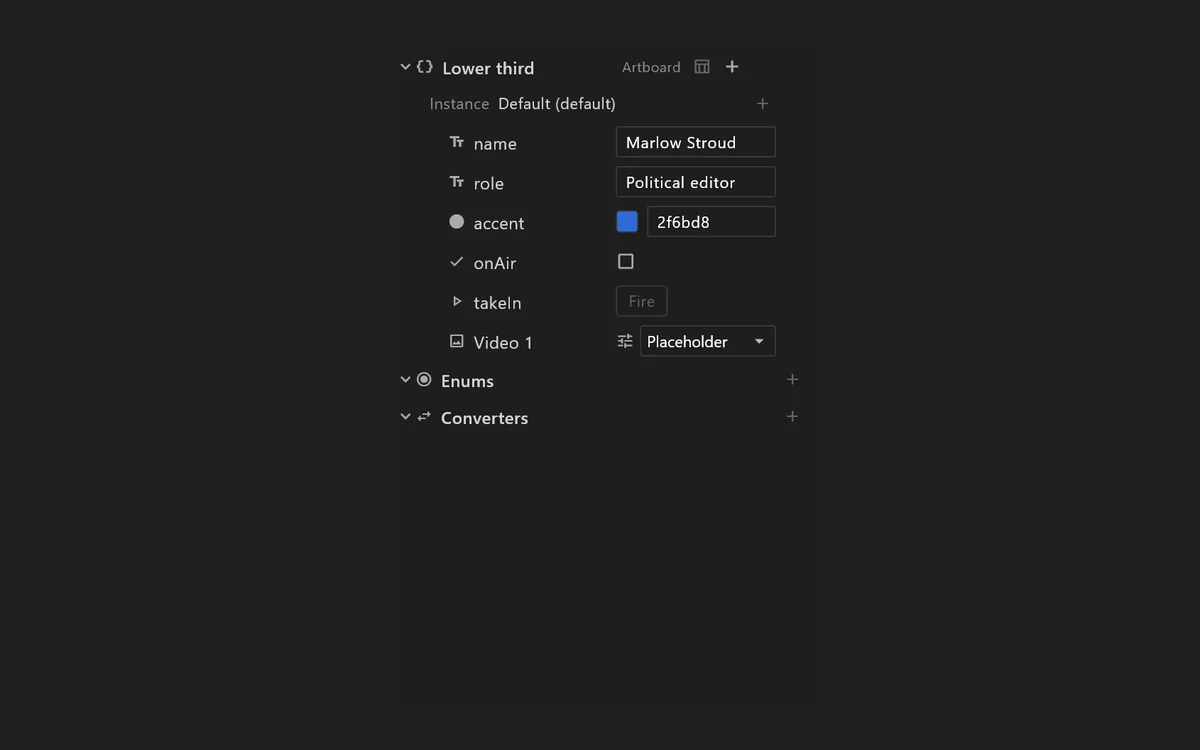
Give each part that changes a name: a headline, a score, a colour, a picture. On air, the control room fills those names by hand or from a data feed, and the graphic animates to the new values. No code, and nothing to rebuild. Try it below →
 Data
DataEvery value has a name
Text, numbers, colours, pictures and cues are named, so a control room or a feed can change them live. Export lists them all for the operator.
 Lists and formatting
One row, every item
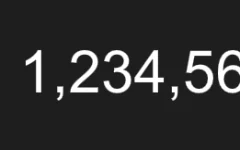
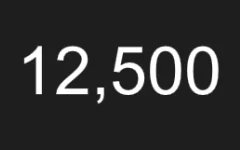
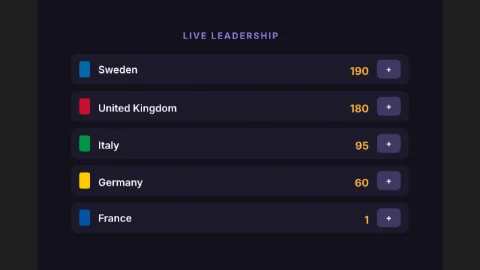
Design one row and it repeats for every item: tickers, results, standings. Numbers become decimals and percentages, and a score can count up.
 Live video
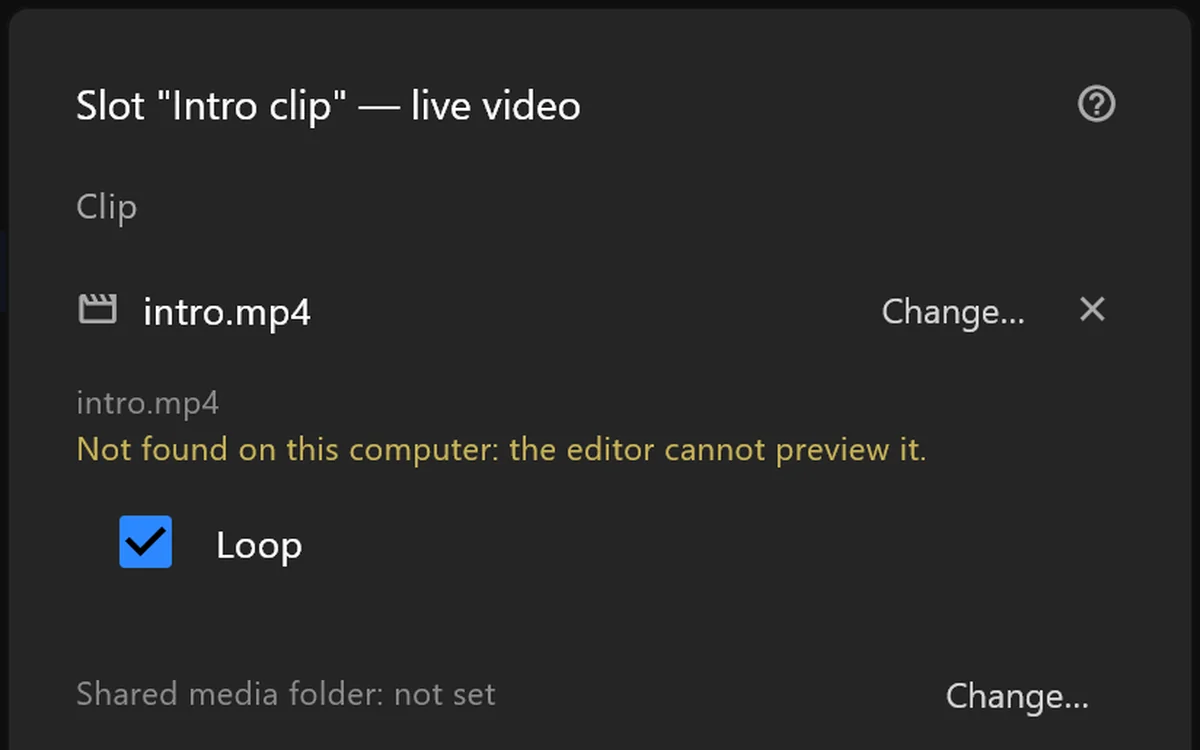
Put live camera and video feeds inside your graphics
Any picture in the design can be a video window. On air, the control room fills it with a camera, a clip or another channel, at full quality.
Real-time 3D
Real-time 3D inside your graphics
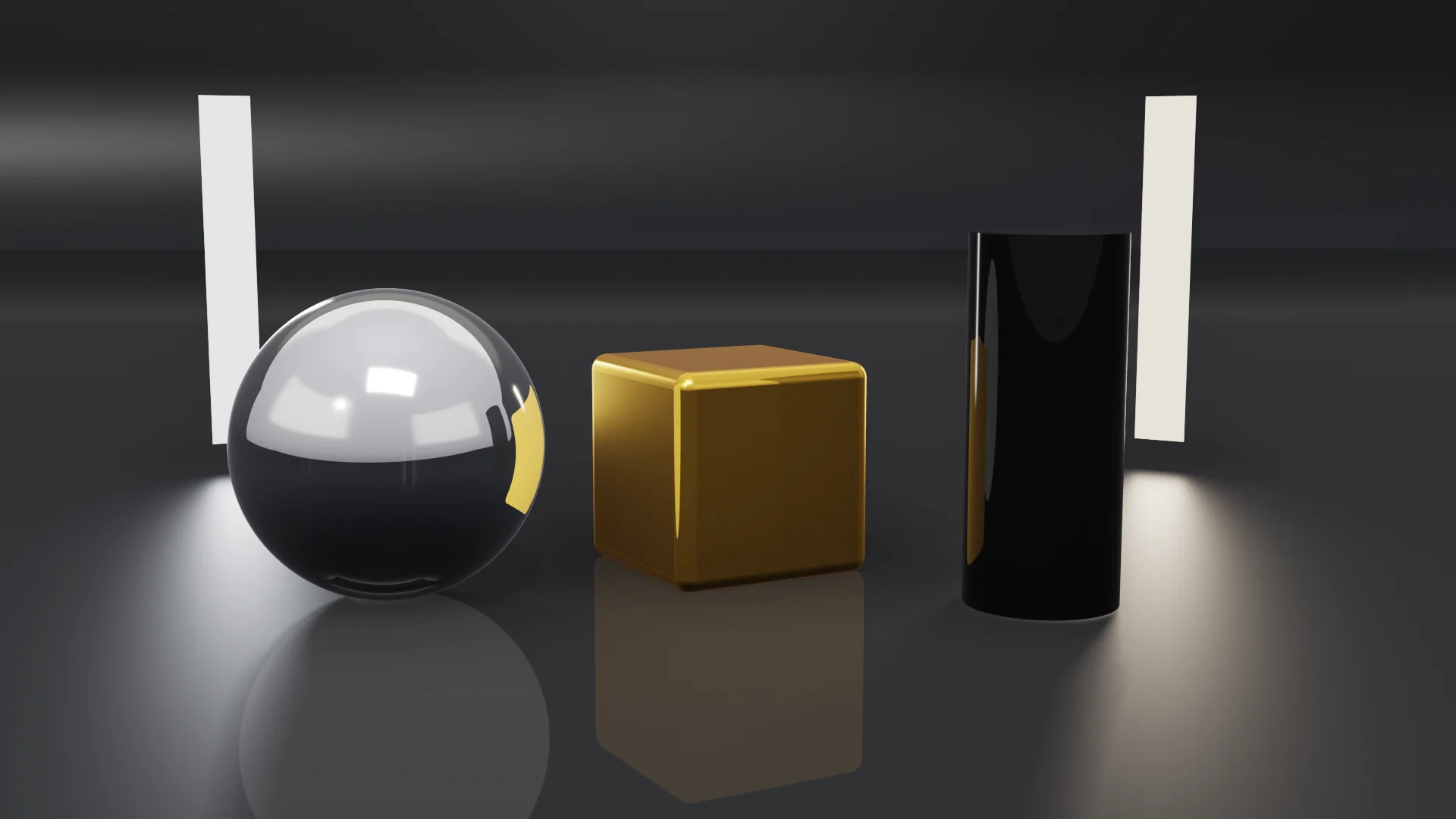
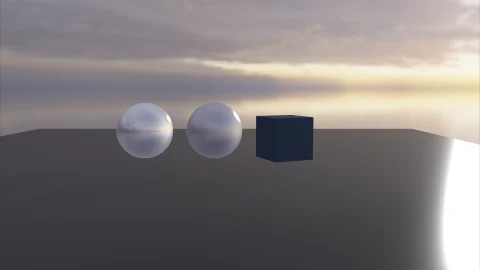
Add a 3D scene to any graphic: models, lights, materials and a camera with a real lens, animated on the same timeline and connected to the same data as everything else. Reflections and shadows can be ray traced for extra realism.
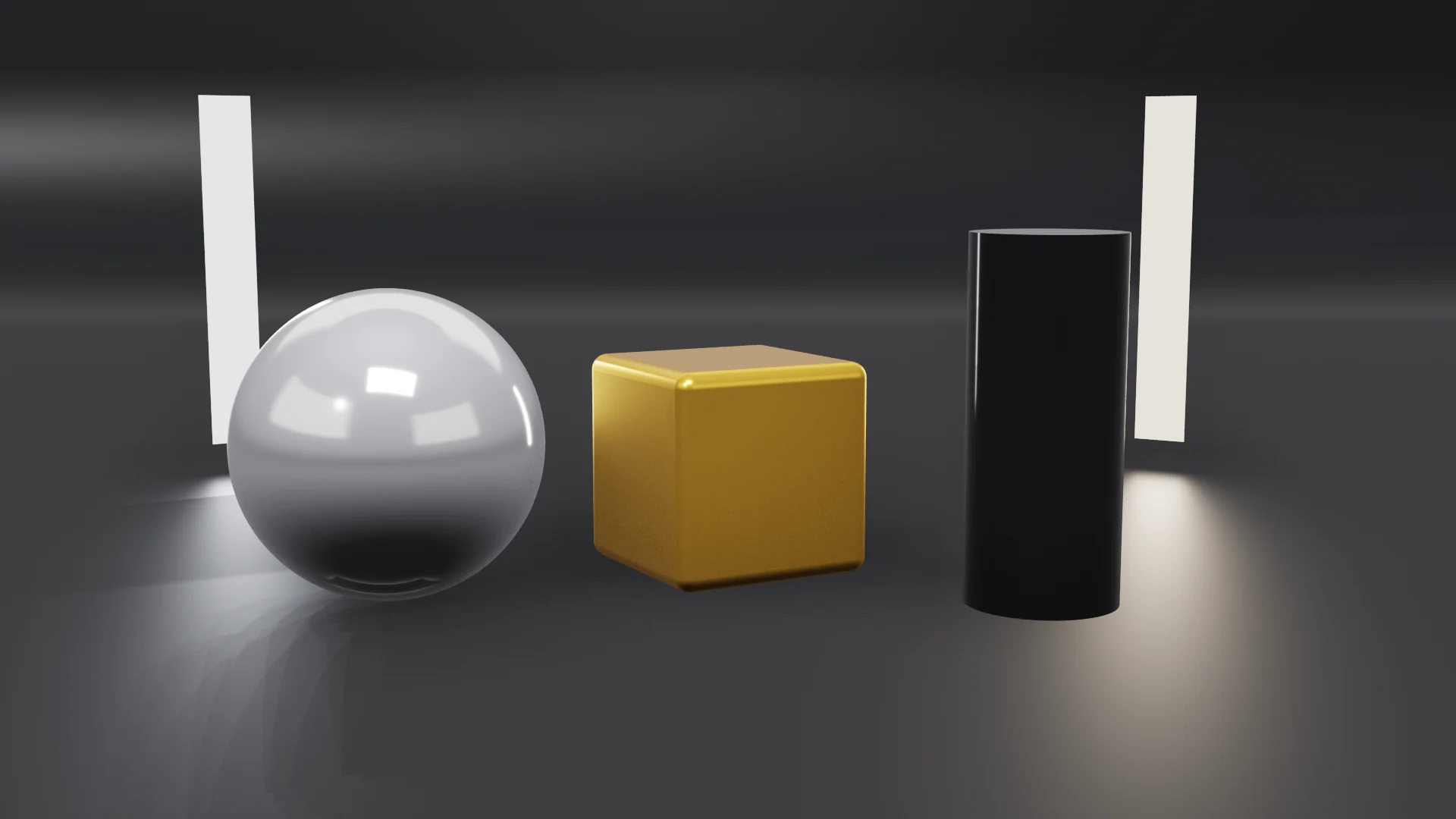 Standard
Ray traced
Standard
Ray traced
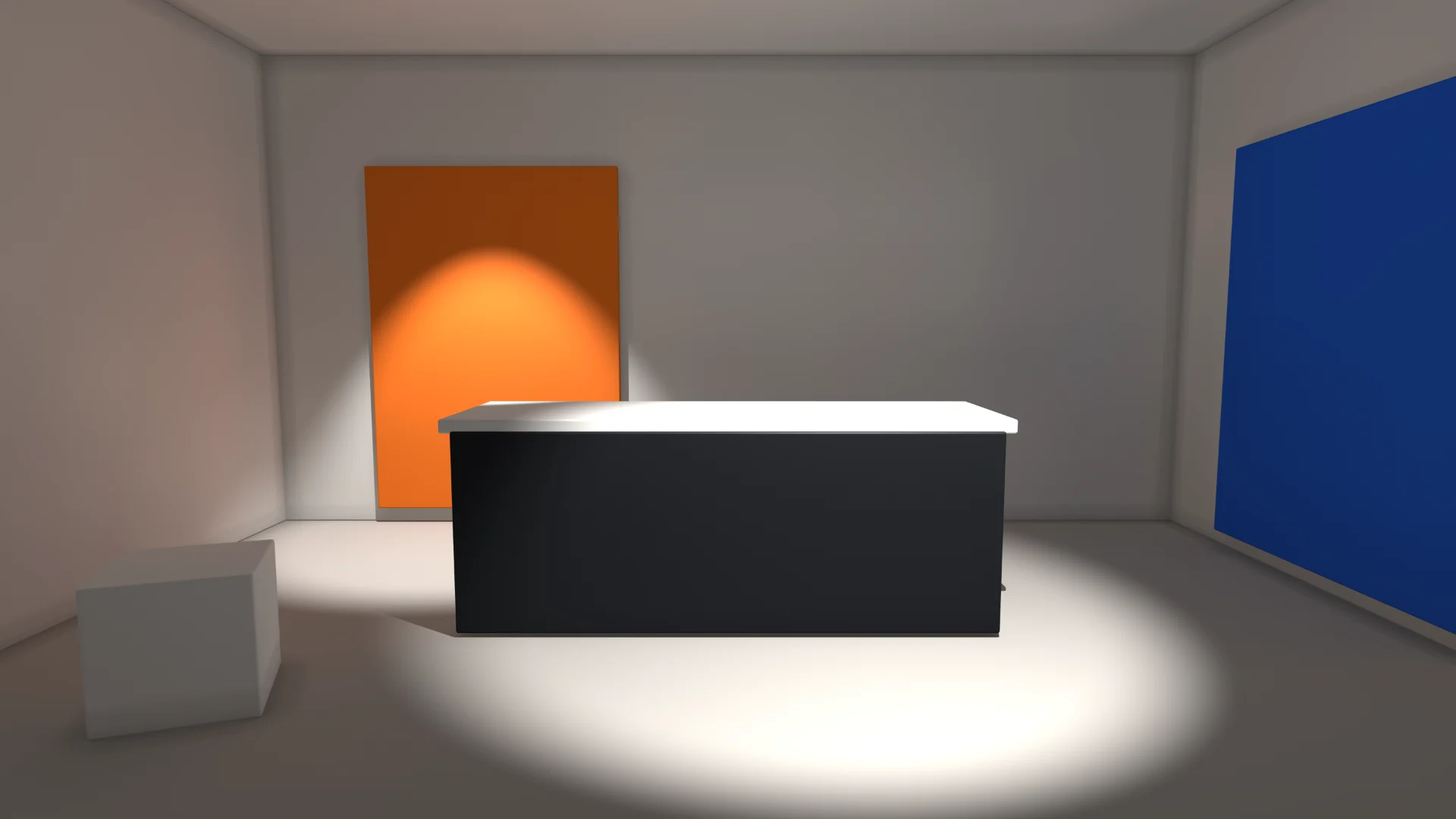
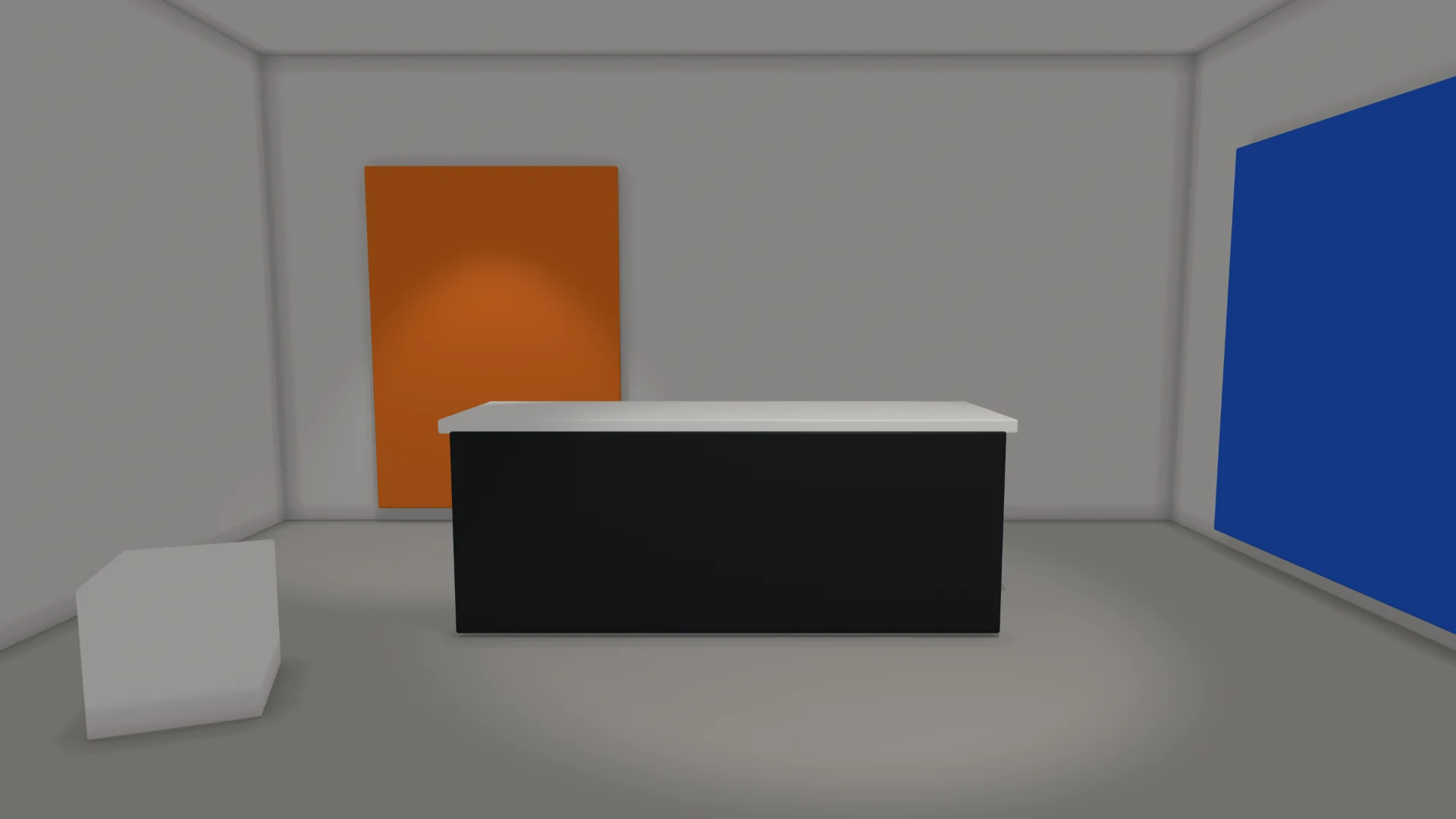 Flat fill
Global illumination
Flat fill
Global illumination
Objects
Shapes, 3D text and models
Boxes, spheres, a studio cyclorama, extruded text and logos, or your own models from glTF, FBX, OBJ and more, with their skins and animations.
Light
Soft shadows and ray tracing
Directional, point, spot and area lights, softboxes the camera sees, reflection cards, sky light, and traced shadows and reflections.
Camera
A real lens
Sensor sizes, focal length, aperture and depth of field. Blend two cameras for a move.
Motion
Copies and particles
Repeat and scatter objects, or emit confetti, sparks and snow.
Studio
Camera tracking
Follow a real studio camera (FreeD tracking) and its exposure and white balance, for virtual sets and augmented reality.
Data
Data in 3D
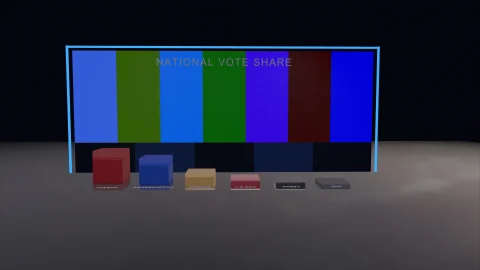
Bar heights, 3D text and colours from the same data as the 2D graphic.
Live effects · in your browser
A live effect, running in your browser
The Sea effect from airZ Editor’s library, drawn by your own graphics card right now: not a video. Every slider is a setting a designer can animate or connect to data, so the control room can change the weather on air.
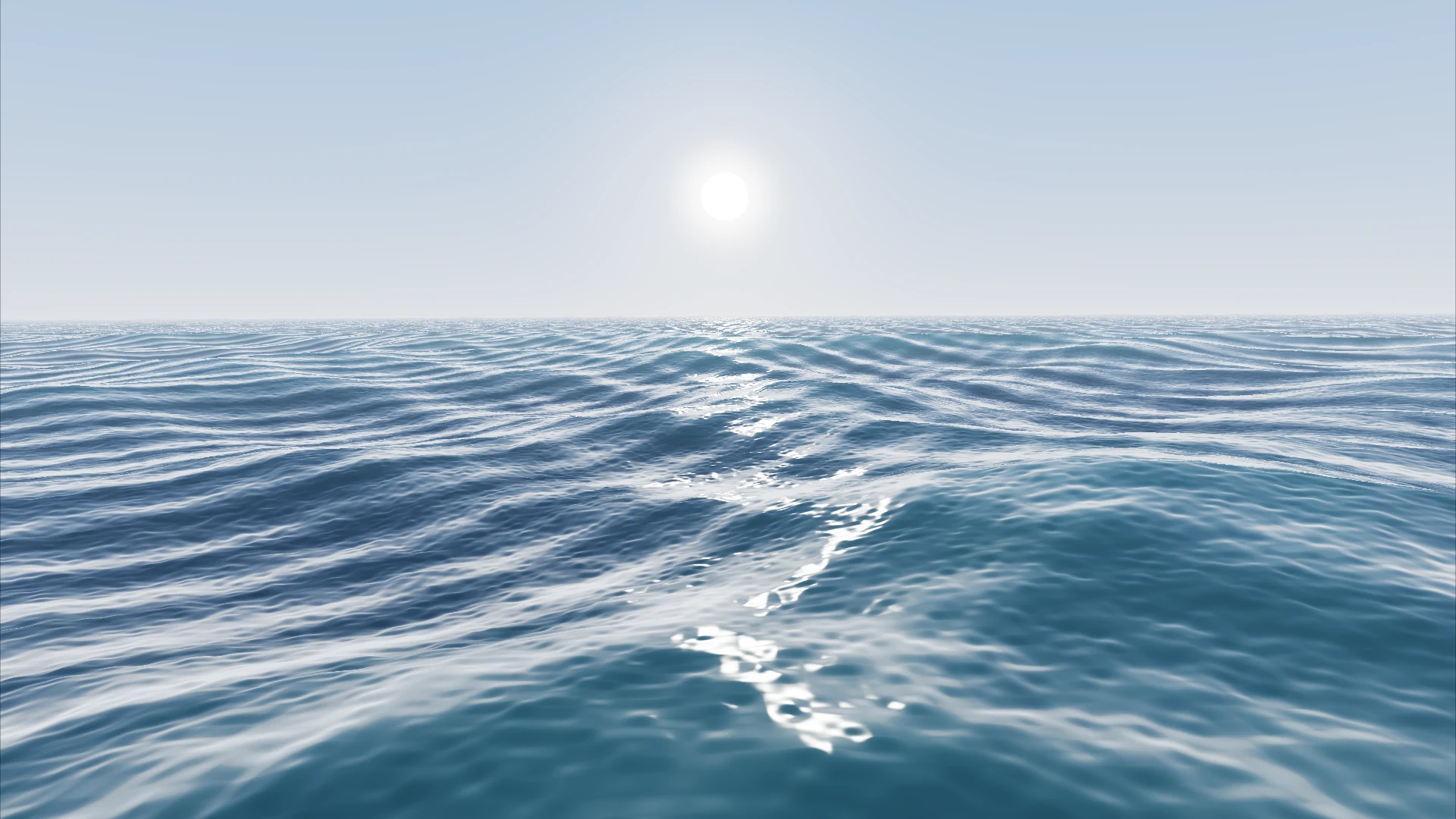 From the editor's effects library
Starting the sea…
Effects library, included
57 live effects, ready to use.
57 live effects, ready to use.
No code, no setup.
airZ Editor comes with a library of effects already built for you: backgrounds, weather, celebrations, countdown rings, light and lens effects. Pick one, put it behind a graphic or on a 3D surface, and it moves. There is nothing to write or build, and each one shows how much of a frame it takes on air.
They are drawn live, not played from a video, so they never visibly loop, fit any screen from a monitor to a video wall, and the control room can change them on air: heavier rain, the team's colours.
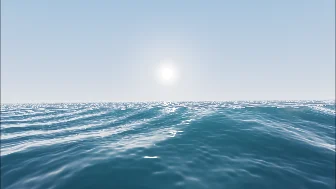
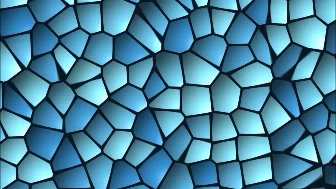
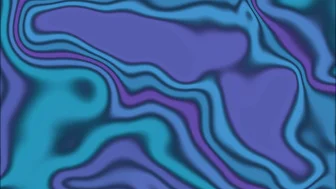
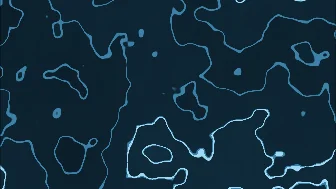



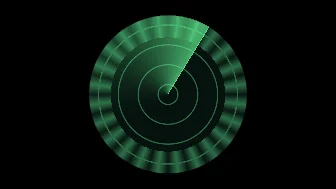



And 26 looks for pictures and video, ready to use too: film and TV looks (film grain, old film, VHS, scanlines, halation, grade, lens), damage and glitches (glitch, signal break-up, cracked glass, noise dissolve), glass and light (frosted glass, rain on glass, shine, foil sheen, neon tube, hologram, heat haze), print styles (halftone, print, ink), moves (zoom punch, wipe, liquid fill, kaleidoscope) and an LED panel.
Material library
200 materials,
200 materials,
one click each
Gold, chrome, brushed aluminium, carbon, marble, walnut, velvet, ice, lava, neon and an LED wall, plus 72 surfaces photographed from the real thing: brick and stone walls, wood floors, metal, concrete, grass, leather and more. Type a name, a colour or a feel to find one. Realistic, so they sit right under any light and reflect the sky around them. Or make your own: colour, metal, roughness, relief, glow, or a live video on the surface.


Before air
Check it before air, keep versions, send it to the control room
The editor and airZ Engine play the same file, so the graphic you approve is the graphic the audience sees.
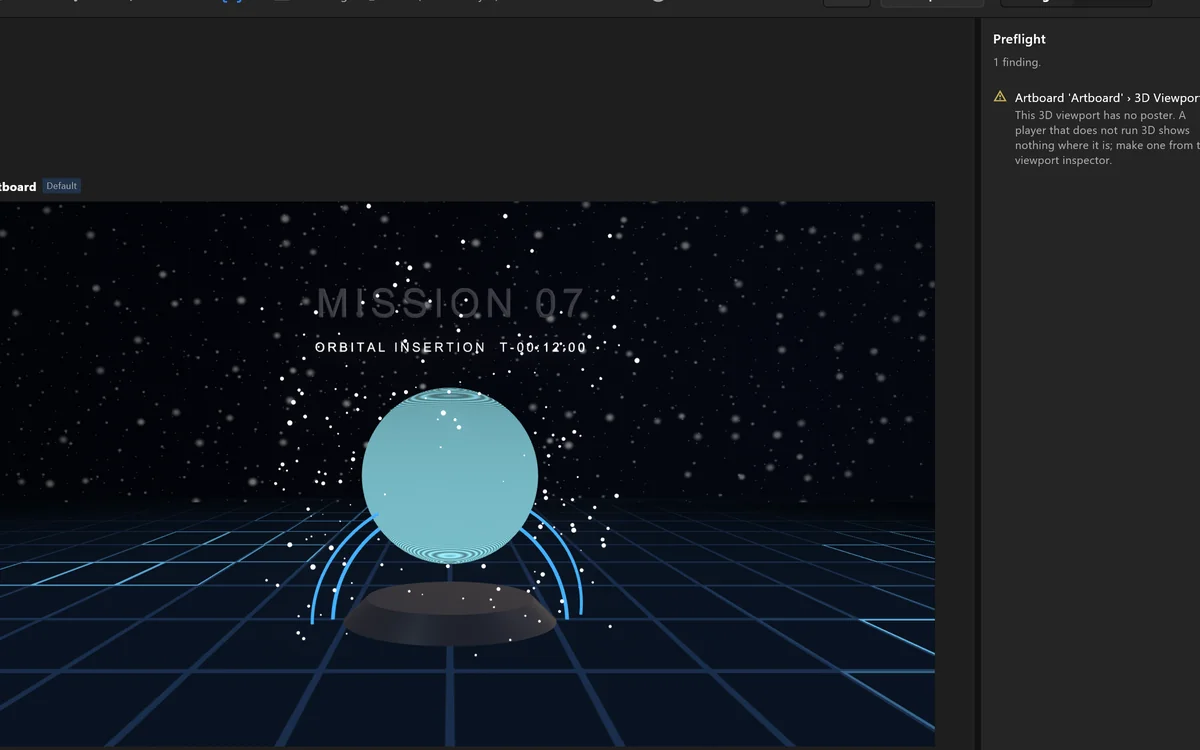 Preflight
Problems found before they air
Preflight lists what would go wrong on air, a font that is not embedded for one, and takes you to the fix. Versions keep earlier states to return to.
SendSend it to the control room
Export writes one standard file and the list of everything an operator can change. Each control room sees what will change before it does.
Try it live
These graphics were made in airZ Editor and run in your browser, the same files that play on air.
Try it · live data
Type your own numbers. The chart updates.
Here the page plays the control room. Change the title or a figure and press Update: the chart animates to it, just as it does on air when an operator or a data feed sends new values.
Loading the chart…
Try it · election night
A whole results desk in one scene
Fifty states on one map, Senate, House and governor races, margins, swing and turnout, poll closings by the hour, and a state's race a click away. Every figure is data, so the desk follows the count all night.
Senate · House · GovernorResults · Margin · Swing · Turnoutvs 2024 · vs 2022Geographic ⇄ cartogramCall · Uncall · Flag
Try it · touch screen
A touch-screen console, built without code
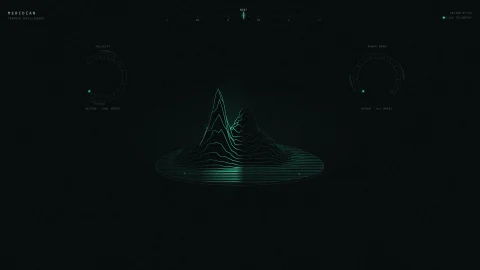
MERIDIAN is a terrain console for a studio touch screen: seven screens of tabs, sliders and buttons, with 156 live values, all designed in airZ Editor without code. Press play and use it: it works here the way it works on the studio wall.
Try it · 3D
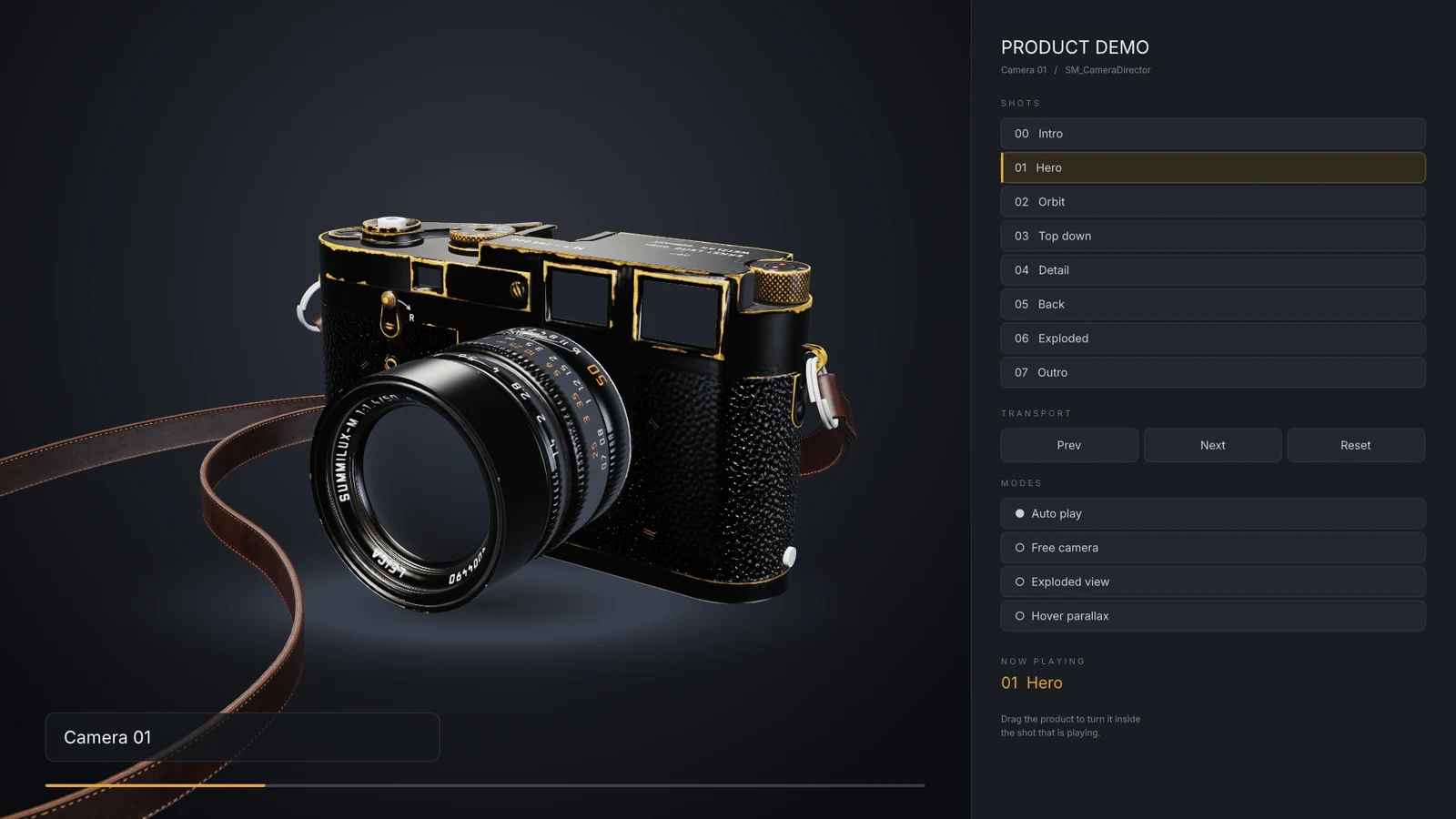
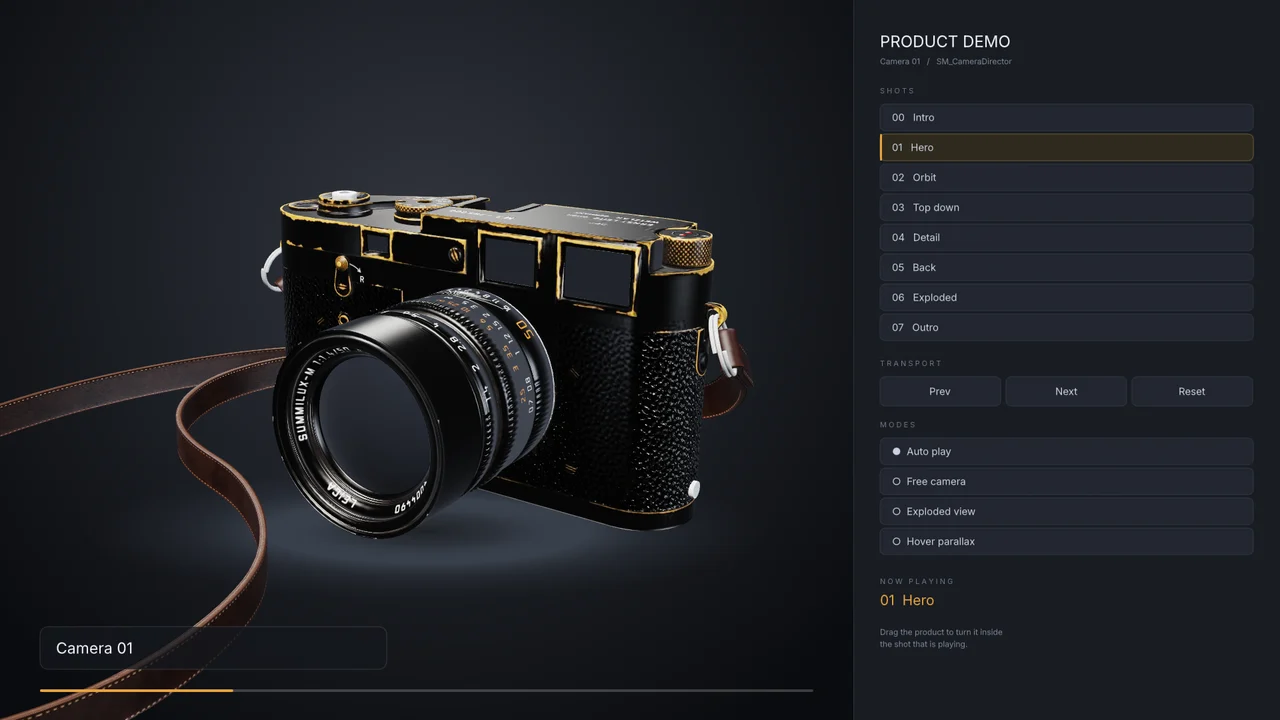
Direct a 3D product shot
A 3D model and a 2D shot menu in one graphic. Pick a shot and the camera flies there; switch to the free camera and drag to turn the product.
Measured on air
Built for broadcast, measured on air
0late frames
Ray-traced 3D at broadcast frame rate (1080p, 59.94 frames a second) over SDI.
0.03colour error
Far below the 1.0 the eye can notice: the colours you pick are the colours that air.
3screens, one scene
A video wall driven from one scene, without a late frame.
0.11HDR accuracy
In HDR, the largest error is a tenth of the smallest step the signal can show.
Measured live on airZ Engine with an NVIDIA RTX A4500, playing scenes made in airZ Editor. How we measure →
Templates
Ready-to-use templates
Every one of these was built in airZ Editor and comes with it, ready to open and make your own. Hover over one to play it.
The manual
Every panel, every control, documented
A searchable manual with pictures taken from the editor itself. Your first scene in ten minutes, then panel by panel.
126pages
9step-by-step guides
98keyboard shortcuts
30templates to start from
Ready when you are
Make your next graphic
Make your next graphic
in airZ Editor
We'll build a scene with you, bind it and play it to air, from the first rectangle to the control room.