
 airZ Engine
Real-time 2D and 3D graphics rendering and playout engine
airZ Engine is the real-time rendering and playout engine of the airZ Broadcast Solution. It renders every frame of the graphics made in airZ Editor on the GPU as they go to air: ray-traced 3D, live data and cameras, on one screen or a whole video wall, in SDR or HDR, over SDI and NDI.
System overview
Designers make the graphics in airZ Editor. Operators run the show from airZ Controller, or your automation system does. airZ Engine renders every graphic in real time and sends the picture to your router, over SDI or NDI.

airZ Editor
Graphics are designed, animated and connected to data.

airZ Controller or your automation
The rundown, the data and the takes.
- This page
airZ Engine
Renders every graphic in real time, in 2D and 3D, SDR or HDR.
Your router and air
Fill and key over SDI, or NDI, on one output or a whole video wall.
Features
Real-Time Rendering
2D and 3D graphics rendered on the GPU frame by frame as they play, at the channel's own format and frame rate, up to UHD and 4K at 60 frames a second. Data, video and animation update live, with nothing pre-rendered.
Ray-Traced 3D Rendering
Ray-traced reflections, shadows, ambient occlusion and global illumination on DXR 1.1 graphics cards (NVIDIA RTX class), and raster rendering on others.
Video Wall Output
One scene across as many frame-locked outputs as the output hardware provides, at any canvas size and in any layout.
HDR (HLG and PQ)
SDR, HLG or PQ per channel in BT.2020, with 16-bit processing and an SDR view of an HDR channel for SDR outputs.
SDI and NDI Input/Output
10-bit SDI through Blackmagic DeckLink cards, with fill and key and genlock to house reference. NDI input and output with alpha.
Live Video Inputs
DeckLink capture, NDI sources, routed channels and clips (MOV, MP4, MXF, MKV, TS) inside the graphics.
Data-Driven Graphics
Text, numbers, colours, pictures, choices and triggers, set by name from airZ Controller or an automation system.
Interactive Screen Output
A screen output set as interactive takes touch or mouse input, and the result shows on the channel's SDI and NDI outputs.
Automation Control
A network command interface for automation systems, status messages over OSC, and an HTTP health check.
Redundancy
Main/backup operation: a backup engine follows the main live and plays the same graphics, ready to cut to. A process watchdog restarts the engine automatically and restores what was on air.
Sports Graphics
A lower third, a scoreboard and a 3D transition, made in airZ Editor and played by airZ Engine.
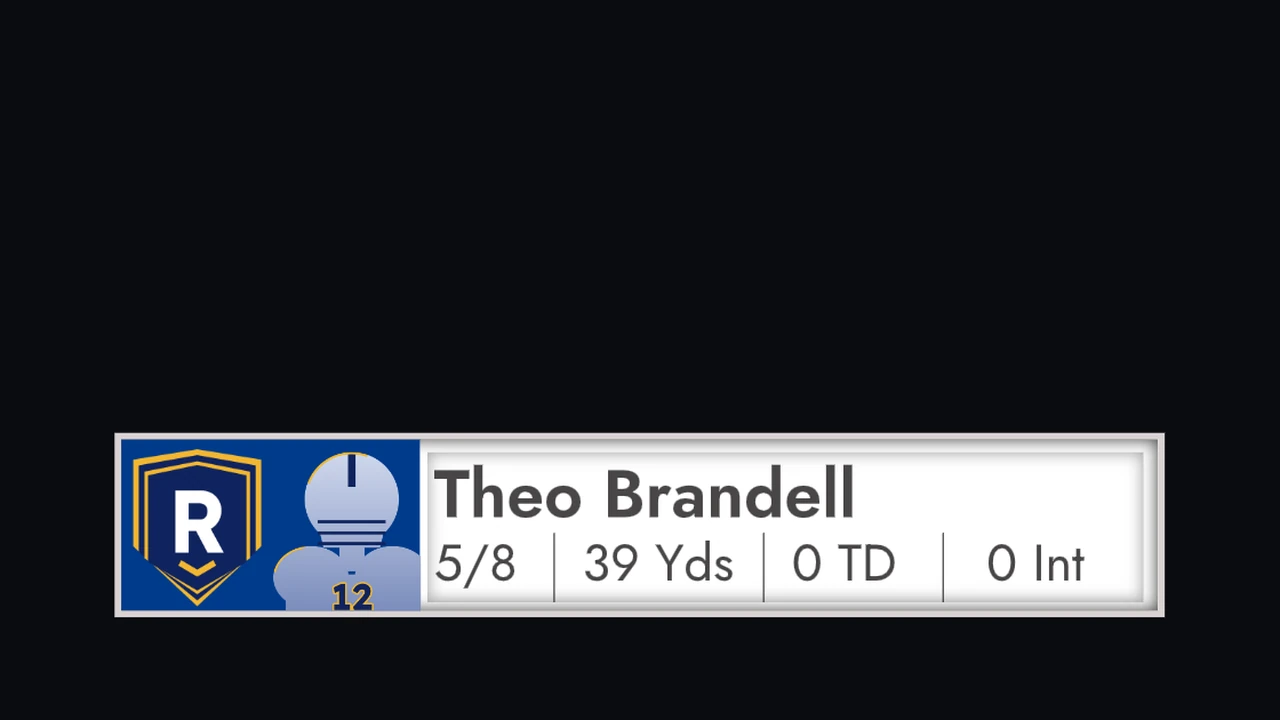
Football lower third
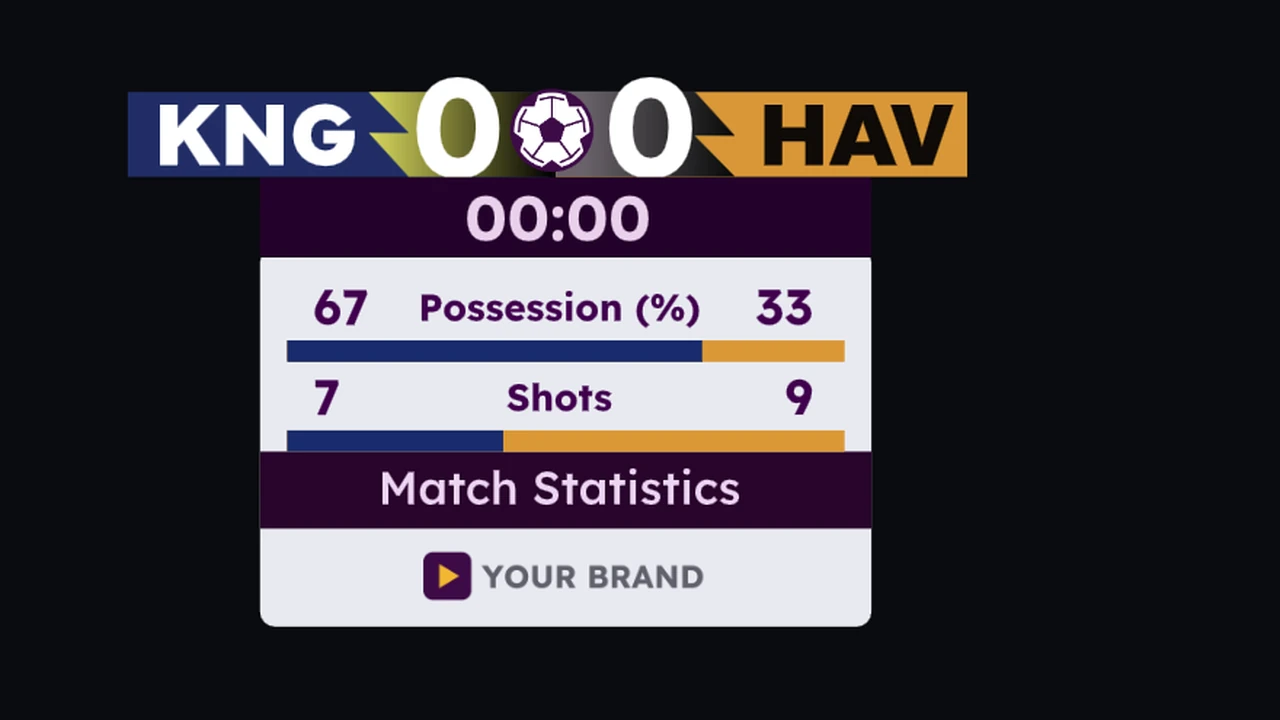
Scoreboard with match statistics
3D transition, close-up
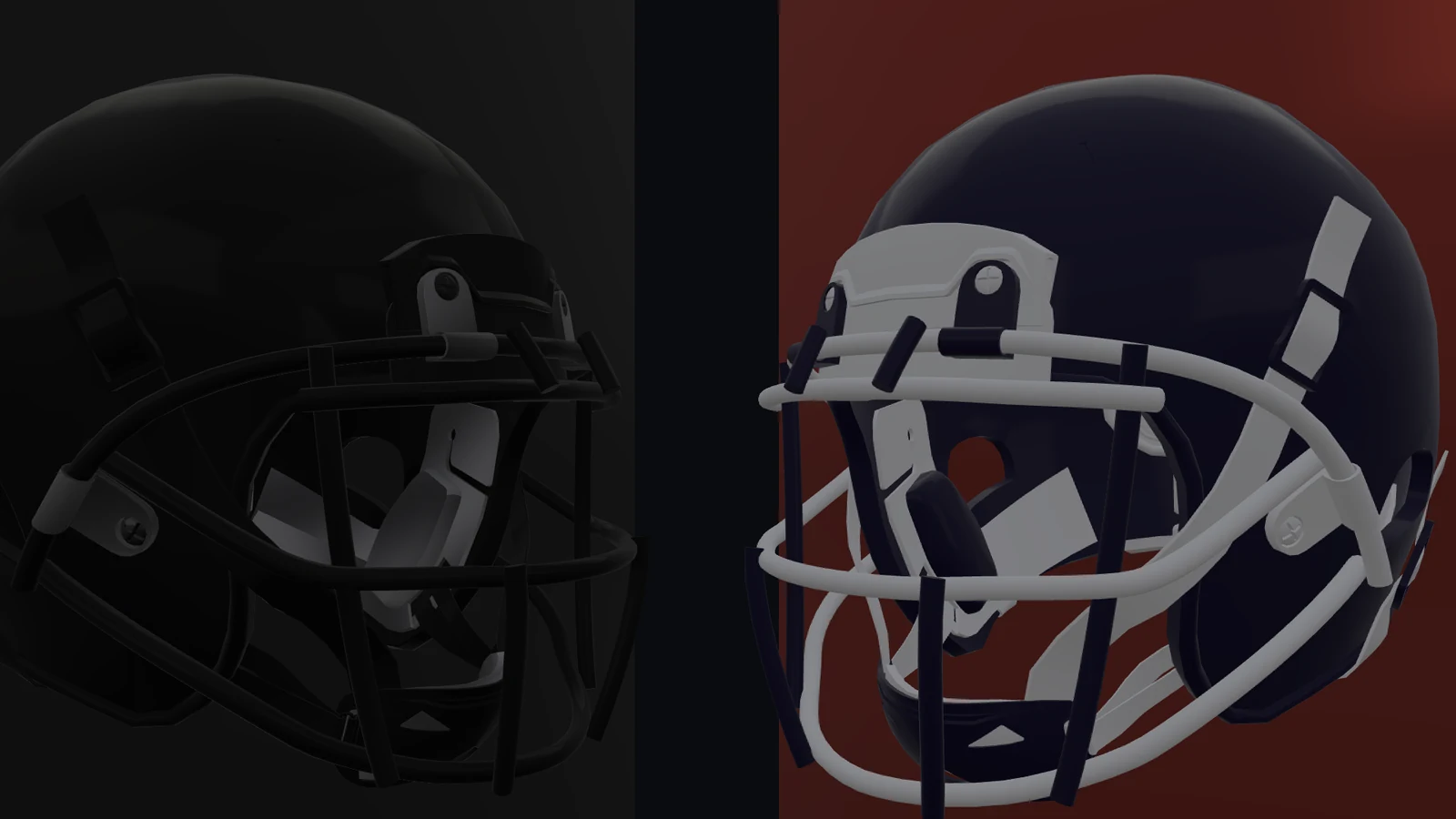
3D transition
Teams, player and sponsor are invented.
Helmet model by Saidrax (Sketchfab), CC BY 4.0, modified.
Ray-Traced Reflections and Shadows
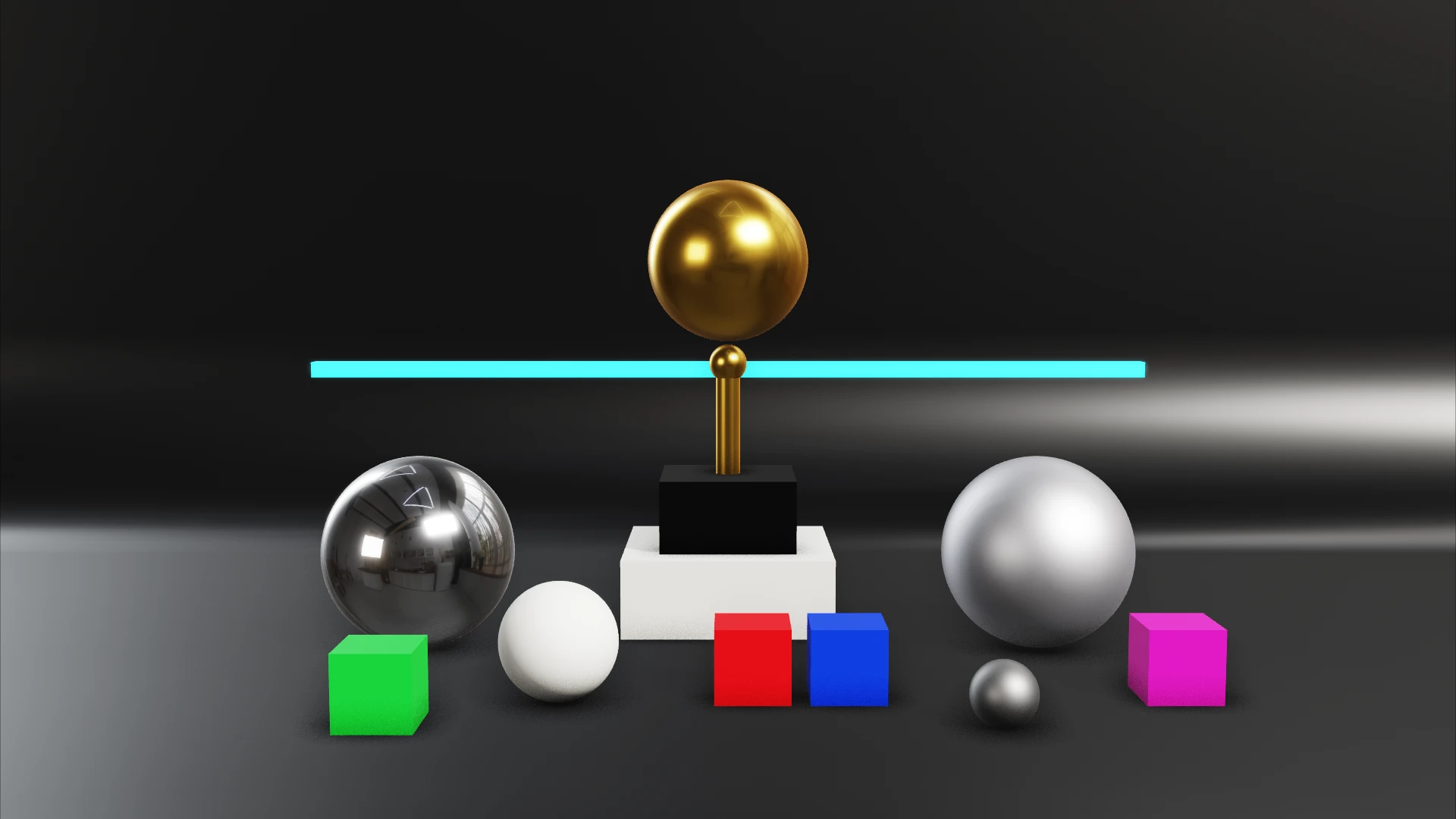
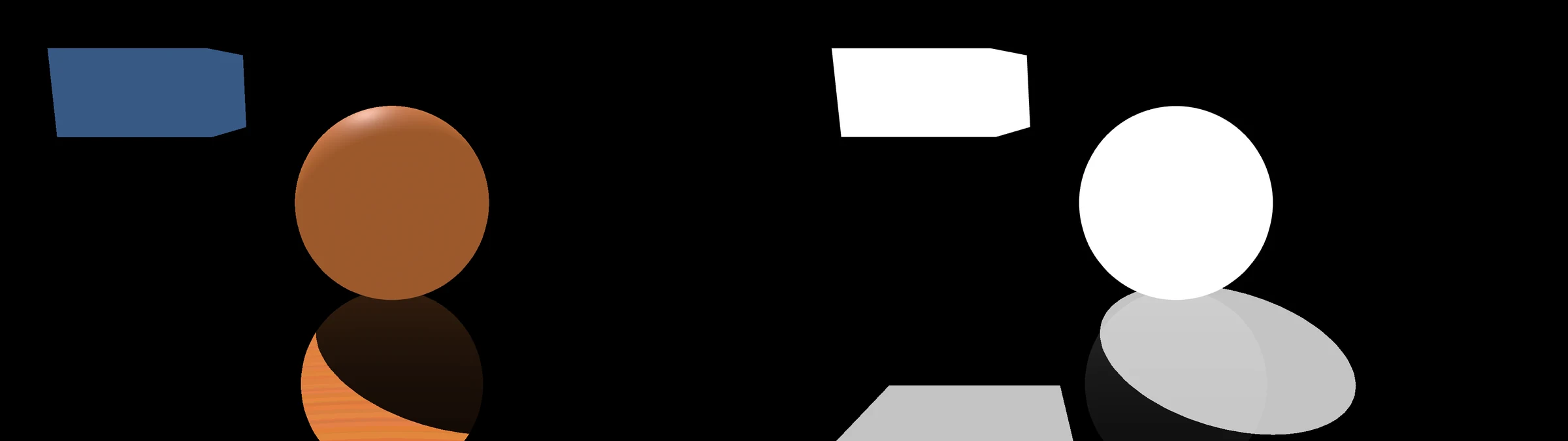
Reflections and shadows are computed for every frame: chrome and gold reflect the set, and shadows follow the lights. Drag across the picture to compare raster (left) with ray traced (right).
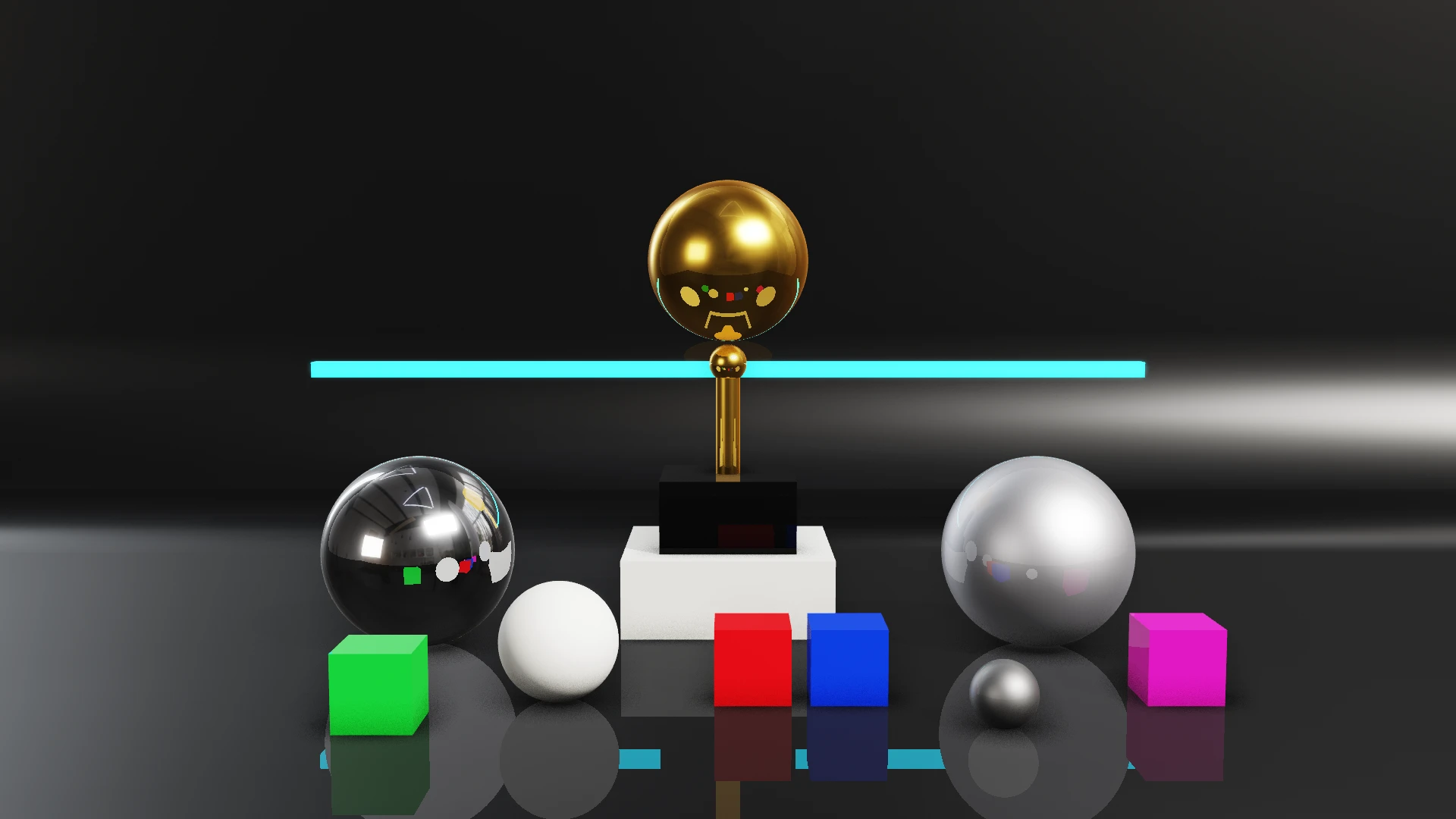
 Raster
Ray traced
Raster
Ray traced
Video Wall Output
One scene rendered across multiple frame-locked outputs.

A dashboard across a three-screen video wall, with live video in its panel, at 5760×1080p59.94.
Any Wall Size
The canvas is as large as the wall, split across as many outputs as the output hardware provides.
Single Scene
The wall is one scene in airZ Editor: one artboard as large as the wall, driven by one set of data.
Frame-Locked Outputs
Each output takes its own part of the picture, and all of them leave the card on the same frame.
Flexible Layouts
Outputs are laid across the canvas to match the studio: wide, tall or uneven.
3D Objects That Adapt to the Camera
In augmented reality, 3D objects adapt to the real camera: they keep their place as it moves, bend with its lens, follow its exposure and white balance, and know when it is live.
Camera Tracking
The 3D camera follows the real camera head, so objects keep their place in the studio through pans, tilts and moves.
Lens Distortion
Objects bend the way the studio lens bends the picture, read from the lens file and following the zoom.
Look Match
When the camera's exposure, white balance or black level changes, the objects change with it, with no one touching them.
Tally-Aware Graphics
Objects know whether their camera is on air or on preview at the vision mixer, and can react, such as showing a LIVE tag.
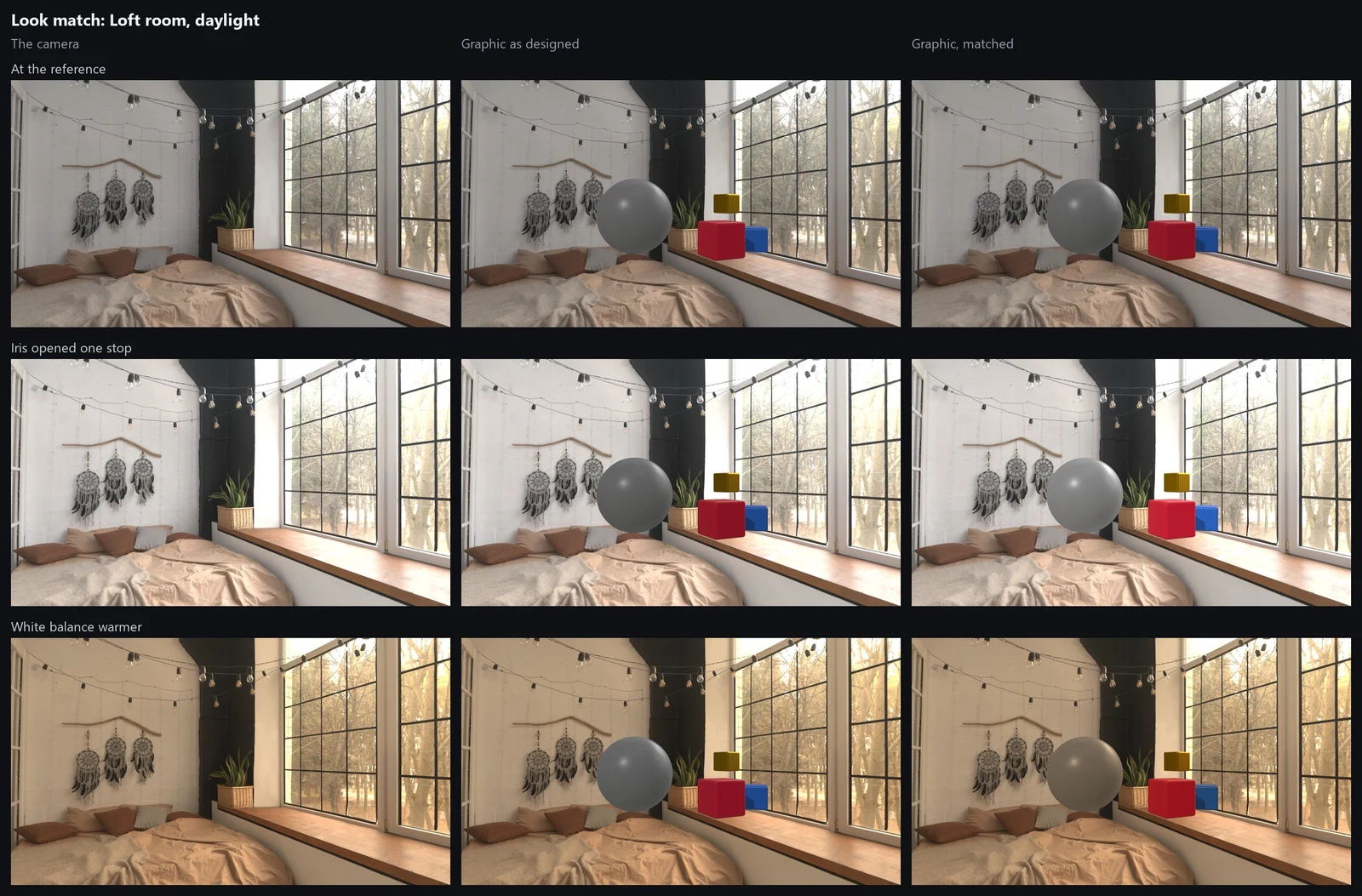
Look match: loft room, daylight
The camera, the graphic as designed, and the graphic matched, as the camera's iris and white balance change.
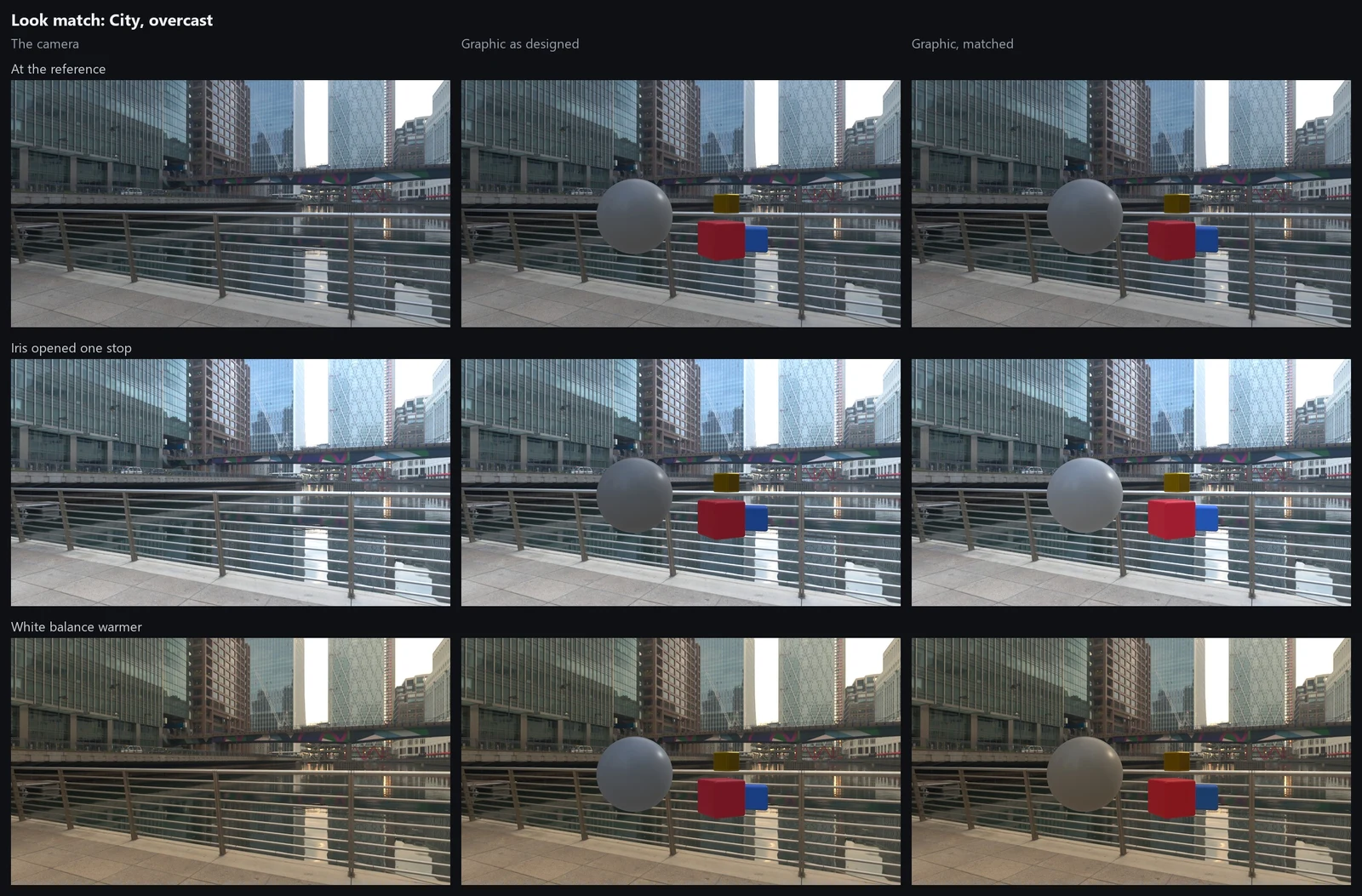
Look match: city, overcast
The same graphic outdoors: as designed it stays the same while the picture changes; matched, it follows the camera.
How each one is set up: camera tracking in the airZ Editor manual. Backgrounds from Poly Haven (CC0).
Integration
SDI and NDI outputs, camera and clip inputs, and SDR and HDR channels side by side on one engine. Graphics reach the vision mixer as fill and key, with 3D shadows kept for the keyer.
Fill and Key
DeckLink outputs with external or internal keying, on cards that have a keyer; 10-bit from a 16-bit channel.
Input and Output
NDI sources into the graphics, and the program out to NDI with its alpha.
HLG or PQ, per channel
Each channel is SDR, HLG or PQ, with an SDR view of the same picture for NDI, monitors and screens. Reference white per ITU-R BT.2408 (75% HLG, 203 cd/m² PQ).
Camera Inputs
DeckLink inputs, routed channels and clips fill the video slots a designer drew, deinterlaced on the GPU.
Embedded Audio
A camera's embedded audio stays with its picture, with an offset per input: 16 channels at 48 kHz.
Screen, file, Art-Net
Screen outputs, recording to file, and Art-Net for the lighting desk.
Interactive Screen Output
A screen output can be set as interactive, so a presenter operates the graphic by touch or with a mouse: a map, a chart, a 3D model. The presenter's actions appear on that channel's program outputs within a few frames.
Next-Frame Response
Each touch goes to the graphic under the finger, which responds on its next frame with the logic designed in airZ Editor.
Shown on All Outputs
The interactive screen's picture is also on the channel's SDI and NDI outputs, so it can go to air full frame.
Designed in airZ Editor
A graphic responds to touch when it is designed with clicks, taps or drags. Graphics without interactions are unaffected.
Web links from airZ Controller
airZ Controller can also open a scene as a web link on a touch screen or tablet, and send the presenter's changes to air.
Not yet available on video walls.
airZ Controller and Automation Systems
airZ Engine plays the scene a designer made and takes its data by the names they gave it: text, numbers, colours, pictures, choices and triggers. airZ Controller sends them from its rundown, and automation systems can send them over the network.
- Editor preview match: 99.9% of pixels within 8 of 255 levels of the editor's preview.
- Automation: a network command interface for automation systems, with a reference we share with clients.
- Monitoring: status messages over OSC, and an HTTP health check for monitoring systems.
- Camera tracking: FreeD data drives the 3D camera, with a lens table from the editor's calibration.
Redundancy
Per-Layer Frame Budget
A layer that exceeds its render budget shows its poster frame; the other layers continue.
Process Watchdog
A process watchdog restarts the engine automatically and restores what was on air, as it stood, within seconds. For uninterrupted output, run a backup engine.
Main/Backup Operation
A backup engine follows the main live and plays the same graphics, ready for the vision mixer or router to cut to it. Control passes to the backup on the operator's command.
Cue and Preload
Cued graphics render their first frame in 9–15 ms (194–299 ms uncued).
Live Template Update
A new template version reloads on air, keeping its data and state.
Specifications
Formats, inputs and outputs, sync, control and system requirements.
| Video formats | SD (PAL and NTSC); 720p and 1080p at 23.98, 24, 25, 29.97, 30, 50, 59.94 and 60; 1080i at 50, 59.94 and 60; UHD 3840×2160 and 4K DCI 4096×2160 at 23.98 to 60; 2K 2048×1556 at 23.98 to 25. Any canvas size for video walls, sent as several frame-locked outputs. |
|---|---|
| Configuration | No fixed number of channels, outputs or layers: they are set by the GPU, memory and output hardware. For example, three 1080p59.94 channels have run together on the reference machine. |
| Colour and HDR | 16-bit processing in every channel. SDR, HLG or PQ per channel, in BT.2020, with an SDR view of an HDR channel for SDR outputs. |
| Outputs | SDI through Blackmagic DeckLink cards, 10-bit, with embedded audio; fill and key, external or internal, on cards with a keyer. NDI with alpha. Screen outputs. Recording to file, lossless or H.264, HDR files tagged. Art-Net for the lighting desk. |
| Inputs | DeckLink capture, 8-bit and 10-bit, reading a camera's HDR label. NDI with alpha. Clips (MOV, MP4, MXF, MKV, TS; ProRes, DNxHD, H.264 and more). Still pictures. Web page (HTML) graphics. Camera tracking over FreeD. |
| Audio | Embedded audio, 16 channels at 48 kHz. |
| Sync and data | Genlock to house reference (black burst or tri-level) on DeckLink outputs. An output can wait for the reference to lock before it plays (automatic, always or never, with a time limit), and the engine reports the reference as locked, not present or lost. Several SDI outputs, such as a video wall's feeds, run frame-locked as one group. OP-47 teletext and SCTE-104 data on SDI outputs. |
| Redundancy | Main/backup operation: a backup engine follows the main live and plays the same graphics, ready for the vision mixer or router to cut to it. Control passes to the backup on the operator's command. A process watchdog restarts the engine automatically and restores what was on air, as it stood, within seconds. For uninterrupted output, run a backup engine. Per-layer frame budget with poster-frame fallback. |
| Interactive screens | A screen output can be an interactive screen, used by touch or with a mouse, for graphics designed with interactions in airZ Editor. The graphic responds to each touch on its next frame, and the presenter's actions show on all of that channel's outputs, SDI and NDI included, within a few frames. Not yet on video walls. |
| Control and monitoring | airZ Controller; a network command interface for automation systems; status messages over OSC; an HTTP health check for monitoring systems. |
| Operating system | Windows 11 (recommended) or Windows 10. |
| Graphics card | OpenGL 4.5 and Direct3D 11. Ray tracing and global illumination need a Direct3D 12 card with DXR 1.1 (NVIDIA RTX class); without one, the engine renders without ray tracing. An RTX-class card is recommended. |
| Processor | A CPU with AVX2, for 10-bit SDI output. |
| Reference machine | Intel Core i9-10920X, 32 GB RAM, NVIDIA RTX A4500 (20 GB), Blackmagic DeckLink Duo 2 Mini, Windows 11 Pro. The measurements on this page were taken on it and will differ on other hardware. |
Measurements
Results from our test scenes on the reference machine (see Specifications). They describe those tests, not the limits of the engine.
| Test | Result |
|---|---|
| Ray-traced 3D scene, 1080p59.94 over SDI | 0 late frames |
| Colour chart | ΔE 0.03 |
| HDR chart, 10-bit | Largest error 0.11 of a code value |
| Video wall example: three SDI outputs, 5760×1080p59.94 | 0 late frames |
Regression testing, frame cost and HDR detail
Regression testing
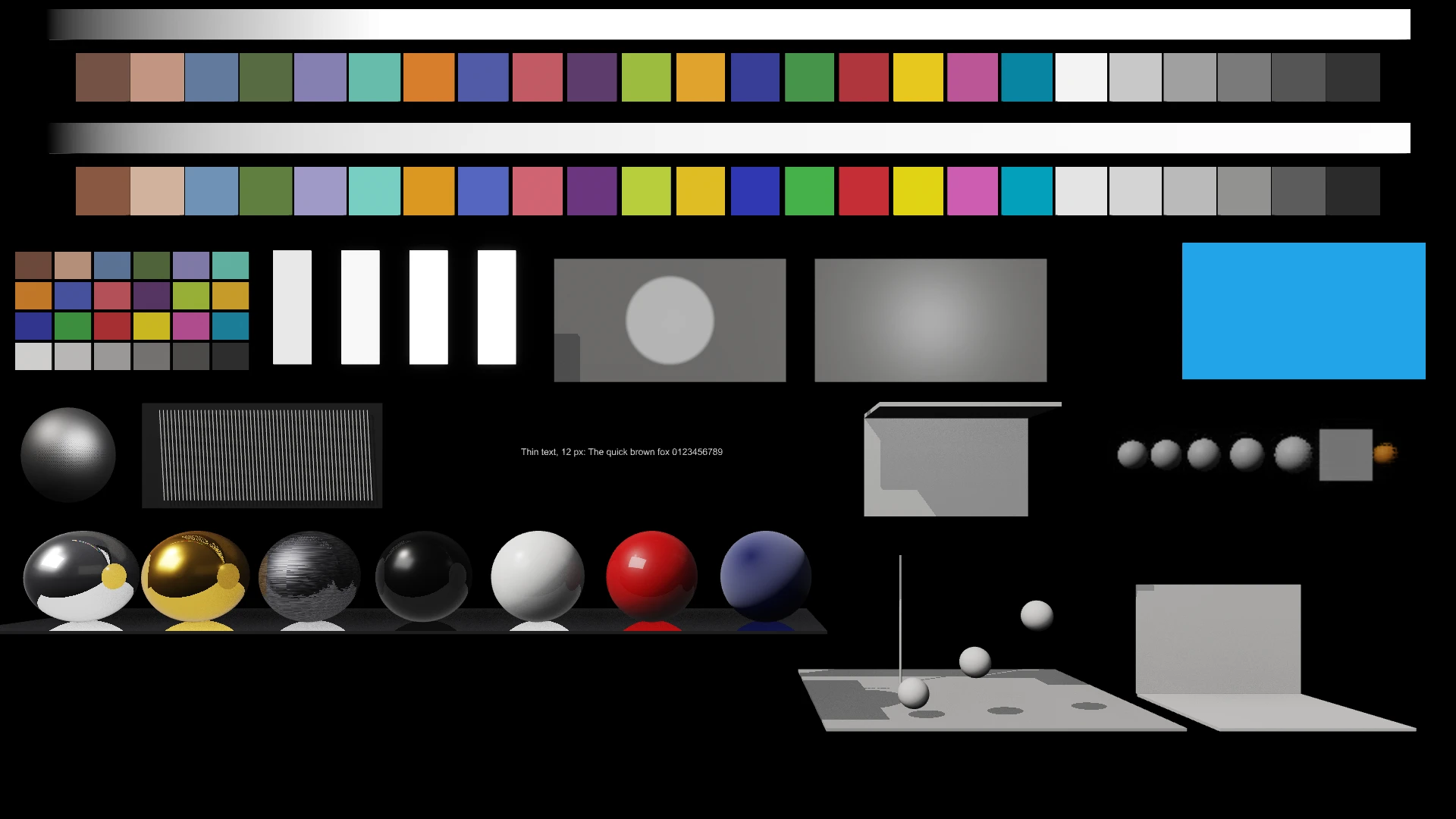
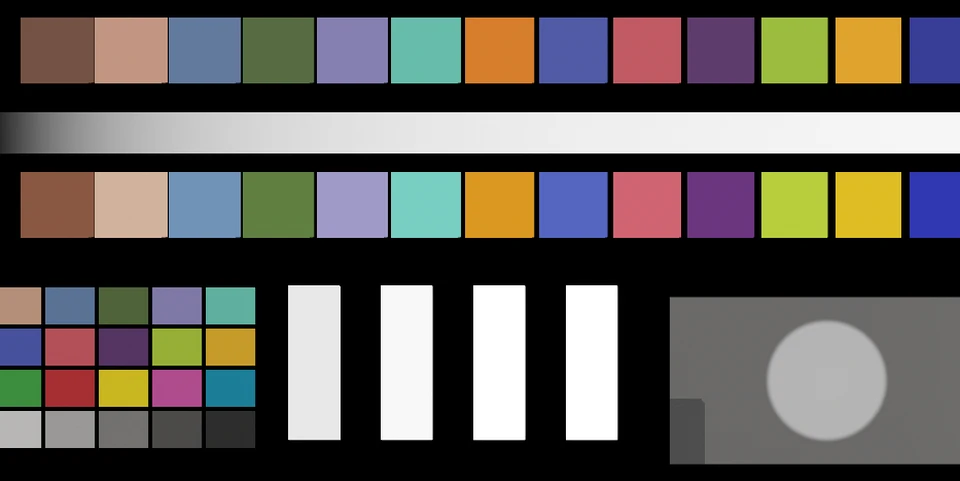
Each engine build plays a reference scene and is scored from its output: colour, banding, shimmer, materials, and late and dropped frames.
ΔE 0.03
The colour patches, measured on output.
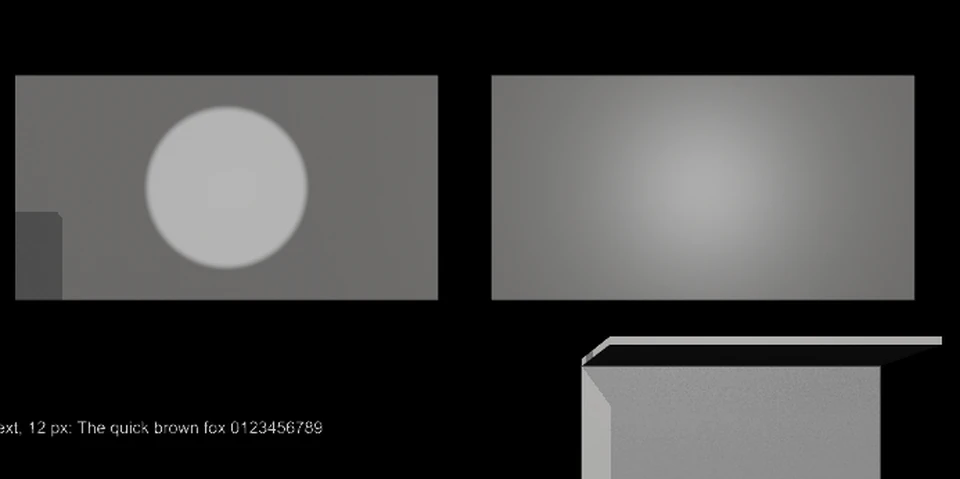
Grey ramps
Grey ramps and soft gradients, checked for steps and highlight roll-off.
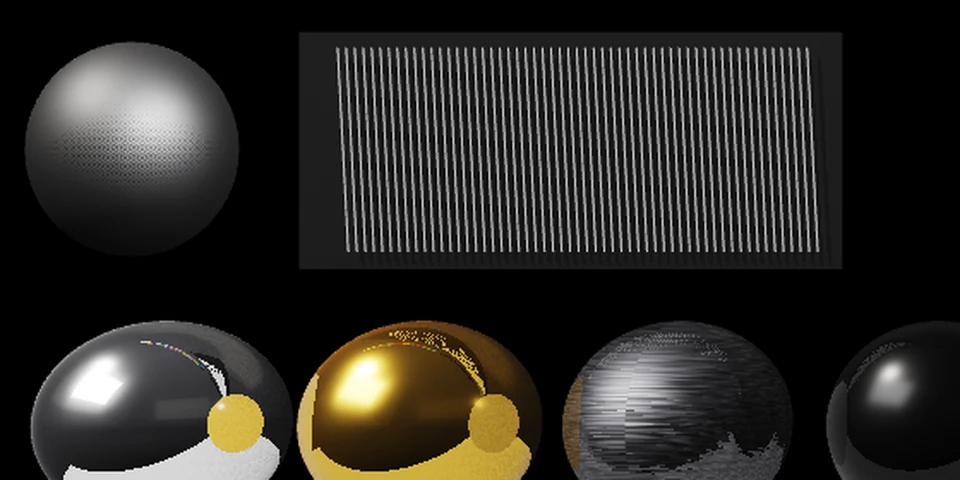
Fine detail
A knurled knob, a grille and 12-pixel text, scored frame to frame for crawl.
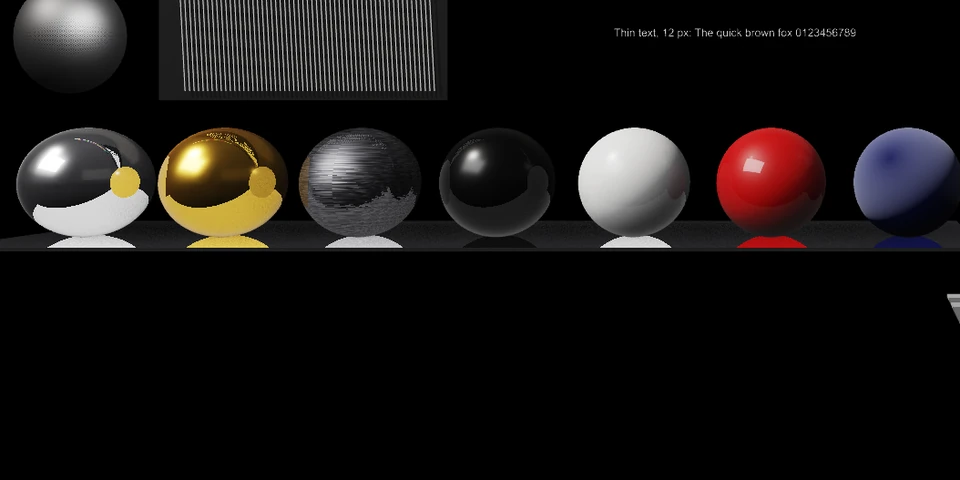
Materials
Chrome, gold, brushed steel, gloss black and white, clear-coat paint and fabric, under one light.
Each run counts late and dropped frames on every output, and plays the scene four ways: HD and wall, raster and ray traced. Reference run: 0 late, 0 dropped in all four.
What a frame costs
On the reference machine at 1080p59.94, where a frame lasts 16.7 ms, with no late frame in any run:
- A full 3D scene at the Maximum preset (ray-traced shadows, reflections and ambient occlusion, global illumination, 150% supersampling): 6.9 ms. At the High preset: 3.2 ms.
- Global illumination adds 0.6 to 0.9 ms, and settles within 0.17 s after a lighting change.
- Ray-traced ambient occlusion costs half the screen-space kind in HD (1.25 against 2.55 ms), and a fifth on a 5760-wide wall (3.5 against 16 ms).
- Glass that bends the picture behind it, keyed correctly over live video: 0.2 to 0.5 ms in HD, even filling 30% of the frame.
HDR, measured
- Graphics white at 74.99% HLG, against a target of 75%.
- Worst error 0.11 of a 10-bit code value across greys, primaries, secondaries and skin tones.
- Every code value from black to white on the 10-bit wire, from a full-width ramp.
- Above white: a 3D layer's highlights reach the HLG signal at up to 1.87× graphics white.
- PQ: graphics white at 58.07% (203 cd/m²), every chart patch within 0.05 of a 10-bit code value of the ST 2084 reference.
- An SDR view of an HDR channel for NDI and monitors, within 4 of 65,535 of a plain SDR channel. SDR channels stay unchanged.
Request a demonstration
We will play your scene, or one of ours, on your outputs.