
What airZ brings broadcasters
airZ is a broadcast graphics system that covers the whole path of an on-screen graphic: designing it, running it in the show, and playing it to air. This first article explains the three products, how they fit together, and what that means for a station.
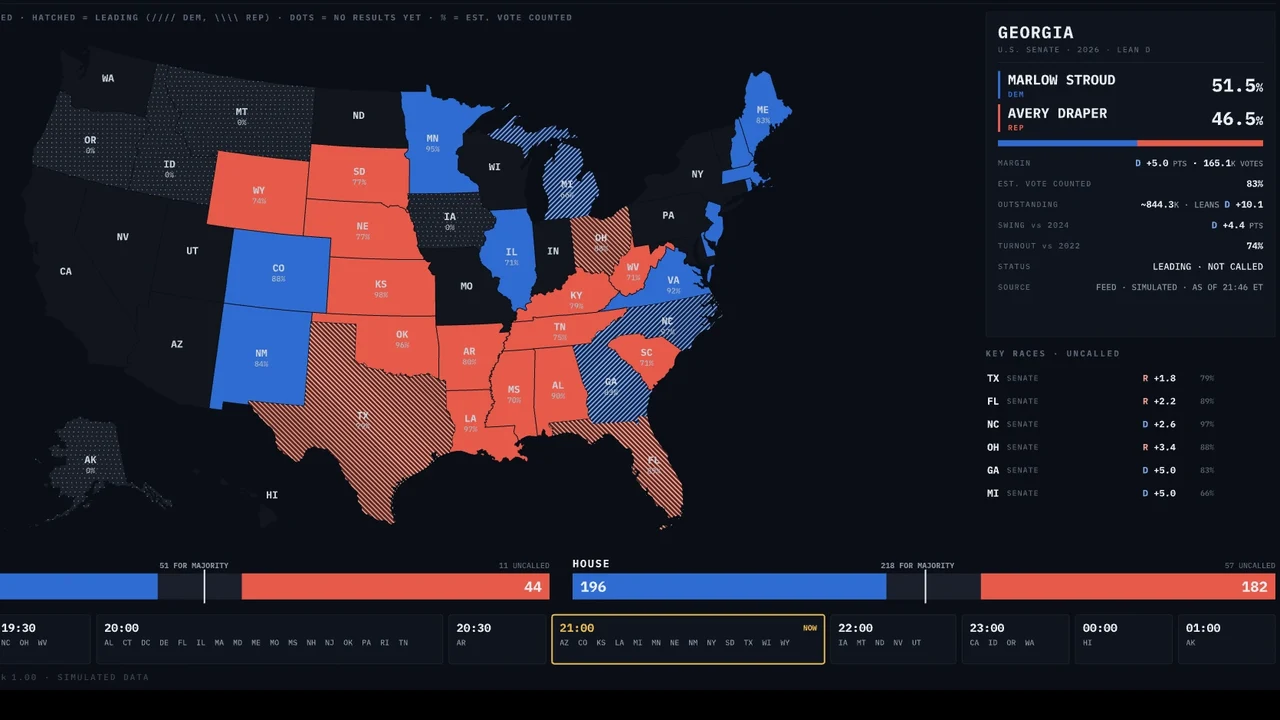
Three products, one system
Most graphics departments work across separate tools: one to design a graphic, another to fill it with data and run it, and a playout server that renders it. Each handover is a place where a graphic gets rebuilt, re-checked or re-timed. airZ puts these steps in one system, built to work together.
 airZ Editor is where graphics are designed: artwork, animation, 3D and interactive graphics, starting from your own Photoshop, vector and 3D files.
 airZ Controller is where the show is run: rundowns, preview and program, live data, the newsroom and operator panels.
 airZ Engine is the real-time rendering and playout engine: it renders every graphic live and sends the picture to your router over SDI or NDI.
One file, from the designer's desk to the program output
An airZ graphic is one file. The file the designer makes is the file that plays: nothing is rebuilt or re-coded between the editor and air. The designer names the values a graphic can take, such as a name, a score or a colour, and connects them to the animation. The operator, or a data source, then fills those values in the show.
In practice this means the graphic on air looks exactly as it was approved, and a change made by the designer reaches air as a new version of the template, without a rebuild.
airZ Editor: design without a developer
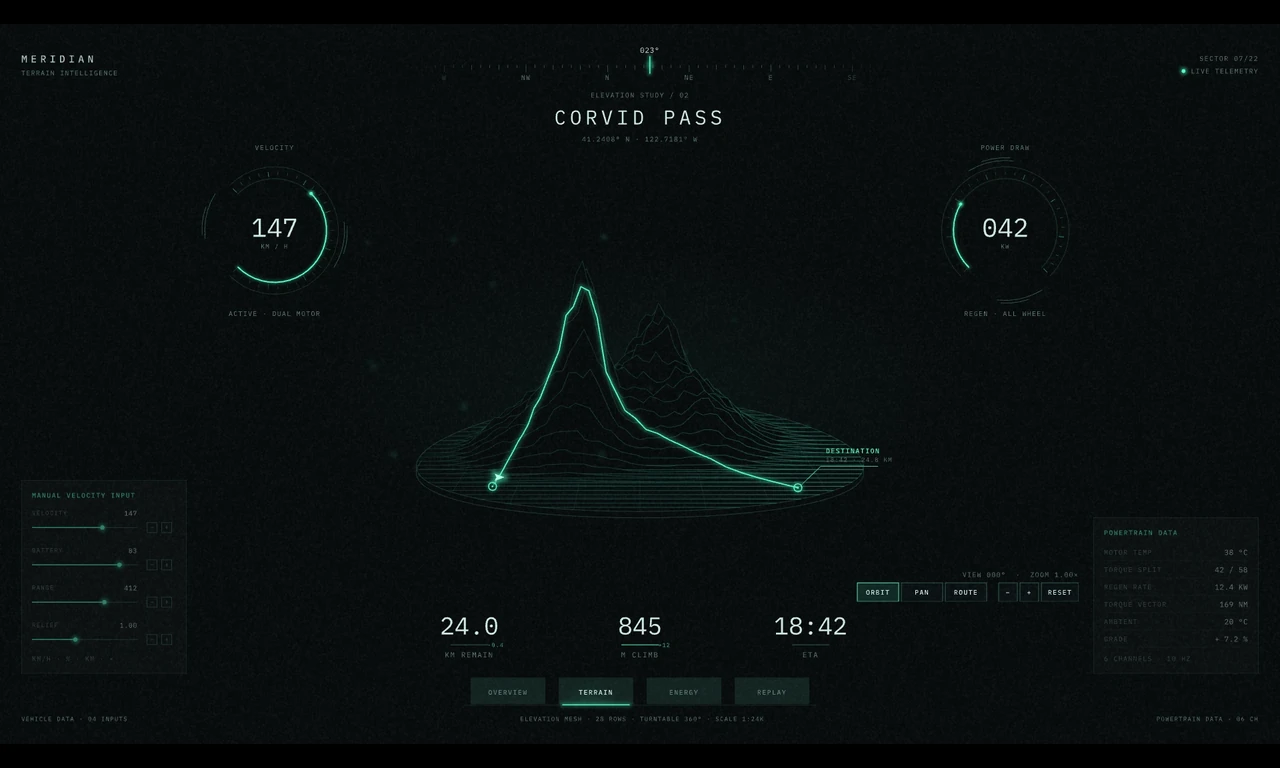
airZ Editor has the tools of a motion design application: layers, keyframes, a graph editor, bones and meshes, text effects, layouts and a full 3D set with lights, cameras and materials. It opens the files designers already use, and comes with templates to start from: lower thirds, tickers, scoreboards, data visualisation, election graphics and 3D scenes.
How a graphic behaves is designed visually too. It comes in, updates with new data and goes out, and answers a click or a touch, without writing code. When a graphic needs more, a built-in script editor is there.
airZ Controller: running the show
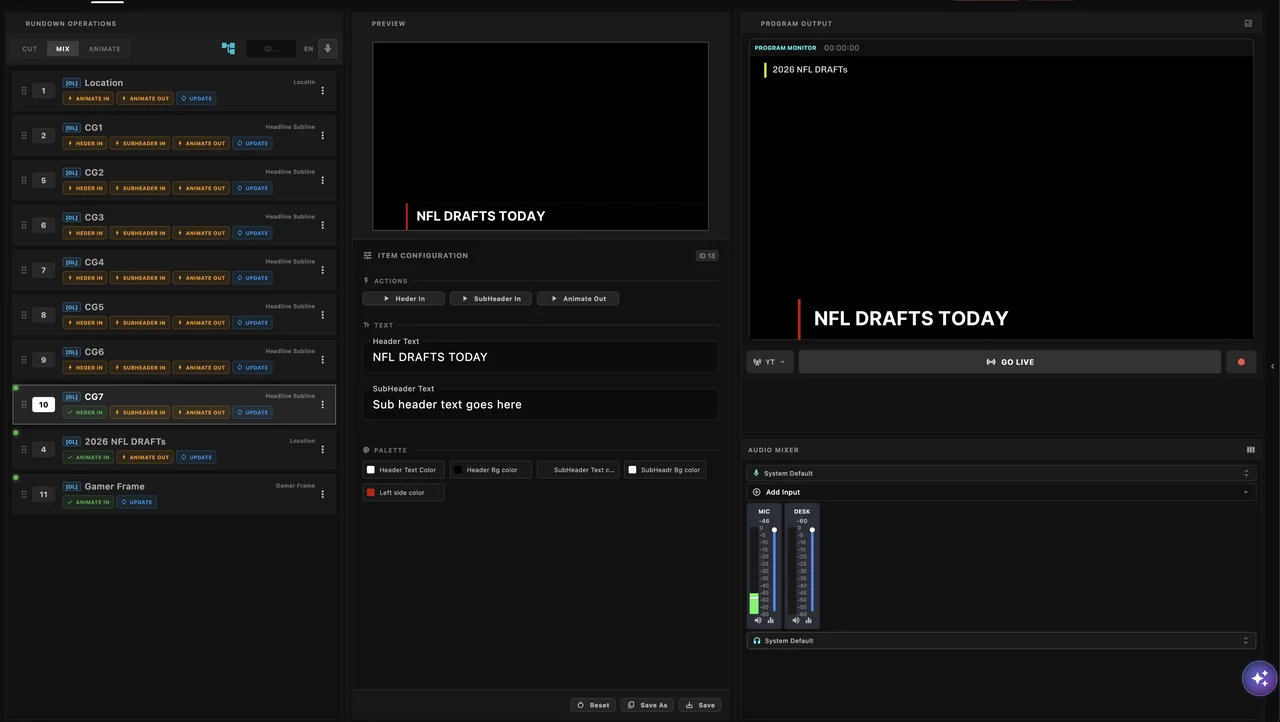
airZ Controller holds the rundown and takes graphics to air, on several engines and channels. It brings live data in from SQL databases, spreadsheets, web APIs, RSS feeds and web pages, so scores, results, prices and headlines update on their own.
For the newsroom, it has a web rundown built in, or MOS integration with the newsroom system the station already uses. Every rundown item also has a permanent web link that opens its controls on a tablet, a workstation or a studio touch screen.
airZ Engine: real-time rendering and playout
airZ Engine renders every graphic in real time, in 2D and 3D, at the channel's own format and frame rate. It outputs fill and key over SDI through DeckLink cards, and NDI with alpha. Channels can be SDR, HLG or PQ, and one scene can drive a video wall across several frame-locked outputs. Automation systems control it over the network, and monitoring systems can watch its status.
What it means for a station
- Fewer handovers. Design, control and playout come from one system and one vendor, so a graphic is made once and played as made.
- Designers own the logic. Data connections and behaviour are set in the editor, without a developer in between.
- Operators work where they are. The rundown runs on a desk, and any item opens on a tablet or a touch screen.
- Standard facility connections. SDI fill and key, NDI, genlock, HDR channels and automation control fit the control room you already have.
What the series covers next
This series goes from the basics to the advanced features. The next articles follow a graphic from design to air, then everyday graphics such as lower thirds, tickers, data and the newsroom, then larger productions with video walls, touch screens, real-time 3D and HDR, and finally virtual studio and AR: camera tracking, lens distortion and matching the camera's look.
Next: Part 2, From design to air: how a broadcast graphic works in airZ.
To see airZ with your own graphics, request a demonstration. The manuals describe every feature in detail.